
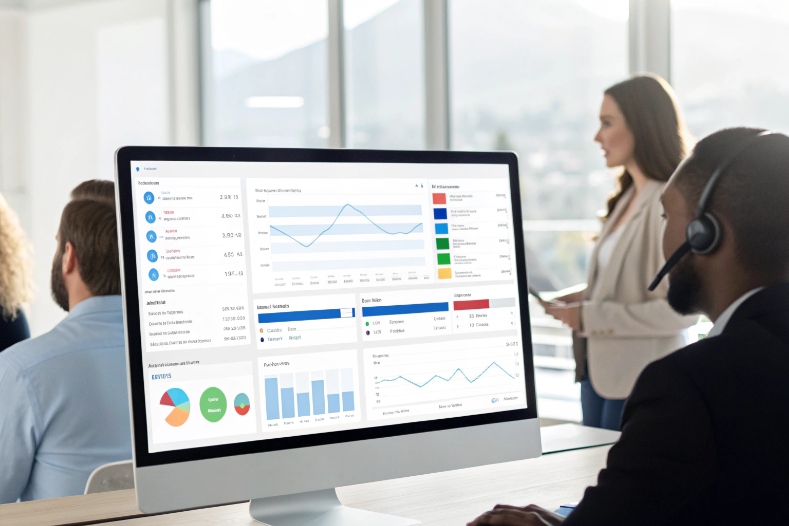
Outbound teams burn hours dialing, listening to ringing, and leaving the same voicemails, while managers still cannot see clear results.
Automated outbound calling uses software to launch calls from lists, events, or schedules, play tailored messages, collect input, and connect live answers to agents so teams focus on real conversations instead of manual dialing.
When automated outbound calling 1 is treated as a system, not a pile of spreadsheets and desk phones, it becomes predictable. Sales see more connects. Support can reach customers before they call in. Collections get steady, compliant contact instead of random call bursts. The dialer, the CRM, and the SIP trunk work together as one pipeline.
Which use cases fit my sales, support, or collections?
Some leaders still hear “automated outbound” and only think about cold calling, spam, and angry customers.
Automated outbound calling fits sales, support, and collections when campaigns are tied to clear intent, the right dialing mode, and a sane handoff path to live agents.
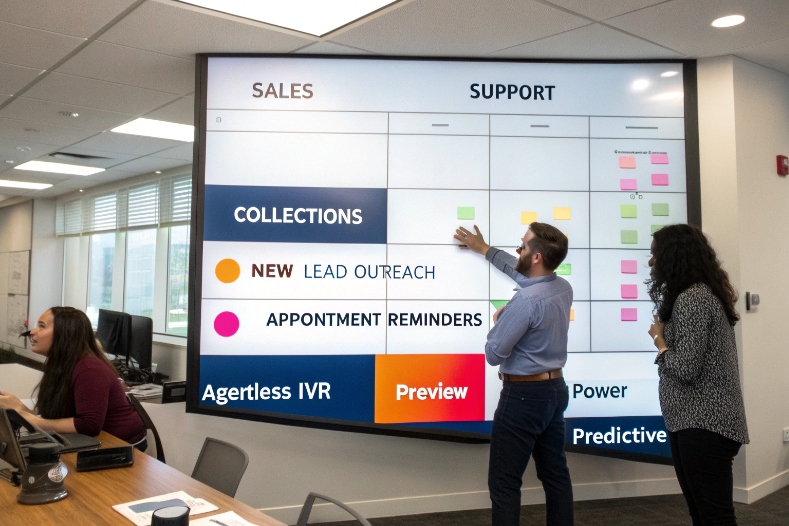
Map use cases before you pick a dialer mode
The tech is the easy part. The hard part is deciding what each campaign should actually do. Automated outbound supports both agentless IVR-style campaigns and agent-assisted modes like preview, power, and predictive. Agentless IVR and preview, power, and predictive dialer modes 2 let you match the automation level to your contacts and use case.
We can break this down by team:
| Team | Typical campaign types | Main dialer modes |
|---|---|---|
| Sales | New lead outreach, reactivation, upsell, renewals | Preview, power, sometimes predictive |
| Support | Appointment reminders, service alerts, outage notifications | Agentless IVR, power for callbacks |
| Collections | Early reminders, payment plans, broken promise follow-ups | Agentless + power, limited preview |
The system can:
- Play a TTS or recorded message.
- Collect DTMF or speech input.
- Trigger a workflow or payment.
- Or transfer to an agent when needed.
Sales and marketing outreach
For sales, automated outbound should free reps from dialing and voicemail. Typical patterns:
- Event-triggered calls when leads submit a form.
- Follow-up on trial sign-ups or demo requests.
- Re-engagement for stale opportunities.
Preview mode works best for high-value B2B leads, because reps see CRM history and notes before committing to the call. Power or progressive dialing fits B2C or mid-touch campaigns where volume matters but you still want one call per free agent.
A simple view:
| Sales scenario | Recommended mode | Automation level |
|---|---|---|
| Large warm list | Power | Medium |
| High-value named accounts | Preview | Low, more rep control |
| Short-term promo blast | Agentless + transfer option | High |
Proactive support and service
Support teams can flip the usual pattern. Instead of waiting for angry inbound calls, they reach out first:
- Appointment reminders with confirm / reschedule options.
- Delivery notifications or failed-delivery follow-ups.
- Planned maintenance or outage alerts.
These are perfect for agentless IVR campaigns:
- A short, clear message.
- A choice to confirm, change, or talk to an agent.
- Automatic logging back into CRM or ticketing.
Containment is the goal here. If most people confirm in the IVR, your inbound queues stay lighter on the day of the event.
Collections and risk control
Collections need both consistency and care:
- Early-stage reminders can run as agentless calls with simple “press 1 to pay now” paths.
- More advanced or disputed balances go to skilled agents via power or preview mode.
You define separate campaigns by risk and stage:
| Collections stage | Campaign style | Agent involvement |
|---|---|---|
| Early reminder | Agentless IVR + SMS | Optional |
| Promise-to-pay follow-up | Power dialer | Medium |
| Complex or disputed cases | Preview | High, empathetic agents |
In all three areas, the dialer is just plumbing. Real impact comes when scripts, lists, and handoff rules match the intent of each campaign.
How do I stay compliant with TCPA and GDPR?
Outbound compliance is not just about avoiding fines. It is also about protecting brand trust and keeping your numbers off spam lists.
You stay compliant by treating consent, purpose, quiet hours, DNC lists, and data protection as core fields in your outbound system, then enforcing those rules automatically in every campaign.

Frameworks like TCPA and GDPR for outbound calling 3 define how you capture consent, manage data, and structure compliant campaigns.
Consent, purpose, and campaign mapping
Telecom rules like TCPA and privacy rules like GDPR both care about why you are calling and what consent you have.
For each record, the system should store:
- Contact channels: phone, mobile, SMS permission.
- Consent type: service, transactional, marketing, or none.
- Source and timestamp of consent.
Each campaign then declares:
- Purpose: service notification, collections, or marketing.
- Allowed consent types for inclusion.
The dialer only loads numbers that match that purpose and consent. Marketing calls never reuse service-only consent. Service alerts do not hit people who opted out of that channel.
DNC scrubs, quiet hours, and opt-out keys
The platform should enforce basic hygiene without asking agents to remember every rule.
Key controls:
- DNC scrubbing against national, state, and internal Do Not Call lists 4 where required.
- Quiet hours based on local time zones, not just your own.
- Simple opt-out actions: “press 9 to stop these calls,” or “reply STOP” for SMS.
- Fast synchronization of opt-outs back into your CRM.
A small compliance table:
| Risk area | System control |
|---|---|
| Calling at bad times | Time zone rules and legal calling windows |
| Calling people who opted out | Central DNC and consent checks |
| Overusing autodialers | Mode choice per campaign and legal review |
| Missing disclosures | Script templates and mandatory phrases in UI |
Every call should also generate a log entry:
- Campaign ID and script version.
- Number dialed and outcome.
- Any consent changes or opt-outs.
This log becomes your safety net if questions come up later.
GDPR: data, recordings, and retention
From a GDPR-style view, automated outbound adds a few more duties:
- Store only the data needed for the campaign.
- Protect recordings and transcripts with role-based access.
- Define retention rules and auto-delete schedules for old data.
If calls are recorded, you may:
- Play a disclosure message.
- Mask or redact sensitive fields like card data.
- Limit who can play back full recordings vs seeing summaries only.
In practice, strong outbound compliance is mostly about data design and automation. Once consent, purpose, and DNC rules live in the platform, agents can focus on how they talk, not who they can talk to.
How do I boost answer rates with local presence?
A perfect list and script mean nothing if nobody picks up. Answer rates fall when calls show as “unknown,” “international,” or “spam likely.”
You boost answer rates by using local or trusted caller IDs, protecting your number reputation with sane pacing and STIR/SHAKEN, and calling at times when your audience is most likely to answer.
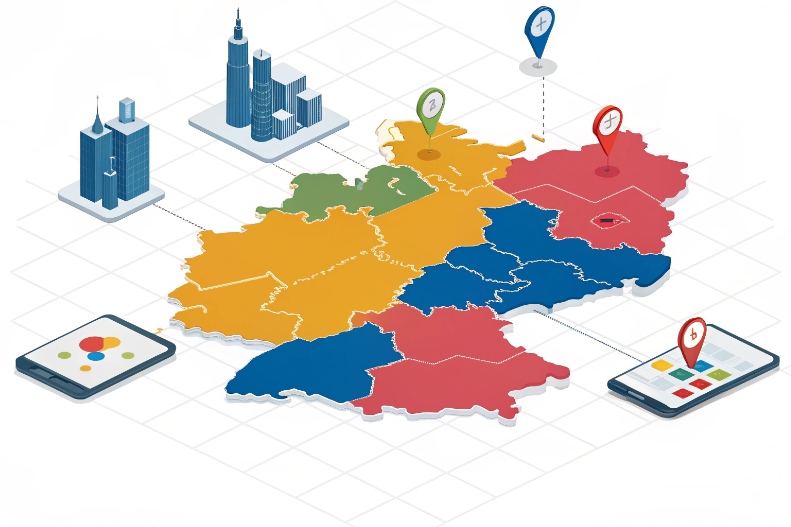
You boost answer rates by using local presence dialing 5 and trusted caller IDs, while protecting your reputation and respecting customer preferences.
Local presence and branded identity
Local presence means using a caller ID that looks familiar to the recipient:
- Same country and region code.
- Sometimes the same city.
Many people are more likely to answer a local number than a distant or private one. To make this work:
- Build a pool of local numbers mapped to regions.
- Assign numbers consistently per campaign or segment.
- Where possible, use branded caller ID so your business name appears.
You also avoid over-rotating numbers. If the number changes every time, people cannot learn to trust it.
Protecting caller ID reputation
Carriers and phone OS vendors look for spam patterns:
- High volume from a single number with low connect and talk time.
- Short “one-ring” calls and repeated no-answer attempts.
- Numbers with many user blocks or spam reports.
To avoid this:
- Spread volume across a pool of numbers without overusing any single one.
- Use pacing rules so the dialer does not place huge bursts at once.
- Monitor answer rates and spam labels per number and region.
- Work with carriers and analytics providers to register your brand.
STIR/SHAKEN caller authentication 6, where available, helps prove your calls are not spoofed. It is not magic, but it supports trust signals in modern networks.
Operational tactics that lift connect and right-party contact
Caller ID is just one lever. Others include:
- Calling at reasonable local times based on testing.
- Cleaning lists to remove invalid, dead, or recycled numbers.
- Segmenting by time zone, language, and customer type.
- Matching dialer modes to campaign risk: less aggressive for sensitive campaigns.
A quick tactic table:
| Tactic | Effect |
|---|---|
| Local presence caller ID | Higher first-attempt answer rate |
| Branded name where supported | More trust, fewer instant hang-ups |
| Reputation monitoring | Early detection of spam flag issues |
| List hygiene and segmentation | Better right-party contact and conversion |
High answer rates come from trust plus good dialing behavior. Local presence opens the door. Respectful pacing and good data keep it open.
Can I integrate campaigns with my CRM and SIP trunk?
If the dialer lives in its own island, agents duplicate work, lists go stale, and reporting is full of holes.
You get full value from automated outbound when it sits between your CRM and SIP trunk, so lists, consent, and outcomes flow through the CRM while voice rides over your existing SIP routes.
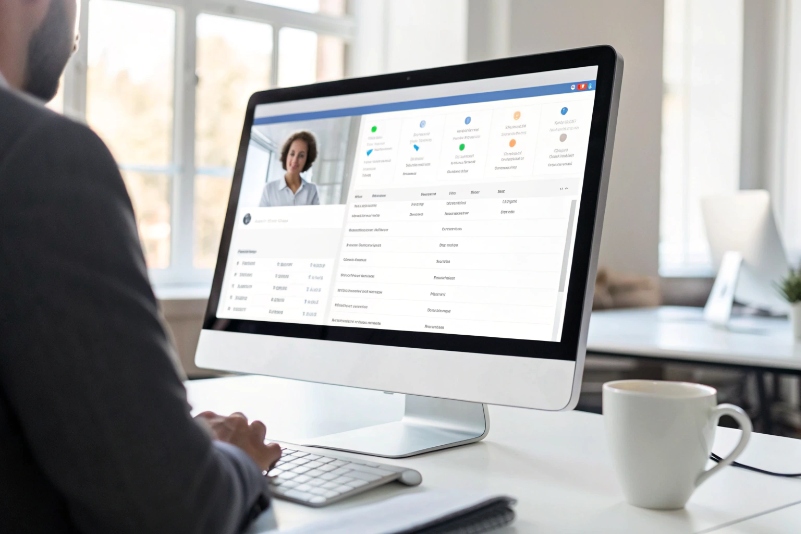
Guides on integrating your dialer with CRM and SIP trunking 7 can help you design data flows, routing, and reporting across systems.
CRM as the brain for data and consent
Your CRM (or customer system of record) should be the master for:
- Contact details and segmentation.
- Consent and DNC status.
- Lead and case history.
Outbound campaigns then:
- Pull target lists from the CRM via exports or APIs.
- Use CRM fields to personalize scripts, language, and caller ID region.
- Write back outcomes: connect, right-party contact, promise to pay, sale, or opt-out.
This gives everyone one view of the customer. Sales sees which outbound campaigns touched a lead. Support sees which reminders went out before an inbound call. Collections sees all contact attempts and responses.
SIP trunk as the voice highway
On the voice side:
- Your outbound calls travel over SIP trunks to the PSTN.
- The dialer or CCaaS platform either hosts the trunks or connects to your own SBC.
- Caller IDs are mapped to numbers that live on those trunks.
You want:
- Enough concurrent channels for peak campaigns.
- QoS set up so audio is clean even under load.
- STIR/SHAKEN and other identity features turned on with your carrier where possible.
The integration points are simple:
| Layer | Integration focus |
|---|---|
| CRM | Lists, consent, personalization, outcomes |
| Dialer | Modes, pacing, AMD, campaign logic |
| SIP trunk | Routing, caller ID, STIR/SHAKEN, capacity |
APIs, webhooks, and KPIs
Modern dialers expose APIs and webhooks so you can:
- Trigger campaigns when events happen in CRM or ticketing.
- Send SMS or email follow-ups after calls.
- Push call results and recordings into analytics or BI tools.
Key KPIs then live across systems:
- Connect rate and right-party contact.
- Completion / containment for agentless calls.
- Opt-out and complaint rates.
- Conversion and cost per contact or per sale.
When everything is wired together, automated outbound stops being “a dialer project” and turns into a normal part of your revenue and service engine.
Conclusion
Automated outbound calling works best when campaigns match real use cases, compliance is built into data and dialing rules, local presence builds trust, and CRM plus SIP trunks tie everything into one clean, measurable system.
Footnotes
-
Definition and overview of automated outbound calling and dialer-driven campaigns. ↩ ↩
-
Comparison of preview, power, and predictive dialer modes and when to use each. ↩ ↩
-
High-level guide to understanding GDPR and TCPA obligations for outbound calling. ↩ ↩
-
Official telemarketer guidance on using national and internal Do Not Call lists. ↩ ↩
-
Explanation of local presence dialing and how it improves outbound answer rates. ↩ ↩
-
FCC overview of STIR/SHAKEN call authentication and its role in fighting spoofed calls. ↩ ↩
-
Example architecture for integrating cloud dialers with CRM systems and SIP trunking. ↩ ↩








