
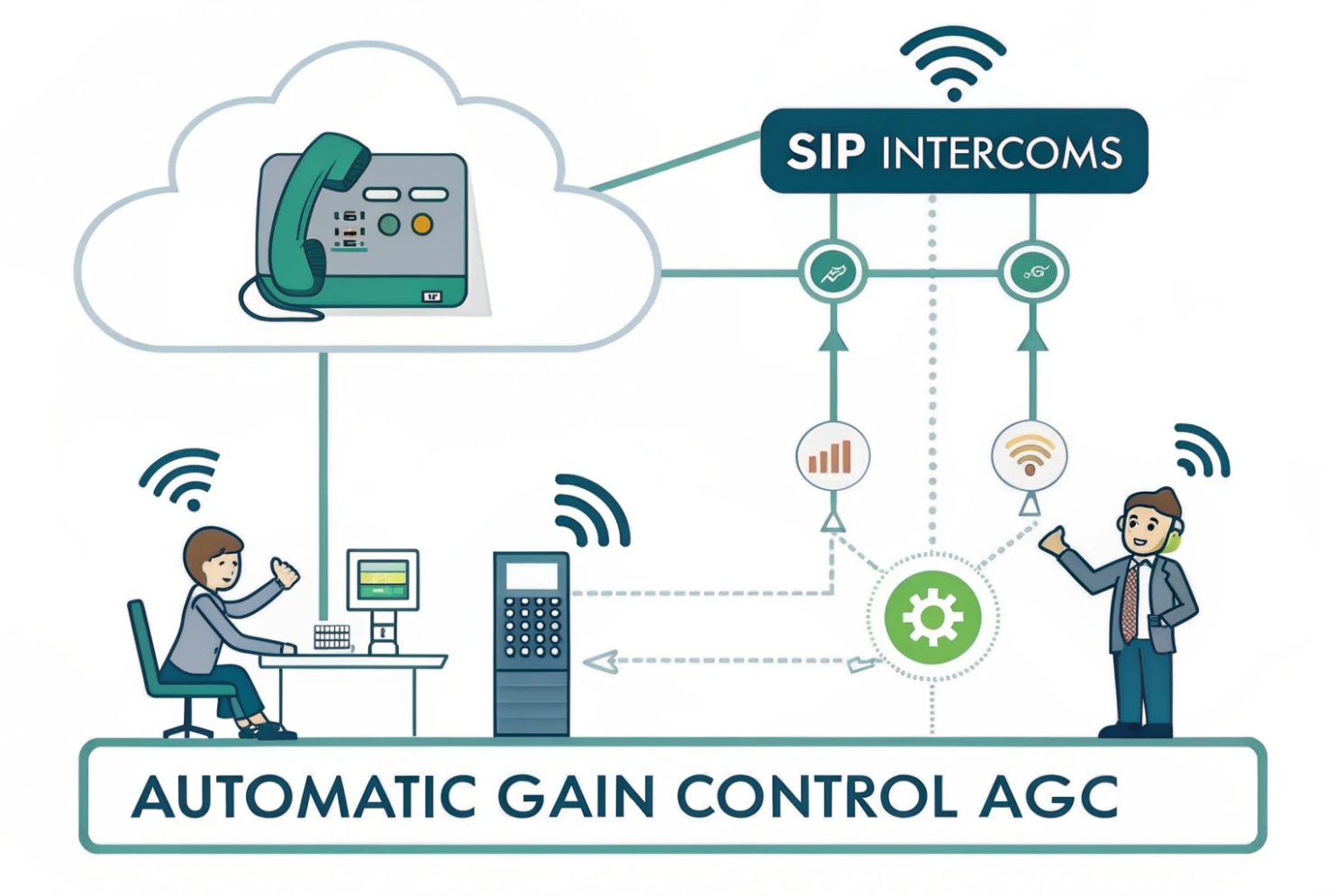
VoIP audio often sounds fine for one person, then too quiet for the next. Users move, face away from the mic, or shout into it. Without control, the far end keeps adjusting volume and still misses words.
Automatic Gain Control (AGC) is an audio process that automatically changes amplification to keep speech near a target loudness. It boosts quiet talkers and attenuates loud talkers so VoIP phones and intercoms sound consistent and intelligible.
How AGC works inside VoIP phones and intercoms
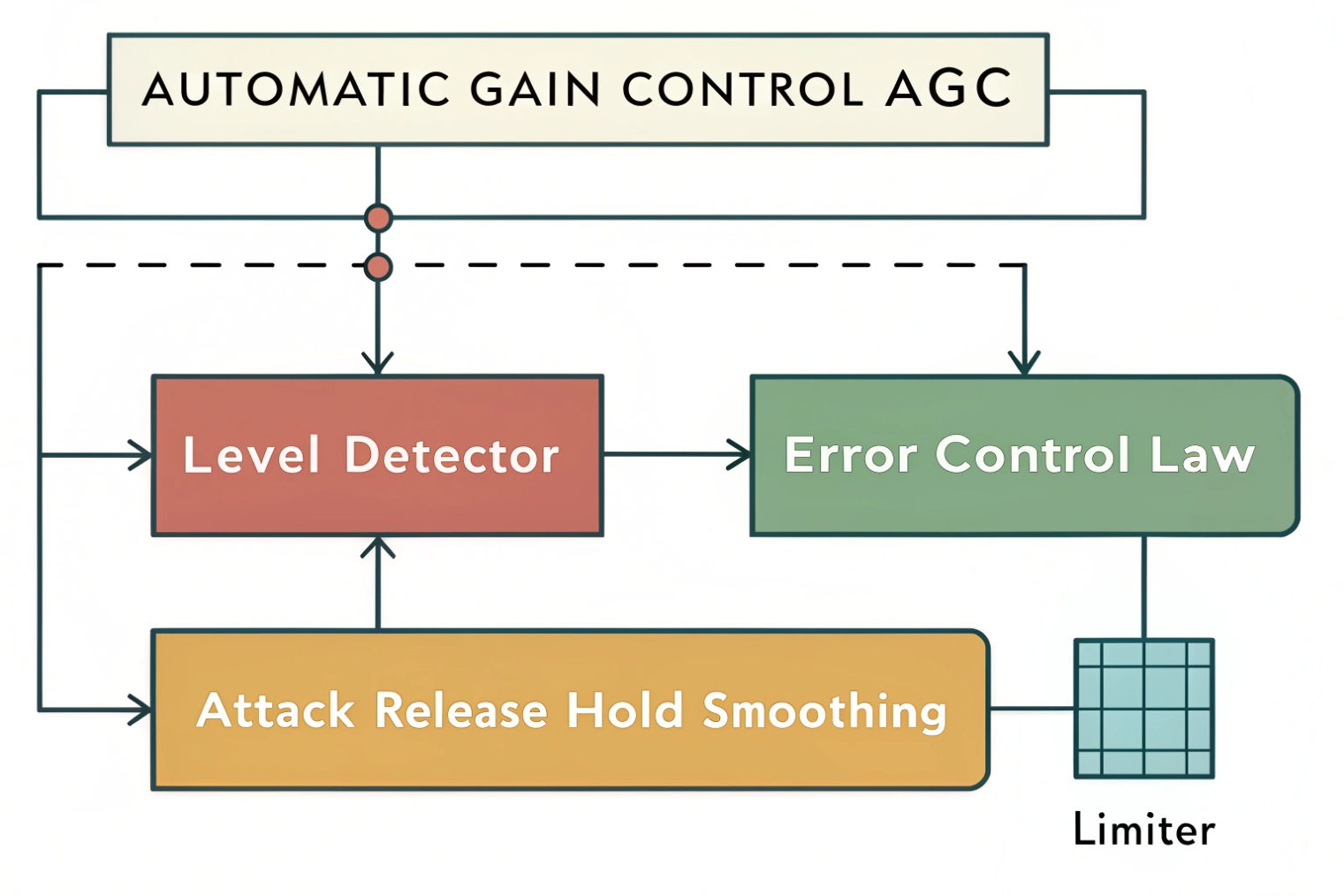
The three blocks: measure, decide, smooth
A practical AGC has three core pieces:
1) Level detector
It measures signal level, often using root mean square (RMS) 1 (loudness-like) or peak (clip protection). Some designs use both.
2) Control law
It compares measured level to a target and decides a gain change. This may behave like a compressor curve with ratio and knee, or like a simple “move toward target” rule.
3) Smoothing
It applies attack and release time constants 2 so gain does not jump every frame. Many systems also include hold/hangover so gain does not chase noise between speech bursts.
In VoIP, AGC often runs on 10–30 ms frames, similar to VAD. It updates gain gradually to avoid audible stepping. If you’re building on open stacks, the WebRTC GainControl API 3 is a good reference point for common knobs and behaviors.
Slow rider + fast protector (common in good designs)
Strong voice pipelines often use two stages:
- A slow AGC that rides overall speech level toward target over hundreds of milliseconds to seconds.
- A fast limiter after it to catch sudden peaks (door slams, loud shouts) and prevent clipping.
This avoids the ugly tradeoff where one fast AGC tries to do both loudness and clip protection. When AGC is too fast, it sounds like pumping. When it is too slow, loud spikes clip.
Where AGC belongs in the chain
Placement decides what AGC accidentally amplifies. In voice endpoints, a safe order is often:
- Mic capture
- Acoustic Echo Cancellation (AEC) 4 (so echo is not boosted)
- Noise suppression (or moderate suppression)
- AGC (so codec sees stable levels)
- Limiter (final clip protection)
- Encoder
Some platforms put AGC before noise suppression so the suppressor works on a stable level. Others put suppression after AGC to avoid boosting noise. In practice, the correct choice depends on the suppression design and whether AGC is noise-gated. The key rule is: do not let AGC boost echo or boost pure background noise during silence.
| AGC element | What it controls | What users hear when wrong |
|---|---|---|
| Target level | Average loudness | Too quiet or always too loud |
| Max gain | How much it can boost | Background hiss gets loud |
| Attack | How fast it reduces gain | Clip or sudden “ducking” |
| Release | How fast it increases gain | Pumping or breathing noise |
| Hold/hangover | Delay gain changes in silence | Less pumping, fewer artifacts |
AGC is not “make it louder.” It is “make it consistent.” Once that idea is clear, the next common confusion is the difference between AGC, a compressor, and a limiter.
Many installers mix these terms and tune the wrong knob.
What’s the difference between AGC, limiter, and compressor?
People often call everything “AGC.” In reality, these tools solve different parts of the loudness problem.
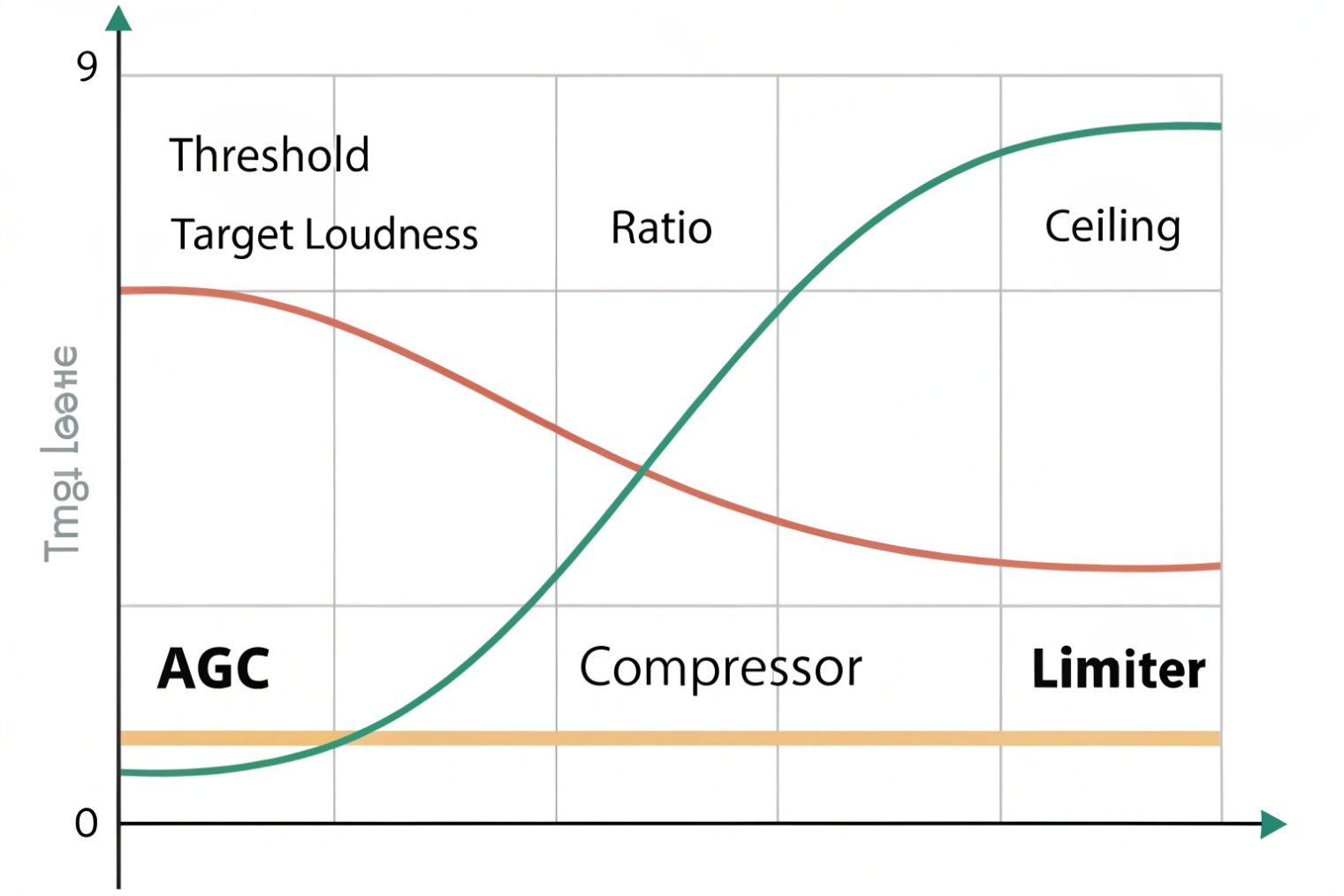
AGC aims for a target loudness over time. A compressor reduces dynamic range above a threshold. A limiter is a fast, high-ratio compressor that prevents peaks from exceeding a ceiling to avoid clipping.
Compressor: shape dynamics above a threshold
A compressor reduces gain when the signal rises above a set threshold. It usually leaves quiet signals alone. It is used to smooth loudness differences and keep speech more even. It can be gentle or aggressive depending on ratio and knee.
In VoIP, compression can help, but it can also make background noise more audible if used without noise gating.
Limiter: protect against clipping
A limiter is like a compressor with a very high ratio and fast time constants. Its purpose is protection. It prevents digital clipping in the ADC, DSP chain, or encoder input. In paging and intercoms, a limiter is valuable because sudden sounds are common.
A limiter does not make quiet speech louder by itself. It only stops peaks from going too high.
AGC: aim for a target level
AGC is the “automatic operator.” It moves gain toward a target over time, both up and down. It can increase gain during quiet talk, and it can decrease gain during loud talk. That makes it different from a typical compressor that only pushes down above threshold.
A simple way to remember:
- Compressor/limiter reacts to “too loud.”
- AGC reacts to “not at target,” both directions.
| Tool | Main purpose | Typical speed | Best use in VoIP |
|---|---|---|---|
| AGC | Maintain consistent loudness | Slow to medium | Phones, intercoms with varying talk distance |
| Compressor | Reduce dynamic range | Medium | Smooth speech, reduce level jumps |
| Limiter | Prevent clipping | Fast | Protect codec input from peaks |
In well-designed VoIP endpoints, AGC and limiter work together. AGC makes speech comfortable. Limiter prevents overload.
Now the next question is the one that matters in real deployments: how to set target, attack, and release so speech is clear without pumping.
How should I set AGC target level, attack, and release?
If AGC is tuned wrong, it sounds unnatural. If it is tuned right, nobody notices it. That is the goal.
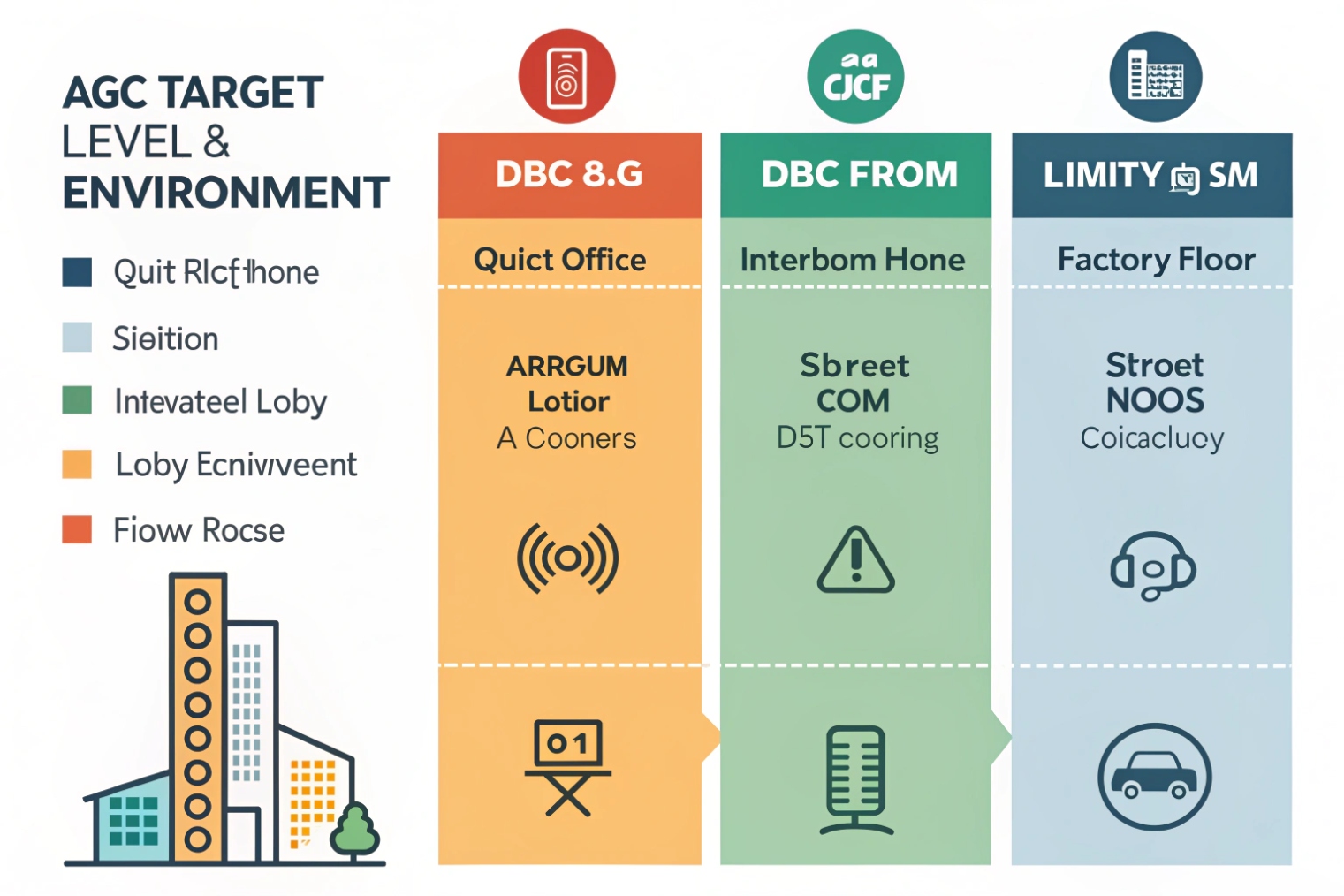
Set AGC target with headroom (often around −18 to −12 dBFS short-term), use a medium attack so loud bursts do not clip, and use a slower release so gain does not jump during pauses. Pair AGC with a limiter ceiling to prevent peaks.
Target level: choose comfort with headroom
Digital voice systems need headroom for consonants and sudden peaks. A common practical target is in the −18 to −12 dBFS (decibels relative to full scale) 5 range for short-term speech level. This keeps average speech strong without riding near 0 dBFS.
If you want a standards-based way to think about “speech level,” the active speech level method (ITU-T P.56) 6 is a common reference used across speech systems.
In SIP intercoms, talkers can be closer or farther than a phone. So max gain and target must be chosen carefully. Too high a target plus high max gain makes background noise loud when nobody talks.
Attack: fast enough to protect, not so fast it “ducks” words
Attack controls how quickly gain is reduced when the signal gets loud. If attack is too slow, loud talkers clip before AGC reacts. If attack is too fast, the first syllable can sound squashed and unnatural, especially with plosives (“p,” “b”).
A common approach is moderate attack for the slow rider, then a fast limiter to catch true peaks.
Release: slow enough to avoid breathing noise
Release controls how quickly gain rises after the signal gets quieter. If release is too fast, the system turns up room noise between words. That creates “pumping” or “breathing.” If release is too slow, quiet talkers stay too quiet for too long.
In noisy sites, slower release plus a hold time often sounds better than fast release.
Max gain and hold: the real anti-pumping controls
Max gain limits how much AGC can boost. This is critical. If max gain is too high, the device becomes a noise amplifier. Hold/hangover prevents gain from rising immediately when speech stops.
For SIP phones, max gain can be moderate because talk distance is stable. For SIP intercoms, max gain may need to be higher, but hold and speech gating become more important.
| Parameter | If too low | If too high | Practical bias for intercoms |
|---|---|---|---|
| Target | Speech still quiet | Speech sounds “hot” and clips | Moderate target with limiter |
| Max gain | Far talkers too quiet | Noise pumping and hiss | Limit gain, improve mic placement |
| Attack | Clips on loud talkers | Over-ducking, unnatural speech | Medium attack + fast limiter |
| Release | Speech recovers slowly | Noise breathing between words | Slower release + hold |
| Hold | No effect | Sluggish feel after speech | Medium hold to reduce pumping |
A field habit that helps: tune in the real environment, with real distance and real background noise. Lab tuning in silence almost always leads to over-boosting noise on site.
Now the last section addresses the two most common complaints: “AGC pumps noise” and “AGC clips speech.”
Both are predictable failure modes.
Why does AGC pump noise or clip speech, and how to fix it?
When users complain about “robotic” audio or “volume going up and down,” AGC is often involved. Pumping and clipping come from the same root: gain changes happening at the wrong time and for the wrong signal.
AGC pumps noise when it raises gain during silence or background-only frames. It clips speech when target is too high, max gain is too high, attack is too slow, or there is no limiter. Fix it with speech gating/hold, lower max gain, slower release, correct target, and a brick-wall limiter.
Pumping: AGC follows noise instead of voice
Pumping happens when the detector thinks the background is the signal to normalize. Common causes:
- No speech detector or weak VAD gating inside AGC
- Release too fast
- Hold too short
- Max gain too high
- Noise suppression placed after AGC, so AGC boosts noise then suppression fights it
Fix steps that usually work:
1) Reduce max gain.
2) Add or increase hold/hangover.
3) Slow the release.
4) Enable speech gating if the device supports it.
5) Improve BNE or VAD baseline so the system knows what “noise-only” looks like.
Clipping: gain rides too high or reacts too slow
Clipping can be digital (0 dBFS) or analog (mic preamp saturating). Causes include:
- Target level too high
- Attack too slow
- No limiter, or limiter ceiling too high
- Mic gain too high before DSP
- Speakerphone echo path causing extra energy at mic
Fix steps:
1) Lower input gain at the mic/preamp stage if possible.
2) Lower AGC target or reduce ratio.
3) Speed up attack slightly, but keep it natural.
4) Add a limiter with a sensible ceiling (leave headroom).
5) Check AEC so far-end playback is not inflating mic level.
A practical troubleshooting map
| Symptom | Likely cause | Fast fix |
|---|---|---|
| Noise gets louder between words | Release too fast / hold too short | Slow release, increase hold |
| Constant hiss even when nobody speaks | Max gain too high | Reduce max gain, improve noise suppression/BNE |
| Loud talkers distort | Attack too slow or no limiter | Add limiter, lower target, adjust attack |
| Soft talkers still quiet | Max gain too low or target too low | Increase max gain slightly, improve mic placement |
| “Volume rides” during crowd noise | Speech detector confused | Strengthen gating, tune BNE, slow release |
In SIP intercom deployments, a common real fix is not only DSP. It is also physical:
- Improve mic placement to increase speech-to-noise ratio.
- Reduce wind and vibration.
- Avoid mounting that causes resonance.
When SNR improves, AGC can be less aggressive, and pumping disappears naturally.
AGC should be the helper, not the star. When it is tuned with headroom and restraint, speech becomes consistent and the call feels stable. For WebRTC-style endpoints, the baseline expectations for processing features are summarized in RFC 7874 WebRTC audio processing requirements 7.
Conclusion
AGC keeps speech near a target loudness by adjusting gain over time. Pair it with a limiter, use sensible target/headroom, and prevent noise pumping with max-gain limits, hold, and speech-aware gating.
Footnotes
-
Quick refresher on RMS and why it’s used for loudness-style level detection. ↩ ↩
-
Explains compressor/limiter concepts and how attack/release timing shapes audible pumping. ↩ ↩
-
WebRTC’s GainControl interface shows common AGC knobs and behaviors used in many VoIP stacks. ↩ ↩
-
ITU-T G.168 outlines echo canceller performance requirements relevant to speakerphones and intercoms. ↩ ↩
-
Definition of dBFS and why 0 dBFS is the digital ceiling before clipping. ↩ ↩
-
Describes the active speech level method often used to reference consistent speech loudness targets. ↩ ↩
-
Summarizes recommended audio processing features (AGC, NS, AEC) for WebRTC interoperability. ↩ ↩








