

Call avoidance is any behavior that reduces an agent’s exposure to new contacts, on purpose or by accident. It quietly destroys service levels, frustrates customers, and burns out the rest of the team.
Call avoidance is when agents intentionally or unintentionally reduce their exposure to new contacts by stretching wrap time, sitting in Not Ready, misusing holds or transfers, or hiding behind “research” and offline tasks. It is both a behavioral pattern and a process problem.
In a modern contact center 1, call avoidance is rarely just one “bad apple”. It usually shows up as patterns across time, channels, and queues. To fix it, I need clear behaviors, measurable signals, honest coaching, and tools that remove friction instead of only adding control.
Which behaviors signal call avoidance in teams?
When queues are long but some agents stay mysteriously “busy”, I do not blame motivation first. I look for patterns. Avoidance often hides inside normal-looking statuses and tasks.
Call avoidance shows up as excessive Not Ready time, prolonged after-call work, frequent short holds, unnecessary transfers and consults, declined offers, logging out in peaks, and stretching small offline tasks.
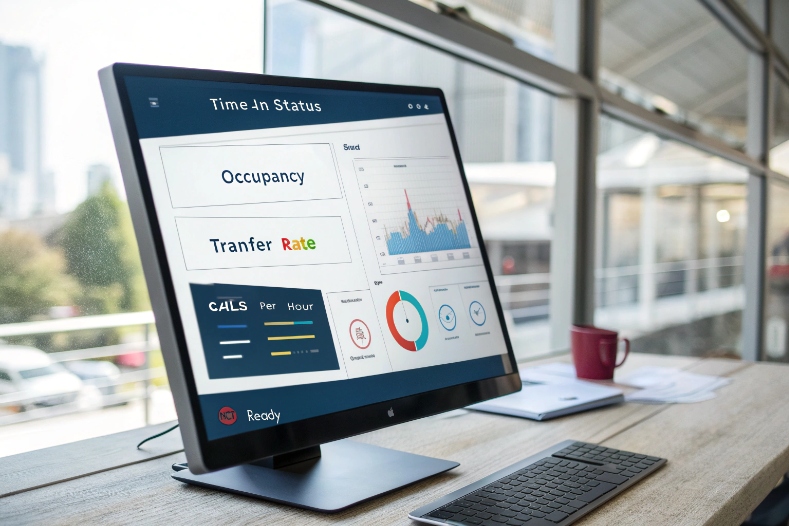
Hard and soft signs of call avoidance
Some common call center avoidance behaviors 2 are obvious red flags. Others are softer and easier to rationalize. Both matter.
1. Clear, “hard” avoidance behaviors
These usually show up easily on reports:
- Excessive Not Ready / AUX time
Always in “Break”, “Meeting”, “Admin”, or vague custom codes when queues are hot. - Prolonged ACW (after-call work)
Notes that take longer than the conversation itself, for a large share of contacts. - Frequent short holds
Many calls with multiple 5–30 second holds that do not align with real system work. - Unnecessary transfers and repeat consults
Handing off calls that could be solved in the first line, or consulting the same team again and again without clear need. - Declined or timed-out call offers
In systems with “offers”, an agent often lets the timer expire or clicks decline while others accept.
A simple way to frame these is: would a reasonable peer, with the same tools and training, behave like this under the same conditions?
2. Softer, “plausible” avoidance behaviors
These are harder to call out, because they can look like diligence:
- Taking overly long notes or “summaries” on simple tickets
- Parking time in “research” or “follow-up” categories without a clear outcome
- Stretching micro offline tasks: internal emails, tiny admin requests, quick checks
- Keeping low-value conversations going to avoid the next contact
These behaviors often start from good intentions. An agent does want to be thorough. But when the pattern repeats, it turns into structural avoidance, and it hurts both service levels and fairness in the team.
3. Behavioral patterns in context
No single metric tells the full story. I always compare behavior against peer groups, queues, and time of day.
| Signal | What it looks like | Possible meaning |
|---|---|---|
| High Not Ready vs peers | 2–3x more AUX time per hour | Burnout, unclear policy, or active avoidance |
| Long ACW on simple calls | 3–5 minutes notes on 1–2 minute calls | System friction, habit, or hiding from queue |
| Many short holds | Several 5–30s holds each call | Tool issues, distraction, or stalling |
| High transfer / consult rate | Transfers on basic queries peers handle directly | Low confidence or dodging complexity |
| Low offers accepted | Declines/timeouts much higher than team average | Avoiding routing or technical issues |
Patterns like these tell me where to look deeper with QA and side-by-side reviews. They are starting points, not instant verdicts.
How do I measure avoidance with QA metrics?
If I only chase average handle time, I either miss call avoidance or even reward it. Good measurement separates healthy work from hiding.
To measure call avoidance, I track time-in-status, offer acceptance, transfer and hold ratios, occupancy vs peers, and calls per hour. Then I add QA review and real-time alerts to catch patterns, not single events.
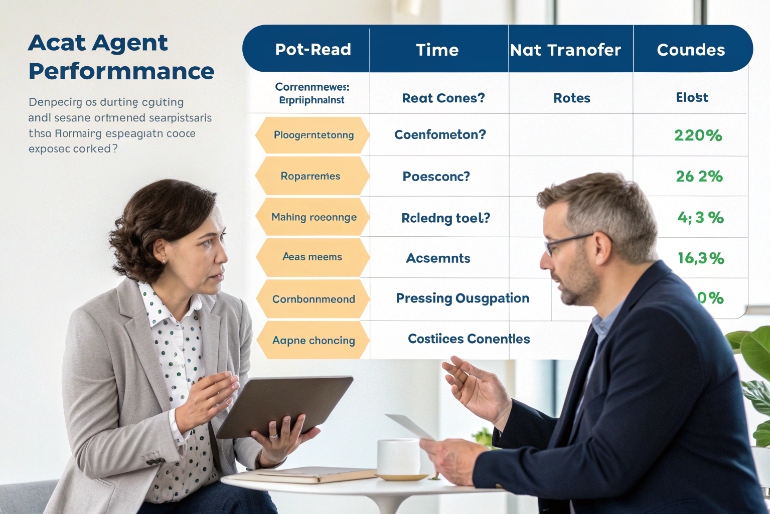
Building an avoidance “radar” with data
I see call avoidance as a pattern of how an agent moves through the day, not just how long they stay on a call. So I design metrics around the whole lifecycle, using time-in-status and occupancy reporting 3 as a core foundation.
1. Core operational metrics
These are the backbone:
- Time-in-status
Distribution across Ready, Talk, Hold, ACW, Not Ready (with reason codes). - Occupancy vs peers
Ratio of time on contacts (Talk + ACW) vs logged-in time. - Calls / contacts per hour
Simple but powerful when compared within the same queue and schedule. - Transfer and hold ratios
Number of transfers and total hold time per contact. - Offer acceptance / response
Accepted vs declined vs timed-out offers in skills that use this model.
A sample metric view:
| Metric | Question it answers | Red flag example (context only) |
|---|---|---|
| Not Ready % | How often is the agent opt-out from routing? | 25%+ of logged-in time while peers sit at 10% |
| ACW average | How long does wrap actually take? | 3–4x peer average on simple queues |
| Calls per hour | Is productivity aligned with staffing plan? | 30–40% fewer contacts than peers |
| Transfer rate | Are they pushing work elsewhere? | Double the queue average |
| Hold per call | Are they using hold as a shield? | Many calls with >60s hold on simple tasks |
2. QA lens on top of numbers
Numbers tell me where to look. QA tells me why. I layer:
- Targeted call sampling
Pull interactions where ACW, Not Ready, hold, or transfer metrics are outliers. - Form fields for avoidance behavior
QA forms include items like “Unnecessary hold”, “Unnecessary transfer”, “Excessive wrap”, “Misuse of status”. - Pattern tags
Tag coaching opportunities by root cause: “process unclear”, “tool slow”, “confidence gap”, “possible avoidance”.
Well-designed QA forms and scorecards 4 make these behaviors visible and consistent across evaluators.
A simple QA snippet might track:
| QA item | Score/flag | Comment example |
|---|---|---|
| After-call work discipline | Needs improvement | Notes repeated information, adds no new value |
| Hold usage | Needs improvement | Three short holds with no clear reason |
| Transfer decision | Meets / needs work | Call could be solved with existing knowledge |
3. Real-time alerts and fair thresholds
Real-time alerts help leaders act before a bad pattern turns into a habit. For example:
- ACW > X minutes for more than Y calls in a row
- Not Ready time exceeds N minutes within a 60-minute window
- Offer declines / timeouts above a set threshold in a short span
To keep this fair:
- I use different thresholds for new hires vs experts.
- I compare agents against peers in the same queue and shift.
- I always pair alerts with a manual review before any formal consequence.
When measurement is transparent and fair, agents see it as protection for the team, not just surveillance.
What coaching fixes high avoidance rates?
When avoidance shows up in the data, punishment is tempting. But if I jump straight to blame, I miss burnout, broken tools, or bad targets, and the pattern returns.
Effective coaching treats call avoidance as a symptom. I use data plus call samples, ask about blockers, clarify expectations, rebuild skills or workflows, and only escalate when behavior stays unchanged after support.

From confrontation to joint problem solving
Good coaching starts with the assumption that most people want to do good work. My job is to bring data, listen, and then build a clear plan, using principles from effective coaching conversations in contact centers 5.
1. Prepare with a full picture
Before any 1:1, I gather:
- Time-in-status and contact volume vs peer average
- A small set of relevant calls (not a random stack)
- Screenshots or notes from tools that look slow or confusing
- Recent schedule changes, new processes, or system issues
This helps me say, “Here is what I see over the last two weeks,” instead of “You avoid calls.”
2. Run a simple, structured conversation
A simple flow works well:
- Describe the pattern, not the person
“In the last ten shifts, your Not Ready time is about twice the team average.” - Ask for their view
“What is happening in your day when we see this?” - Look for root causes together
We check for unclear policies, weak training, broken tools, or unrealistic targets. - Clarify expectations
“Not Ready is for real breaks or work that needs full focus. It should be around X% on this queue.” - Agree on a short, concrete experiment
For example: use a new note template to cut ACW, or change how they use consults. - Book a follow-up
“Let’s check your numbers again in five working days and see what changed.”
This keeps the tone adult-to-adult, not parent-child.
3. Match the coaching to the root cause
Different causes need different responses:
| Root cause | Typical signs | Coaching focus |
|---|---|---|
| Knowledge gap | Many consults, transfers, long calls | Refresh training, quick guides, shadowing |
| Tool or process friction | Long ACW, many holds, consistent complaints | Escalate fixes, adjust targets temporarily |
| Burnout / stress | Mood change, avoidance across tasks | Adjust load, breaks, wellness support |
| Misaligned incentives | Focus on one metric only | Reset goals, balance quality and productivity |
| Deliberate avoidance | Clear patterns, no change after support | Clear warnings, progressive discipline |
Only after I have offered support, clarified rules, and set a plan do I move to formal steps. That keeps governance credible and protects high-performing agents who carry the load.
4. Use governance as a safety net, not the first step
Good coaching lives inside a clear framework:
- Documented adherence and avoidance policies
- Reason codes for Not Ready and offline work
- Calibrated QA that everyone understands
- A simple ladder of consequences for repeated abuse
When this is visible in advance, coaching conversations feel consistent, not arbitrary.
Can workforce tools reduce avoidance?
If tools only watch people, call avoidance gets more creative. When tools remove friction and make work fair, most agents stop looking for ways to hide.
Yes. Workforce tools reduce avoidance when they do more than monitor. Scheduling, real-time dashboards, assist tools, and automation can balance load, cut wrap time, increase transparency, and make good behavior the easiest path.
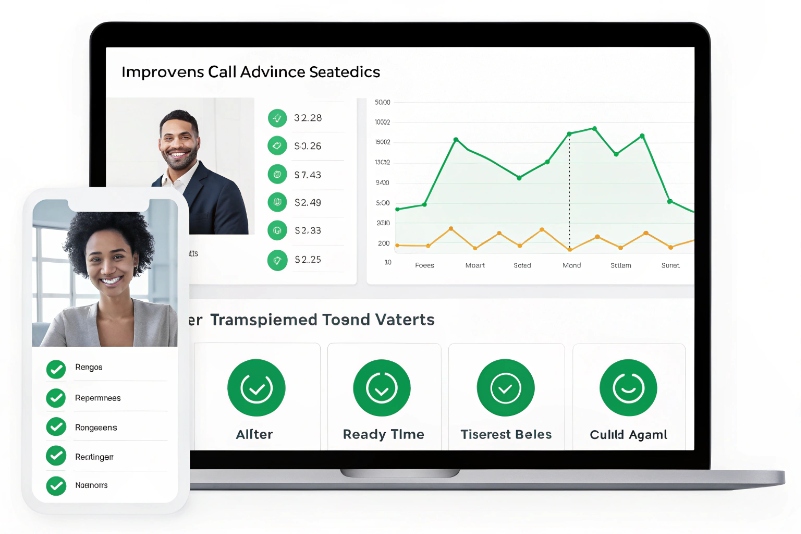
Turning WFM and WFO into enablers, not just cameras
Technology does not replace trust. It supports it. I choose and configure tools with that mindset.
1. Workforce management for fairness and breaks
Workforce management scheduling 6 helps in three big ways:
- Balanced staffing
Enough people at peak times reduces panic and “defensive” avoidance. - Predictable, real breaks
Agents who know they have proper pauses are less likely to create “fake breaks” in Not Ready. - Intraday management
Quick micro-shifts between channels when queues spike, instead of blaming agents.
When people see that schedules are based on data, not random decisions, they are more willing to stay in Ready and share the workload.
2. Dashboards and transparency
Good real-time dashboards help both leaders and agents:
- Agents see their own ACW, Not Ready, and contacts per hour in near real time.
- Team views show fairness: who is taking how many contacts, who is in which status.
- Supervisors get alerts when thresholds are breached, and can join live, coach on the spot, or adjust tasks.
This shifts the story from “We are watching you” to “We all see the same reality.”
3. Knowledge and assist tools to cut wrap and holds
Soft avoidance often hides in long notes, extra research, or repeated “let me check that for you” holds. Good tools help:
- Structured note templates that capture key fields fast
- Integrated knowledge bases inside the desktop, with clear answers
- Real-time assist that suggests next steps or scripts
- Macros and canned responses for common cases
Every second saved in ACW or hold is a second less “room” for avoidance behavior.
4. Automation and process design
Sometimes what looks like avoidance is the system begging for automation:
- Auto-syncing CRM fields so agents do not retype data
- Auto-tagging or disposition suggestions based on call content
- Smart routing that sends calls to the right skill the first time
- Self-service and call deflection strategies 7 for truly simple tasks, so live calls are worth the agent’s focus
A simple mapping helps here:
| Tool / feature | How it helps call avoidance |
|---|---|
| WFM scheduling | Reduces overload that drives defensive patterns |
| Real-time dashboards | Creates shared visibility and peer fairness |
| Agent performance widgets | Lets agents self-correct without supervisor push |
| Knowledge / assist tools | Cuts “research” time and long holds |
| Wrap automation | Reduces ACW, less hiding space |
| Self-service deflection | Keeps live calls for higher-value work |
When workforce tools and governance are aligned, the easiest way for an agent to have a calm day is to follow the process, not to fight it.
Conclusion
Call avoidance is a signal, not just a rule breach. With clear behaviors, smart metrics, fair coaching, and supportive tools, I can turn it into a chance to rebuild a healthier operation.
Footnotes
-
Overview of how modern contact centers operate across channels and metrics. Back ↩
-
Examples and explanations of common call avoidance behaviors in call centers. Back ↩
-
Guide to using time-in-status and occupancy metrics to manage contact center performance. Back ↩
-
How to design QA scorecards and forms that capture key agent behaviors. Back ↩
-
Framework for running effective coaching conversations with contact center agents. Back ↩
-
Best practices for workforce management scheduling in contact centers. Back ↩
-
Tactics for using self-service and call deflection to reduce agent load. Back ↩








