

Call barging is one of those tools most teams say they want “later”, then regret not having when a live call goes sideways in front of everyone.
Call barging lets a supervisor join an in-progress call, speak to both the agent and the customer in real time, and either support or take over. Used well, it rescues tough moments, speeds resolution, and builds agent skill.
In modern contact centers 1, barging is not a “spy” feature. It is part of a full call monitoring toolkit 2 that also includes listen-only monitoring and whisper coaching. When it sits inside clear rules, with the right permissions and signals, it becomes a safety net for customers, agents, and the business.
How is barge different from whisper and monitor?
Most platforms give supervisors three basic powers on live calls. Confusion between them can create trust issues or compliance risk, so I like to define them very clearly.
Monitor is listen-only, whisper lets the supervisor speak only to the agent, and barge turns the call into a three-way conversation where both the agent and the customer hear the supervisor. Some systems also allow full takeover.
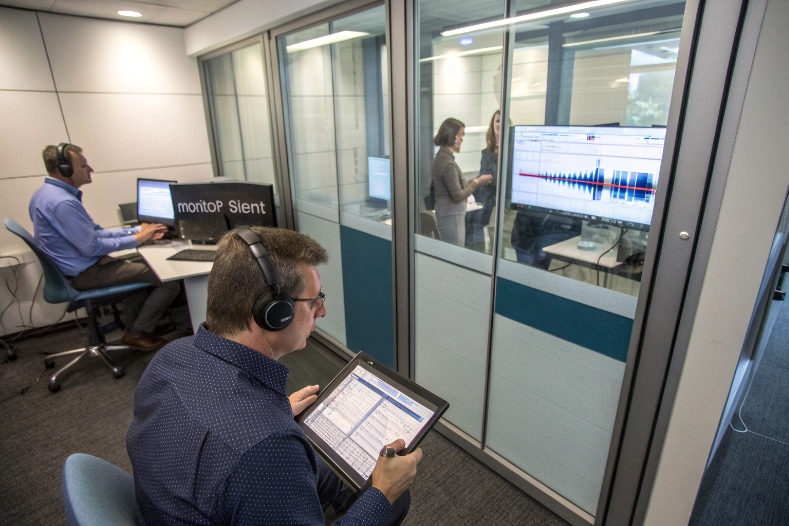
Three levels of live call supervision
In practice, these modes are just different ways to control who can hear whom in live call supervision 3.
1. Monitor: silent listening
In monitor mode, the supervisor:
- Hears the live call
- Cannot be heard by either agent or customer
- Uses this mainly for QA, coaching prep, or compliance checks
This is the least intrusive mode. It is ideal for sampling new agents, checking adherence to scripts, or understanding why average handle time is high without changing the outcome of the call.
2. Whisper: private coaching
In whisper mode, the supervisor:
- Hears the live call
- Can speak to the agent
- Stays invisible and inaudible to the customer
This is powerful for:
- New-hire ramp-up
- Rare scenarios (for example, new product, complex billing)
- Nudging better phrasing on sales or retention calls
The agent hears something like “Offer the XYZ plan now” in their headset, while the customer only hears the agent. Whisper helps avoid full barging when a simple hint is enough.
3. Barge (and sometimes takeover): full three-way
In barge mode, the supervisor:
- Joins as a third party
- Can speak to both the agent and the customer
- Often appears on the recording as a separate participant
Some platforms also support takeover, where:
- The supervisor replaces the agent as the active party
- The agent may stay on as a silent listener or drop off
Here is a simple comparison:
| Mode | Who hears supervisor? | Typical use cases |
|---|---|---|
| Monitor | No one | QA, compliance, silent observation |
| Whisper | Agent only | Live coaching, training, tricky questions |
| Barge | Agent and customer | Escalations, VIP calls, complex issue support |
| Takeover* | Customer (agent optional) | Crisis calls, strict authority or compliance need |
*Takeover support depends on platform.
These modes are parts of one toolbox. A healthy pattern is: monitor by default, whisper for support, then barge only when it clearly adds value.
When should supervisors barge into live calls?
A supervisor can technically barge any time. That does not mean they should. Unplanned barging can confuse customers and embarrass agents if it feels like a “jump in and fix” move.
Supervisors should barge into live calls for clear reasons: to rescue escalations, unblock complex issues, handle VIP or high-value conversations, or deliver required disclosures. In most other cases, monitor or whisper is enough.
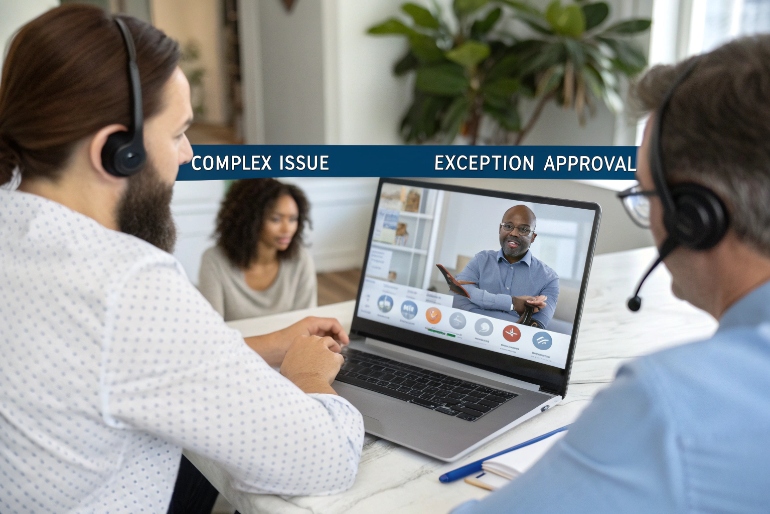
Clear use cases and simple etiquette
A few strong rules keep barging from turning into chaos or control.
1. Use cases where barging makes real sense
Common good reasons to barge:
- Escalations in progress
The customer is asking for a manager, threatening to cancel, or mentioning regulators or legal action. This is where customer escalation management best practices 4 really matter. - Complex or blocked issues
The agent has tried normal steps, is bouncing between systems, or is clearly outside their authority (for example, exceptions, big refunds, account security). - VIP and high-value calls
Strategic accounts, key decision makers, or large deals where a senior voice can change the outcome. - Mandatory disclosures or approvals
Some industries require a licensed or authorized person to give a final confirmation, risk disclosure, or approval live on the call.
In these cases, barging protects the customer and the brand, and it supports the agent.
2. Simple best practices when barging
I like to keep a small checklist:
- Try whisper first if time allows. If a quick hint can help, there is no need to step in visibly.
- Announce presence fast. A simple line like:
“Hi, this is [name], a supervisor here. I have joined to help resolve this for you more quickly.”
- Clarify roles. Let the customer know the agent is still their main contact if that is true.
- Avoid undermining the agent. Do not say “That was wrong.” Reframe as “Let us try another option that may work better.”
- Keep the intervention focused. Solve the issue or move it to the right path, then hand back or close.
- Debrief after the call. Spend two to three minutes with the agent to review what happened and what they can do next time.
3. Coaching and performance impact
When barging is intentional and respectful, it can:
- Shorten ramp time for new agents
- Standardize handling of rare, high-risk cases
- Reduce repeat contacts and transfers
- Lift first-contact resolution and CSAT
- Improve conversion and revenue on sales calls
A simple way to track value is:
| Metric | Before barging program | After barging program |
|---|---|---|
| Escalation “save” rate | X% | X% + delta |
| FCR on targeted call types | X% | X% + delta |
| CSAT after escalated calls | X.x | X.x + delta |
| New-agent time to proficiency | N weeks | N – delta weeks |
Barging should not be about “taking over” every hard call. It should be about building a culture where help appears fast when it is truly needed.
What permissions and audits are required?
Call barging is powerful. Without guardrails, it can be misused, break trust, or even violate internal or external rules.
Barge must sit behind role-based permissions, clear visual or audible indicators, and reliable audit logs. Policies should define who can barge, when, how consent works, and how interventions are documented.
Governance that keeps barging safe and trusted
I treat barging like any other powerful operational capability: controlled, visible, and auditable.
1. Role-based permissions
Not every leader needs the ability to barge. I usually see role-based access control (RBAC) 5 patterns like:
- Supervisors / team leads
Can monitor, whisper, and barge on agents in their team or queues. - QA and training staff
May monitor and whisper, but not always barge. - Admins
Configure who can do what, for which queues and hours.
Role profiles should define:
- Which modes are allowed (monitor, whisper, barge, takeover)
- Which queues or skills each role can act on
- Any time-based limits (for example, only during business hours)
2. Indicators for agents and customers
Stealth barging is a bad idea in most environments. To keep trust:
- The agent should always see a clear visual indicator when someone has joined the call.
- The system can play a tone or inject a short phrase if required by policy.
- For some regions, an announcement that the supervisor has joined is mandatory.
This is not only about regulation. It is about giving agents psychological safety. They should never feel that someone is “suddenly in their ear” without their knowledge.
3. Audit logs and documentation
Every barge event should be easy to trace. A decent log includes:
- Who barged (user ID and role)
- Which call (ID, queue, direction inbound/outbound)
- When they joined and when they left
- Which mode changes happened (monitor → whisper → barge → takeover)
Strong audit logs and call recording storage 6 help show who accessed which recordings and when.
It also helps to tie this to:
- Call recordings
- Interaction notes or wrap-up codes
- QA forms or coaching notes
A simple governance table looks like this:
| Control | Purpose |
|---|---|
| Role-based access | Prevent misuse by limiting who can barge |
| On-screen / audio signals | Inform agents and customers |
| Barge reason codes | Track why barging happens |
| Audit logs + recordings | Support QA, compliance, and disputes |
When supervisors know they are visible, they use barging more thoughtfully. When agents know the rules, they are more open to help.
Does barge work on SIP softphones and WebRTC?
Most modern contact centers no longer live on desk phones. Agents use SIP softphones, browser-based WebRTC clients, or embedded dialers inside CRMs. Guides on SIP softphones and WebRTC in call centers 7 all assume that barge has to work across these environments.
Yes. Call barging usually works on SIP softphones and WebRTC because it is implemented as a supervised three-way conference in the ACD or telephony platform. As long as the media flows through the platform, mode changes are possible.
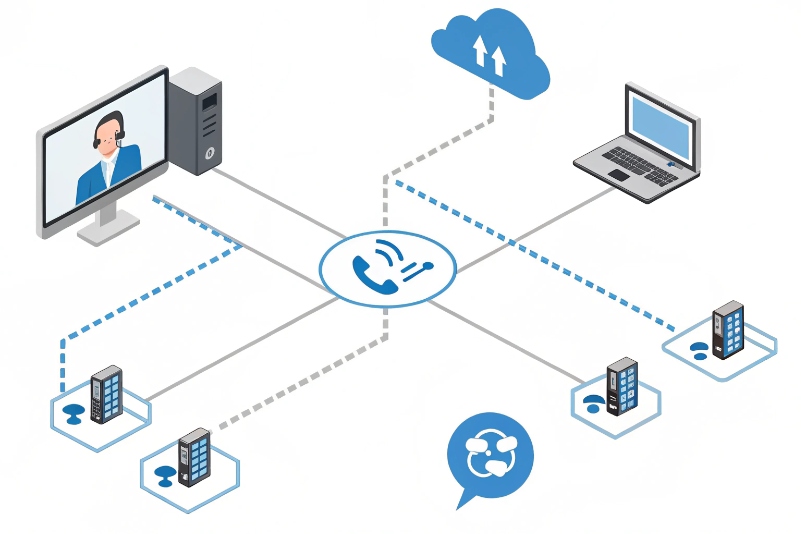
Technical basics of barging on IP telephony
From a technical view, barging is not magic. It is a controlled conference.
1. Supervised three-way conference
The usual flow:
- Customer and agent are connected through the ACD or SBC using SIP or WebRTC.
- The supervisor starts monitor on this call. The platform adds them as a silent third leg.
- When the supervisor hits whisper or barge, the platform changes audio mixing:
- Whisper: only the agent’s audio mix includes the supervisor.
- Barge: both agent and customer mixes include the supervisor.
- In takeover, the platform may mute or drop the agent’s leg and keep customer + supervisor.
Because this all happens in the core platform, it does not matter if the endpoints are:
- A SIP hard phone
- A SIP softphone on Windows/Mac
- A browser using WebRTC (for example, a React-based agent desktop)
As long as RTP (or WebRTC media) passes through the same bridge, the system can mix audio.
2. SIP softphones
With SIP softphones:
- The softphone registers to the PBX or contact center as a normal SIP endpoint.
- The monitoring and barging logic runs in the server, not in the softphone itself.
- No special client changes are usually needed, beyond maybe UI indicators.
Key things to watch:
- Bandwidth and jitter for supervisors who monitor many calls
- CPU on the media server if many barges or conferences run at once
3. WebRTC and browser-based agents
With WebRTC:
- The agent’s browser opens a secure media channel (usually SRTP via DTLS) to the media server.
- The supervisor may also be on WebRTC, a SIP device, or a softphone.
- The platform still handles mixing; the browsers only send and receive streams.
For WebRTC environments, low latency is critical. Any delay between what the agent says and what the customer hears will feel worse once a third party joins.
Here is a simple map:
| Endpoint type | Barge support? | Notes |
|---|---|---|
| SIP hard phone | Usually yes | Legacy setups often had this first |
| SIP softphone | Yes | Same behavior as hard phones |
| WebRTC browser app | Yes | Needs proper media server and signaling design |
| Mobile app (VoIP) | Often yes | If using same SIP / WebRTC core |
If a platform already supports monitor and whisper on SIP or WebRTC, barging is normally just an extra mode, not a full rebuild.
Conclusion
Call barging is not just a “supervisor panic button”. With clear use cases, strong permissions, visible signals, and solid SIP/WebRTC support, it becomes a practical way to rescue tough calls, boost performance, and grow agent skills in real time.
Footnotes
-
Overview of how modern contact centers coordinate omnichannel customer service. Back ↩
-
Step-by-step guide to monitor, whisper, and barge features in a cloud telephony platform. Back ↩
-
Explanation of monitor, whisper, and barge modes and when supervisors should use each. Back ↩
-
Detailed best practices for handling customer escalations and difficult support conversations. Back ↩
-
Primer on role-based access control and limiting system permissions by job role. Back ↩
-
Best practices for secure call recording storage, retention policies, and detailed audit logs. Back ↩
-
Comparison of SIP softphones versus WebRTC phones specifically in call center use cases. Back ↩








