
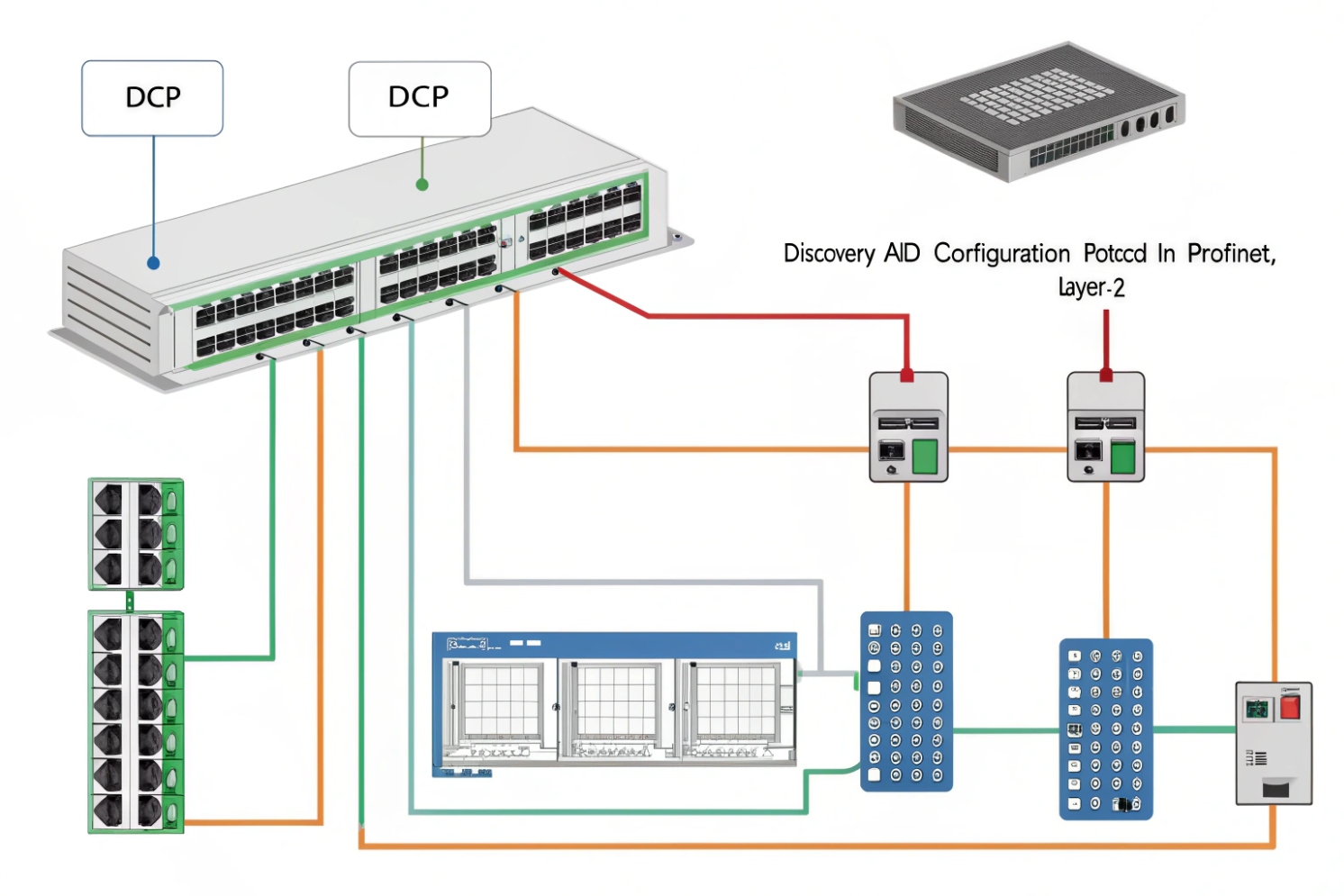
A three-letter acronym can waste days. One engineer says “DCP,” another hears “DHCP,” and the SIP phone still will not register.
In most networking conversations, “DCP” either means PROFINET Discovery and (Basic) Configuration Protocol at Layer 2, or it is a typo for DHCP. The right answer depends on the device family and the packets on the wire.
When “DCP” is real, it usually points to PROFINET, not VoIP
DCP in PROFINET: discovery and basic configuration on the local link
In industrial automation, DCP commonly refers to PROFINET Discovery and (Basic) Configuration Protocol 1. It lives at the Ethernet link layer. That means it is limited to the local segment and does not route across subnets. The purpose is very practical: find devices by MAC address, identify them, blink a locate LED, and write basic identity items such as the station name and IP parameters during commissioning.
The clue is the workflow. If the team is using an engineering tool like Siemens TIA Portal, and the task is “assign device name” or “set IP before the controller starts,” that is classic DCP territory. DCP is a setup and maintenance helper. It exists because many automation networks want deterministic behavior and do not want to depend on a DHCP service for initial naming.
Why the acronym causes confusion in IT and VoIP teams
In VoIP projects, Dynamic Host Configuration Protocol (DHCP) 2 is everywhere. It provides IP, gateway, DNS, and sometimes provisioning server info for phones and intercoms. So “DCP” often appears as a typo in tickets, chat logs, or emails. The confusion is even worse when the site is mixed-use: an industrial plant might run PROFINET in one VLAN and SIP intercoms in another. People see “DCP” in the plant documentation and assume it applies to phones.
The fastest way to stop guessing: look at the traffic
The clean approach is to verify what the device actually sends:
- If you see UDP 67/68 traffic with Discover/Offer/Request/Ack, that is DHCP.
- If you see PROFINET DCP frames at Layer 2, that is DCP and it stays local.
| Clue | Likely meaning | Where it shows up | Why it matters |
|---|---|---|---|
| “Assign device name,” “Accessible devices,” “blink LED” | PROFINET DCP | PLC / automation commissioning | Works only on the local segment |
| “IP address from server,” “Option 66/150,” “lease time” | DHCP | SIP phones, PCs, cameras | Needs a DHCP server and correct scope |
| “Works in one VLAN but not across router” | PROFINET DCP | Industrial VLANs | Not routable by design |
| “Phone gets IP but not provisioning” | DHCP options for provisioning 3 | VoIP VLANs | Wrong options break registration/provisioning |
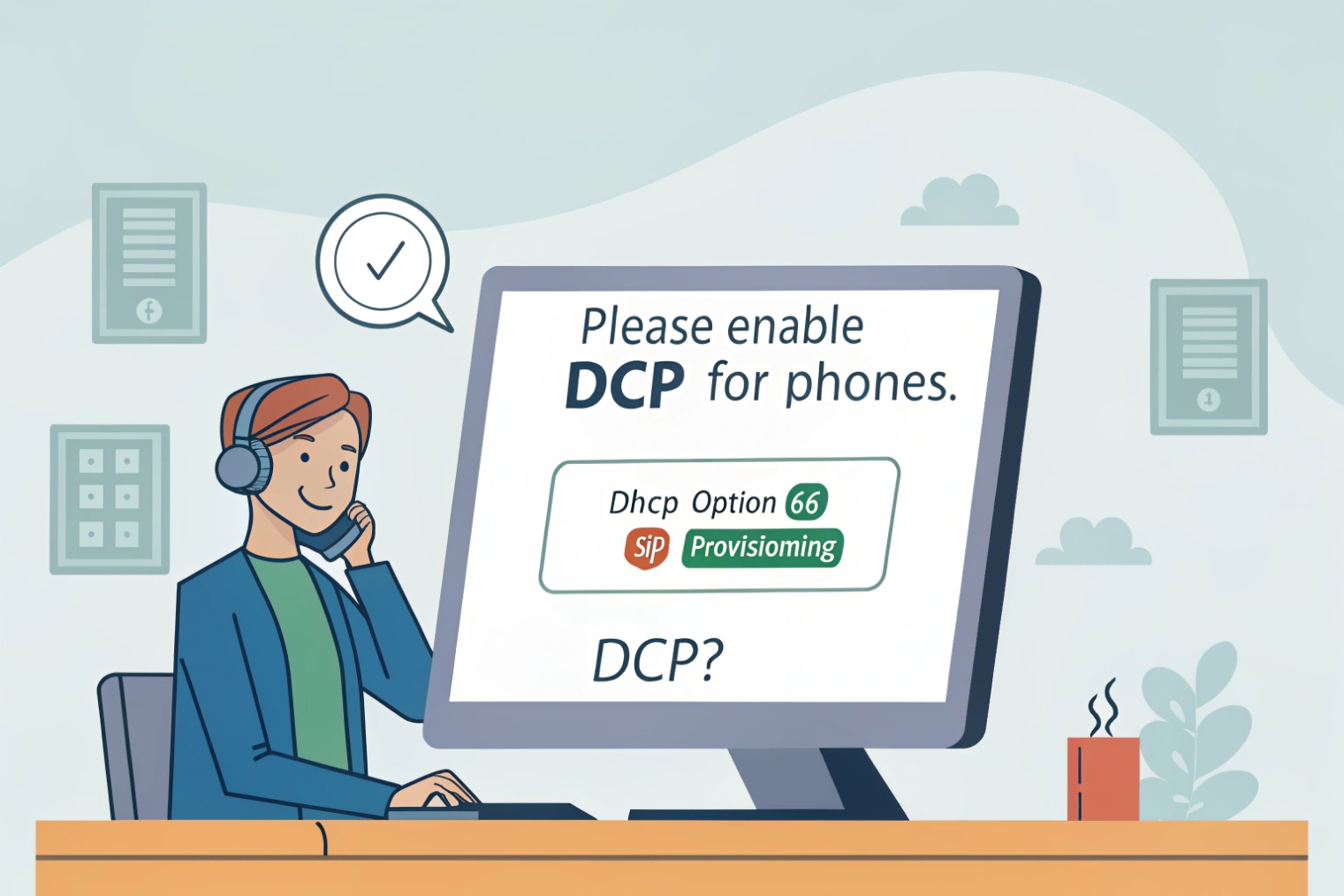
If the project mixes industrial and VoIP gear, I treat acronym verification as a first step, not a detail. It prevents the classic mistake: trying to “enable DCP” on a SIP phone, or trying to “route DCP” through a firewall.
Now the practical question usually follows right away: is the ticket really about DCP, or is it just DHCP spelled wrong?
Some issues look identical until the first packet capture.
Is DCP a typo for DHCP in VoIP setups?
When a SIP phone or intercom will not come online, people search for any clue. “DCP” often appears because it sounds close to DHCP, and both relate to getting an IP address.
In VoIP setups, “DCP” is very often a typo for DHCP. SIP endpoints almost always rely on DHCP for IP settings and sometimes for provisioning options, while PROFINET DCP is rare outside industrial automation networks.
Why DHCP is the default for SIP endpoints
Most SIP phones and intercoms support DHCP because it reduces manual configuration and keeps deployments consistent. DHCP provides:
- IP address, subnet mask, gateway
- DNS servers
- Optional provisioning hints (often TFTP/HTTP/HTTPS server addresses)
- Sometimes VLAN or vendor-specific settings, depending on the endpoint
In the field, “it boots but does not register” can still be a DHCP problem. The device might get an IP, but it might miss DNS, a default gateway, or the provisioning server location. That can stop it from finding the PBX or from loading the right config.
The common “DCP” mistake in mixed industrial sites
In plants, the IT team may hear “DCP” from the PLC team and assume it is a VoIP requirement. Then they start changing switch settings, enabling strange helper features, or looking for a “DCP server.” That wastes time. VoIP gear generally does not need PROFINET DCP. It needs clean DHCP, clean routing, and correct VLAN/QoS.
Quick checks that expose the typo
A simple checklist can confirm whether “DCP” really means DHCP:
- Does the device have a “DHCP On/Off” toggle in its menu or web UI?
- Does the switch show the device requesting an address (DHCP Discover)?
- Does the DHCP server show a lease being offered and accepted?
- Does the phone display a lease time, renewal time, or DHCP server IP?
| Symptom in a VoIP ticket | What it usually means | What to check first |
|---|---|---|
| “No IP address” | DHCP not working or wrong VLAN | DHCP scope, relay, VLAN tagging |
| “Has IP but no registration” | DNS/gateway/provisioning missing | DHCP options, gateway, DNS |
| “Intercom works on static IP only” | DHCP timing or relay issue | DHCP relay, switch ACL, lease behavior |
| “Works on bench, fails on site” | VLAN/QoS and DHCP scope mismatch | Voice VLAN, DHCP scope per VLAN |
If the endpoint is a SIP phone or SIP intercom, I assume “DCP” is a typo until proven otherwise. It is the safest default. The only time I switch the assumption is when the site is explicitly PROFINET-heavy and the commissioning tools mention DCP operations like station naming and “accessible devices.”
Once the typo risk is handled, it still helps to map the acronym landscape. “DCP” is real in several technical domains, and that can confuse even experienced teams.
What protocols use the DCP acronym in industrial networks?
Industrial networking loves short names. The same acronym can mean very different things across automation, telecom, and software systems. That is why “DCP” needs context every time.
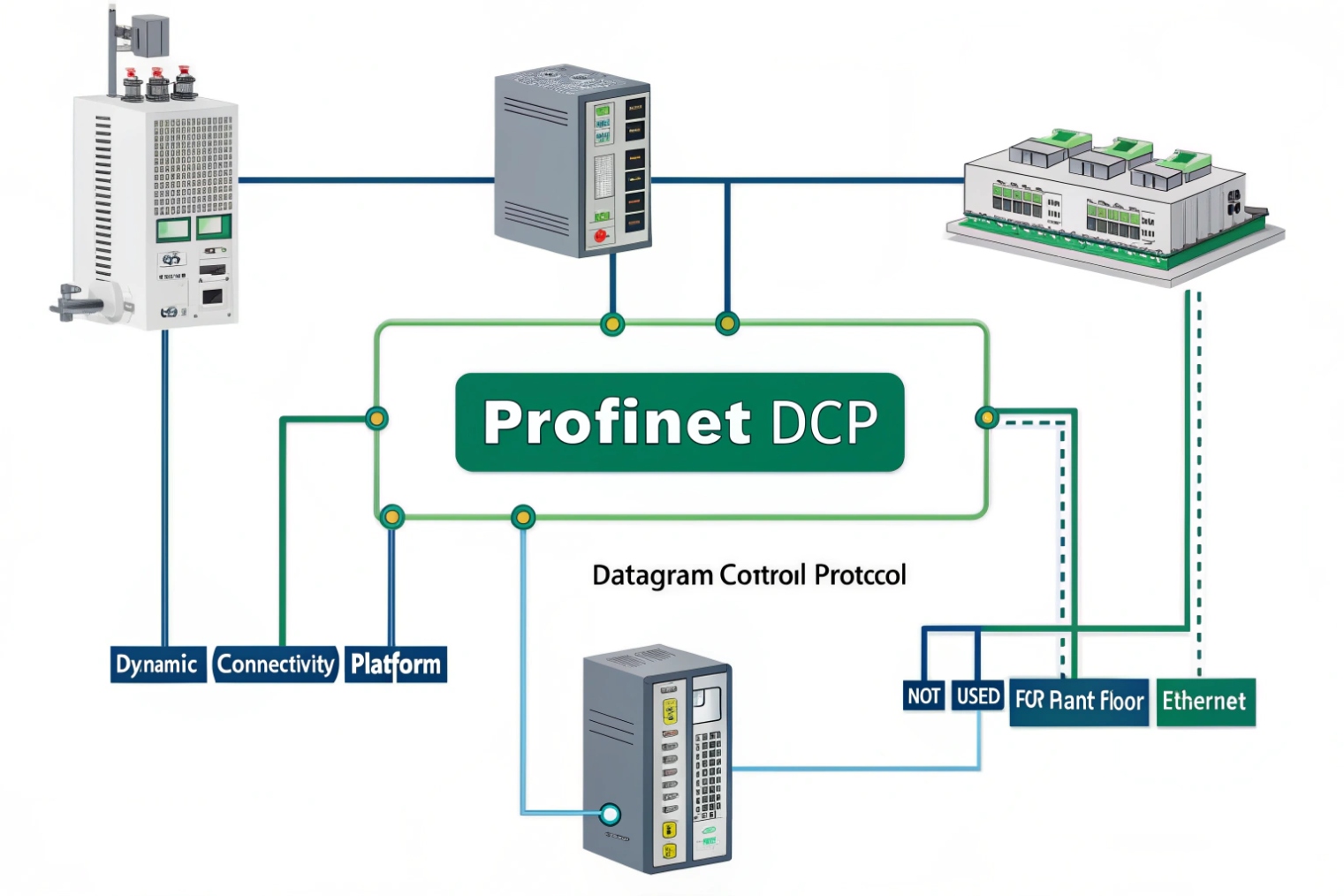
In industrial networks, DCP most commonly means PROFINET Discovery and (Basic) Configuration Protocol. Other “DCP” meanings exist, but they are usually unrelated to plant Ethernet commissioning and can mislead troubleshooting.
The mainstream industrial meaning: PROFINET DCP
PROFINET DCP is used for discovering and configuring devices at Layer 2. It supports actions that field engineers actually use:
- Identify device on the wire
- Read device information (vendor, name, role)
- Assign “Name of Station”
- Set IP parameters in some workflows
- Trigger locate functions (blink/flash)
This works well on a commissioning laptop connected to the same switch. It fails across routed boundaries by design. That is not a bug. It is part of the safety and determinism story in many automation architectures.
Other “DCP” meanings that show up in searches
A few other protocols use “DCP” in their name, but they often belong to different worlds:
- Datagram Control/ Congestion-control related drafts in older IETF history (often confused with DCCP)
- Distributed Co-Simulation Protocol in simulation environments
- Database Change Protocol in some database ecosystems
- Embedded Device Configuration Protocol in niche contexts
These can appear in web searches and mislead teams who are just trying to configure an industrial device or a SIP endpoint. The practical rule is to look at the vendor domain. If the vendor speaks PROFINET, DCP is likely PROFINET DCP.
Security and operational impact
Because DCP can set device identity items on the local segment, it can be abused if the network is flat. That is why segmentation matters. When industrial and IT/VoIP share infrastructure, I prefer clear VLAN boundaries and strict switch policy. Keep commissioning tools where they belong, and keep office devices from sending industrial configuration frames by accident.
| “DCP” acronym meaning | Typical environment | Transport layer | How to recognize it |
|---|---|---|---|
| PROFINET DCP | PLC / automation commissioning | Ethernet Layer 2 | Engineering tools, station naming |
| IETF “DCP” drafts | Research/history | IP transport design | Documents, not device config UIs |
| Distributed Co-Simulation Protocol | Simulation labs | Software-level protocol | Modeling tools, not switches |
| Database Change Protocol | Databases | Application protocol | Replication streams |
In industrial networks, the safe assumption is simple: if the device is PROFINET-capable, DCP is PROFINET DCP. If the device is a SIP endpoint, “DCP” is almost never relevant.
The next step is turning that assumption into proof by checking what the device supports and what it emits on the network.
How do I confirm whether a device supports DCP or DHCP?
The cleanest troubleshooting is evidence-based. Acronyms lie. Packets do not.
Confirm support by checking the device UI and datasheet, then verify on the wire: DHCP devices emit UDP Discover/Request traffic, while PROFINET DCP devices respond to link-layer discovery and configuration frames on the local segment.
Step 1: Check the device’s own configuration surfaces
Start with what the device exposes:
- Web UI: look for “DHCP enable,” “Static IP,” “Lease,” “Option,” “Provisioning server”
- Industrial interface: look for “PROFINET device name,” “Name of Station,” “DCP enable,” “DCP write protection”
- Manual/datasheet: look for “PROFINET,” “PNIO,” “DCP,” or “DHCP client”
If the device is a SIP intercom, the UI almost always talks about DHCP, static IP, and sometimes LLDP. If the device is a PROFINET IO device, the UI often includes station naming and engineering tool flows.
Step 2: Observe traffic with a SPAN port or a tap
This is the decisive test. Use switch port mirroring (SPAN) 4 to mirror the switch port and capture with a packet capture in Wireshark 5:
- DHCP shows as BOOTP/DHCP in many analyzers.
- PROFINET DCP shows up as PROFINET DCP and is easy to filter once you know the name.
A short capture during boot is enough. Most endpoints request an address right away. If nothing appears, that also tells you something: the device may be static, or it may be on the wrong VLAN, or the port may be blocked.
Step 3: Validate the network side
For DHCP:
- Confirm the correct scope exists for the VLAN.
- Confirm DHCP relay is configured if the server is not local.
- Confirm no ACL blocks UDP 67/68.
For DCP (PROFINET):
- Confirm you are on the same Layer 2 segment.
- Confirm PROFINET is not filtered on the switch.
- Confirm commissioning tools are connected to the correct VLAN.
| Verification method | DCP result | DHCP result | What to do next |
|---|---|---|---|
| Device UI | Mentions PROFINET name, DCP | Mentions DHCP lease, options | Follow that stack, not guesses |
| Packet capture at boot | PROFINET DCP frames | DHCP Discover/Offer | Fix VLAN, relay, or L2 reachability |
| Server logs | Not relevant | Lease offers/acks visible | Fix scope, options, or relay |
| Cross-subnet test | Fails by design | Works with relay | Do not try to “route DCP” |
This confirmation step is where many VoIP tickets get resolved fast. A SIP endpoint that never sends DHCP is not a “PBX problem.” A PROFINET device that needs DCP naming is not a “DHCP scope problem.”
Once the protocol is identified, the last question is what it means for SIP phones and intercoms. That is where teams connect the dots between address assignment and real service behavior.
How does DCP (or DHCP) affect SIP phones and intercoms?
A SIP endpoint can “look alive” and still fail. It might have link, it might have an IP, and it still cannot register or pass audio. Addressing and provisioning are the first dominoes.
DHCP directly affects SIP phones and intercoms by providing IP settings and sometimes provisioning server details. PROFINET DCP usually does not apply to SIP endpoints, except in mixed industrial networks where segmentation and commissioning traffic can impact the LAN.
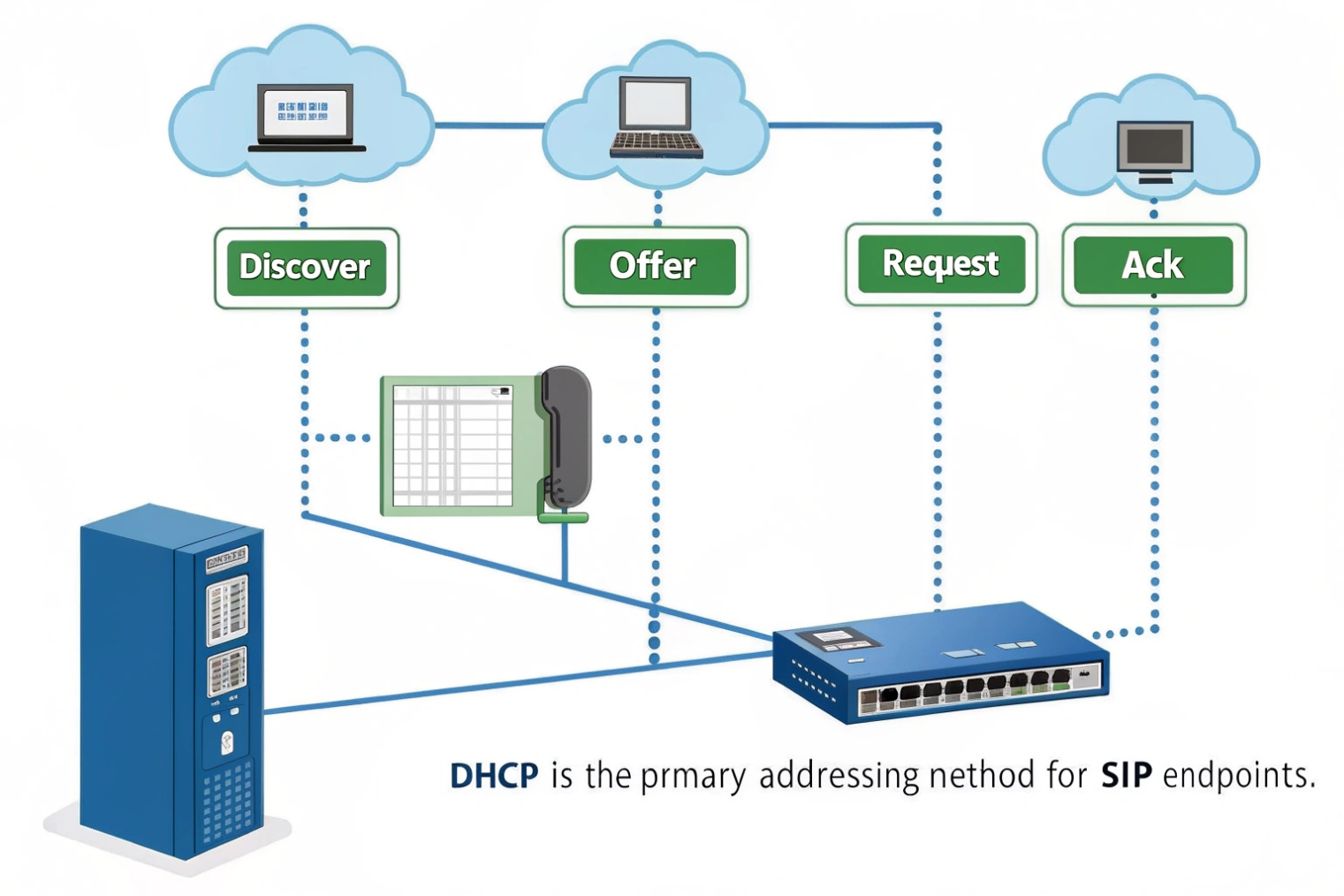
DHCP: IP reachability, provisioning, and consistent rollout
For SIP devices, DHCP controls basic reachability:
- Wrong gateway blocks registration to an off-subnet PBX.
- Wrong DNS breaks FQDN-based registrar domains.
- Wrong subnet mask causes odd ARP behavior and intermittent reachability.
DHCP also drives provisioning in many ecosystems. Options can point devices to TFTP/HTTP provisioning servers, firmware URLs, or vendor-specific config locations. In some ecosystems, DHCP Option 150 6 is used to supply TFTP server addresses. If these options are missing or wrong, a phone might stay on factory defaults and register to nothing. In intercom deployments, provisioning is often the difference between one device working and a hundred devices working.
DCP: mostly irrelevant to SIP endpoints, but relevant to network boundaries
PROFINET DCP does not replace DHCP for VoIP devices. Still, DCP can matter indirectly in shared infrastructure:
- If VoIP and PROFINET share the same broadcast domain, DCP traffic and commissioning operations can create operational risk.
- If someone runs a DCP tool on the wrong VLAN, they can rename or readdress industrial nodes.
- If switches are configured with special industrial policies, it can affect multicast handling and VLAN layouts.
So the best practice is separation: keep industrial commissioning protocols in the industrial segment. Keep VoIP endpoints in a voice VLAN with correct QoS and clean DHCP.
A practical troubleshooting flow for SIP endpoints
When SIP phones or intercoms fail, a tight order prevents confusion:
1) Confirm DHCP lease and correct gateway/DNS.
2) Confirm provisioning completes (device pulls config).
3) Confirm SIP registration 7 (401/200 flow looks right).
4) Confirm RTP path and firewall rules.
Addressing is step one because every later step depends on it.
| VoIP symptom | DHCP-related cause | Fast fix |
|---|---|---|
| Phone has no IP | No DHCP scope or wrong VLAN | Fix scope, VLAN, relay |
| Phone has IP, cannot register | Wrong gateway/DNS | Fix DHCP options for router/DNS |
| Phone registers, wrong config | Provisioning option missing | Add correct provisioning option |
| Intercom works local only | PBX off-subnet, gateway wrong | Correct gateway in DHCP |
In mixed industrial sites, the most stable pattern is simple: PROFINET uses its own commissioning tools and local-segment rules, while SIP endpoints rely on clean DHCP and predictable routing. When these two worlds are separated well, the acronym problem disappears.
Conclusion
“DCP” usually means PROFINET discovery/configuration at Layer 2, or it is a typo for DHCP in VoIP. Verify by UI and packet capture, then fix addressing before SIP troubleshooting.
Footnotes
-
Learn how PROFINET DCP is used for device discovery and basic configuration during commissioning. ↩ ↩
-
Defines DHCP message flow and lease behavior for IP address assignment. ↩ ↩
-
Lists standard DHCP option codes, including Option 66, used for provisioning and boot parameters. ↩ ↩
-
Shows how to configure SPAN port mirroring to capture switch traffic safely. ↩ ↩
-
Quick guide to capturing and saving packets with Wireshark for troubleshooting. ↩ ↩
-
Explains Cisco’s use of DHCP Option 150 for TFTP/provisioning in IP device deployments. ↩ ↩
-
Authoritative SIP spec describing REGISTER flows and response codes used during registration. ↩ ↩








