
Customers hate long hold times and confusing menus. A bad IVR feels like a maze. A well-designed IVR 1 feels like a fast, smart front desk that is always available.
Interactive Voice Response (IVR) is an automated phone system that answers calls, plays prompts, and collects input with speech or DTMF. It can authenticate callers, route them to the right queue, or complete tasks end-to-end without an agent.
In my daily work with SIP PBX platforms, IP phones, and SIP intercoms 2, IVR is the brain that sits between the phone network and business systems. It plays announcements, guides callers through menu trees, listens for input, and talks to back-end systems over APIs. Modern IVRs are no longer just “press 1, press 2” trees. They use ASR for speech input, TTS for dynamic prompts, and dialog logic that feels close to a simple voice bot. When we design them well, they cut cost, reduce pressure on agents, and still give callers a human-friendly experience.
How do I design an IVR that reduces AWT?
Average Wait Time (AWT) 3 is one of the first numbers managers watch. If the IVR is slow or confusing, callers get stuck, hang up, or flood agents with repeated calls.
To reduce AWT, the IVR must solve common tasks in self-service, route callers correctly on the first try, use short prompts and shallow menus, support barge-in, and offer quick access to an agent when needed.
Start with the right goals and metrics
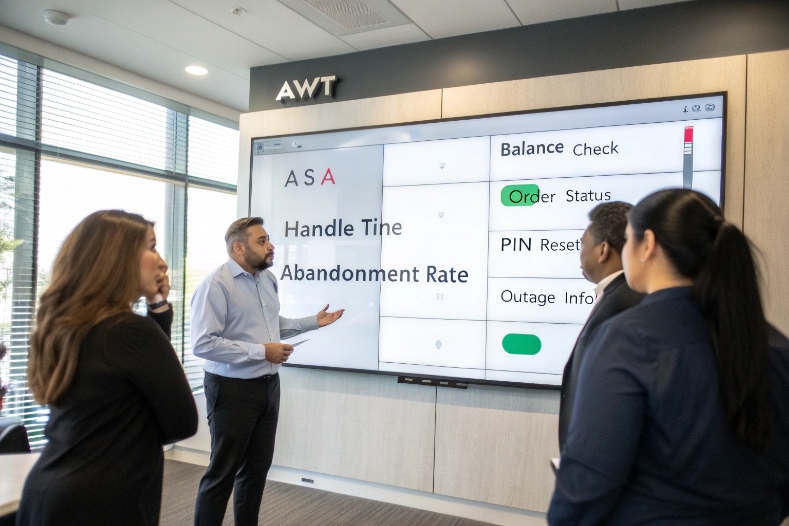
Before drawing any IVR menu, it helps to be clear about what you want to reduce. AWT sits beside other metrics like Average Speed of Answer (ASA), handle time, and abandonment. If the IVR only plays long marketing messages and does not solve tasks, AWT will not move in the right direction. So the first step is to list the top reasons why people call: balance checks, order status, PIN reset, opening hours, outage info, and so on. These are the tasks that must move to self-service.
Once you have these tasks, map them to clear outcomes. For example, “caller hears their current balance and hangs up” is a success. “Caller gets stuck in menus and presses zero many times” is not. When the IVR design is tied to these outcomes, every prompt and every branch has a purpose. This is also where you decide targets for menu depth, maximum prompt length, and retry logic. A simple rule that works well is one idea per prompt, and no more than three menu levels from entry to any main task.
Long menu trees kill AWT. Callers spend time listening, they forget options, and they often choose the wrong path. So menu design 4 needs to be simple:
- Use clear, task-based language: “Check order status” instead of “For logistics”.
- Put the most used options first.
- Limit each menu to 3–5 choices.
- Avoid deep submenus. If you can, keep most tasks within two levels.
Barge-in is also key. With barge-in, the caller can press a key or speak an option while the prompt is still playing. This cuts seconds from each step. In real deployments, barge-in plus shorter prompts can remove 10–20 seconds from many calls.
You can think about design choices like this:
| Design choice | Impact on AWT |
|---|---|
| Long, multi-sentence prompts | Higher AWT, more impatience |
| Short, action-first prompts | Lower AWT, faster choices |
| Deep menus (4+ levels) | Confusion, wrong routing |
| Shallow menus (≤2 levels) | Faster routing, fewer errors |
| No barge-in | Wasted “dead time” while prompts play |
| Barge-in on speech and DTMF | Faster interactions, lower AWT |
When IVR serves SIP intercoms or emergency phones, this becomes even more important. In an alarm situation, the caller should reach “emergency” or “security” in one or two steps at most.
Use smart routing and data dips
AWT drops when calls land in the right queue the first time. To do this, IVR must use the data it already has. Typical examples:
- If the caller is dialing from a known number, do an automatic account lookup.
- If the IVR already knows the language preference, skip language selection.
- If CRM shows an open ticket or an unpaid invoice, offer that context first.
This needs integration to CRM or other systems through APIs or database “data dips”. The IVR takes the caller ID or an entered account number, calls an HTTP API, and then chooses the right menu or queue based on the response. When done right, callers go directly to the best-skilled agent or complete tasks without an agent at all.
Balance self-service and fast agent access
A pure self-service IVR can reduce AWT on paper, but if it hides agents, callers get angry, and repeat calls go up. Good IVR design always offers a clear, fast way to reach a person. A simple pattern is:
- Offer a few top self-service tasks in the first menu.
- Mention that “You can say ‘agent’ at any time to talk to a person.”
- Use skill-based routing so that agents see why the caller is here.
In some projects, we also add callback options when queues are long. The IVR collects a callback number, saves the position in the queue, and calls back when an agent is free. This does not remove all waiting, but it moves that waiting off the live call and improves perceived AWT.
What’s the difference between IVR and auto attendant?
Many people use “IVR” and “auto attendant” as if they mean the same thing. In small offices this is common, because the phone system usually only has a simple front menu.
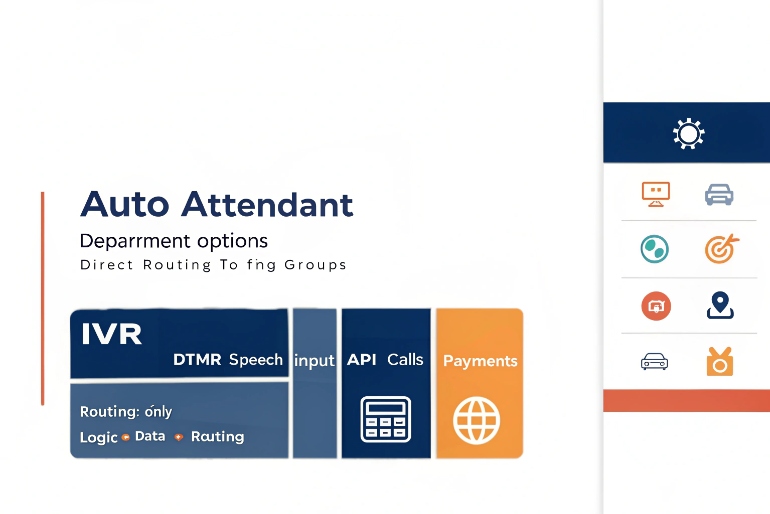
An auto attendant is a basic call routing menu that answers and forwards calls, while an IVR is a richer system that also collects data, runs business logic, and completes tasks like payments or account queries.
Functional differences
An auto attendant 5 is like a virtual receptionist. It usually offers a flat menu:
- “Press 1 for sales”
- “Press 2 for support”
- “Press 3 for accounts”
After the caller makes a choice, the call is sent to an extension, ring group, or queue. The auto attendant itself does not talk to databases, it does not do transactions, and it does not keep state beyond the basic menu.
An IVR does more. It can:
- Play pre-recorded or TTS prompts.
- Accept DTMF and speech input.
- Call APIs or databases to fetch data.
- Update records, process payments, schedule appointments.
- Use conditions and variables to change the flow.
So IVR is a full application layer, while an auto attendant is more like a static routing table with a voice front end.
Typical use cases
You can see the difference clearly in use cases:
| Scenario | Better fit | Why |
|---|---|---|
| Small office, 3 departments | Auto attendant | Simple routing, low complexity |
| Bank balance check and card payment | IVR | Needs secure data access and transactions |
| Campus main line routing | Auto attendant | Many destination groups, simple choices |
| Utility outage info and meter reading | IVR | Needs dynamic info and input capture |
| Emergency hotline with triage | IVR | Needs careful logic and context |
In many systems, both are present. The auto attendant handles the main company number. The IVR handles specialized lines like billing, premium support, or service hotlines.
How they fit into SIP and IP telephony
On SIP PBX platforms that work with IP phones, SIP intercoms, and SIP gateways, the auto attendant and IVR are usually just different applications on the same call control engine. A call from a DJSlink SIP intercom can land on an auto attendant for simple routing, or on an IVR if you need to collect details, log the incident, and maybe open a ticket.
From the point of view of the device, the difference is small. It still sends SIP, receives RTP audio, and plays prompts. But from the business point of view, the difference is large, because IVR gives you more control over the full call flow and data.
Can I integrate IVR with CRM and APIs?
Without integration, IVR feels cold and generic. Callers must repeat account numbers and explain their situation from scratch. With integration, the system can greet them by name and solve their problem faster.
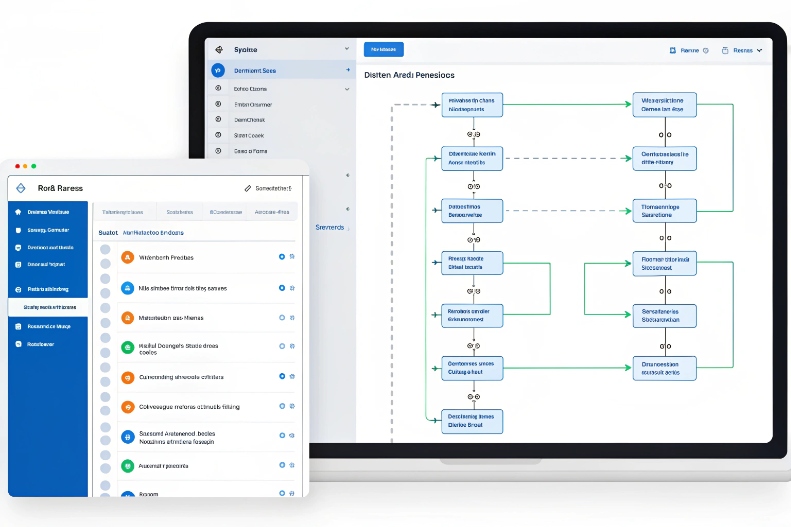
Yes, modern IVRs are built for integration. They connect to CRM, ticketing, billing, and other systems through APIs or webhooks to personalize prompts, fetch real-time data, and complete transactions end-to-end.
Why integration matters
When IVR can see the same data as agents, many simple calls never reach the queue. A caller can:
- Hear their current balance or invoice status.
- Get order tracking information.
- Change an appointment.
- Confirm a one-time password.
- Pay with a card using secure DTMF masking.
All of these actions need real-time access to back-end systems. Integration is the bridge. It is also important for agents, because IVR can send context to the desktop when a transfer happens. The agent sees the menu path, the inputs the caller gave, and maybe even the result of earlier API calls. That reduces repeat questions and shortens handle time.
Common integration patterns
Here are some common ways IVR talks to other systems:
| Pattern | How it works | Example use case |
|---|---|---|
| Synchronous API call | IVR sends REST/HTTP request, waits for JSON/XML response | Balance check, order status |
| Asynchronous webhook | IVR posts event, back-end processes and pushes later update | Ticket creation, workflow triggers |
| Database query | IVR uses direct DB access through a secure middleware layer | Simple lookups inside private network |
| Message queue | IVR publishes events to a queue or bus | Analytics, reporting, real-time dashboards |
In many setups, the IVR platform has built-in connectors for popular CRMs. In others, a small middleware layer receives simple HTTP calls from the IVR and then talks to more complex internal services. The key is to keep IVR flows simple and let back-end systems handle heavy business rules.
Security and compliance
Once IVR starts to move real data, security is critical. A few basic rules:
- Use TLS for all API traffic.
- Use strong authentication (tokens, client certificates).
- Do not log sensitive data such as full card numbers or passwords in IVR logs.
- Use DTMF masking for PCI-DSS–compliant payment capture 6.
- Anonymize or redact personal data in transcripts if calls are recorded and passed to ASR.
When we work with partners in banking, healthcare, and public safety, these topics are always part of the early design, not an afterthought. It is easier to build security in than to patch it later.
How do I track IVR containment rates?
You cannot improve what you cannot see. Many teams build an IVR, then look only at total calls and average handle time. They do not know how many callers the IVR really helps.
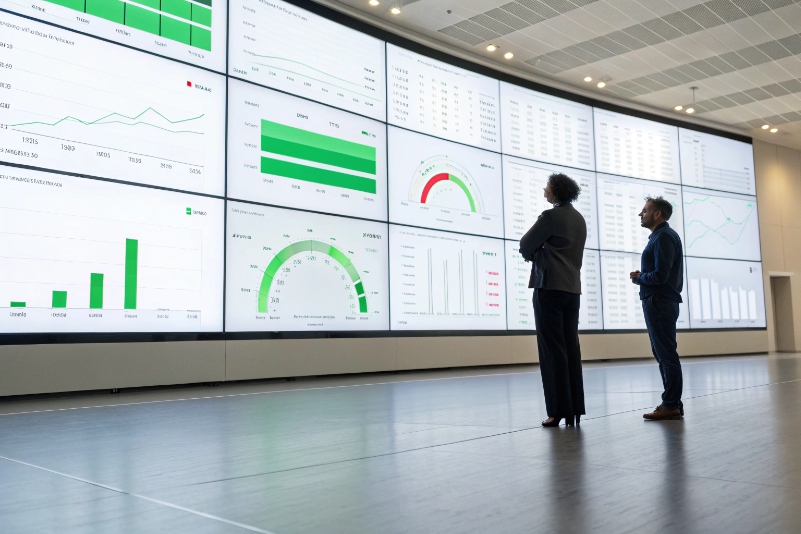
You track IVR containment by defining what “self-service success” means, logging caller journeys and outcomes, and measuring the share of IVR calls that finish without agent help against total IVR traffic.
In practice, IVR containment 7 is usually expressed as the percentage of calls fully solved in self-service.
Define what “contained” means for your business
“Containment” sounds simple, but it must match your real goals. For most contact centers, a call is “contained” when:
- The caller reaches the IVR.
- The IVR solves the request fully.
- The call ends without transfer to an agent.
But there are edge cases. For example, a caller who hangs up during a payment flow is not a success, even though there was no agent. A caller who listens to outage information and then still chooses to speak to someone might be counted differently by different teams.
So the first step is to define clear rules. For each key intent, write what a successful, contained path looks like. Then mark those end states in the IVR flow as “self-service success”.
Log the right events
To compute containment, you need detailed, structured logs. At minimum, log:
- Call ID and caller entry time.
- Each menu visited and option chosen.
- Any account numbers or IDs entered (masked where needed).
- Any calls made to back-end systems, with success or failure status.
- The final outcome: self-service success, transfer, hang-up in IVR, error.
These events can be stored in a database or pushed into a data warehouse or analytics tool. They can be linked with call detail records (CDRs) from your SIP PBX so that you see the full journey from SIP signaling to IVR flow to agent queue.
Build and use containment metrics
Once the data is in place, you can compute simple but powerful KPIs:
| Metric | Formula | What it tells you |
|---|---|---|
| IVR containment rate | Contained calls / total IVR calls | How many calls IVR handles end-to-end |
| IVR transfer rate | Calls transferred to agents / total IVR calls | How many calls still need human help |
| IVR abandonment rate | Calls that drop in IVR / total IVR calls | Where frustration or confusion may occur |
| Average IVR time per call | Total IVR time / total IVR calls | How long callers spend in self-service |
| Task-level success rate | Successful completions / attempts for a specific intent | Which self-service flows work well or need redesign |
To make these numbers useful, break them down by entry point, language, device type, and time of day. A SIP intercom at a parking gate might have different behavior from a toll-free customer hotline. If you see high abandonment on one specific step, listen to call recordings or watch transcripts for that part of the flow and adjust prompts or logic.
Over time, you can run A/B tests in the IVR: two versions of a menu or prompt, with different wording or order of options. By tracking how each version affects containment and transfer, you shape an IVR that is fast, clear, and aligned with what callers really want.
Conclusion
IVR is more than a “press 1” robot. With clear design, smart integration, and good measurement, it cuts AWT, boosts self-service, and still keeps a human path open when it really matters.
Footnotes
-
Overview of IVR systems and how a good design improves caller experience. ↩ ↩
-
Explanation of IP PBX systems and how they connect IP phones to the PSTN. ↩ ↩
-
Guide to understanding and calculating Average Wait Time in contact centers. ↩ ↩
-
Article outlining IVR menu design best practices for clearer, faster self-service. ↩ ↩
-
Introduction to auto attendants and how they route calls without a human receptionist. ↩ ↩
-
Overview of DTMF masking techniques for secure, PCI-DSS–compliant payment processing by phone. ↩ ↩
-
Practical tips for measuring and improving IVR containment rates in contact centers. ↩ ↩








