
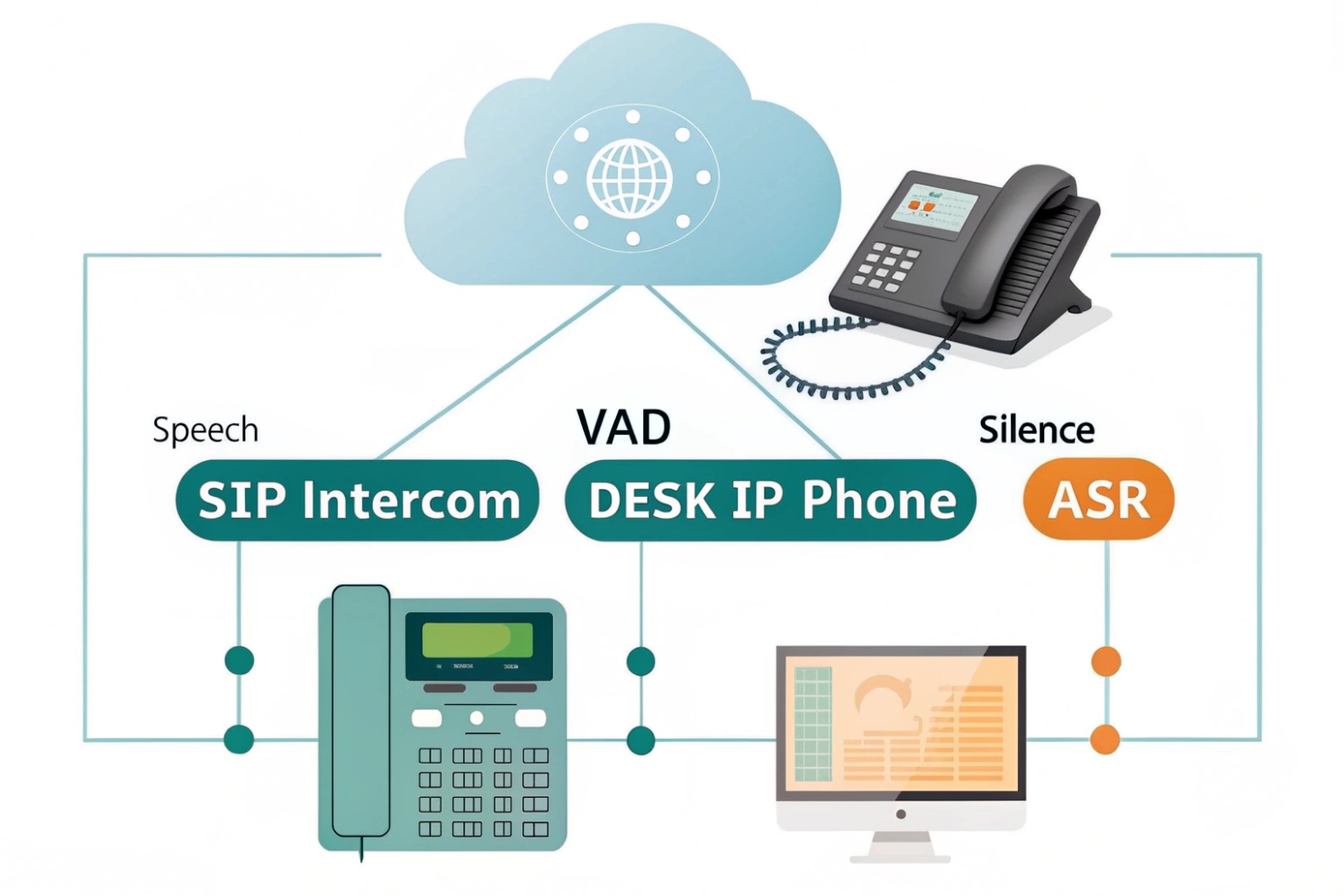
You deploy VoIP or SIP intercoms, but calls sound choppy and bandwidth keeps growing. Something is wrong with how your system decides when someone is really speaking.
Voice Activity Detection (VAD) is a small algorithm that marks each audio frame as speech or not. It lets phones, intercoms, and ASR engines skip silence, save bandwidth, and react faster while keeping speech intelligible.
VAD runs on tiny audio frames, often 10–30 ms long. It measures energy, zero-crossing rate, and band energies, then decides “voice” or “no voice”. Once that simple flag exists, everything in the chain can behave smarter: codecs can stop sending silent packets, ASR can stop billing for empty audio, and TTS pipelines can cut dead air so turn-taking feels natural. In SIP intercoms and emergency phones, this small decision often decides if the person on the other side hears a clear “Help” or only “elp”.
How does VAD reduce bandwidth and silence?
In most IP voice projects, you still pay for packets even when nobody talks. Long pauses in calls waste bandwidth and make conversations feel dead and awkward.
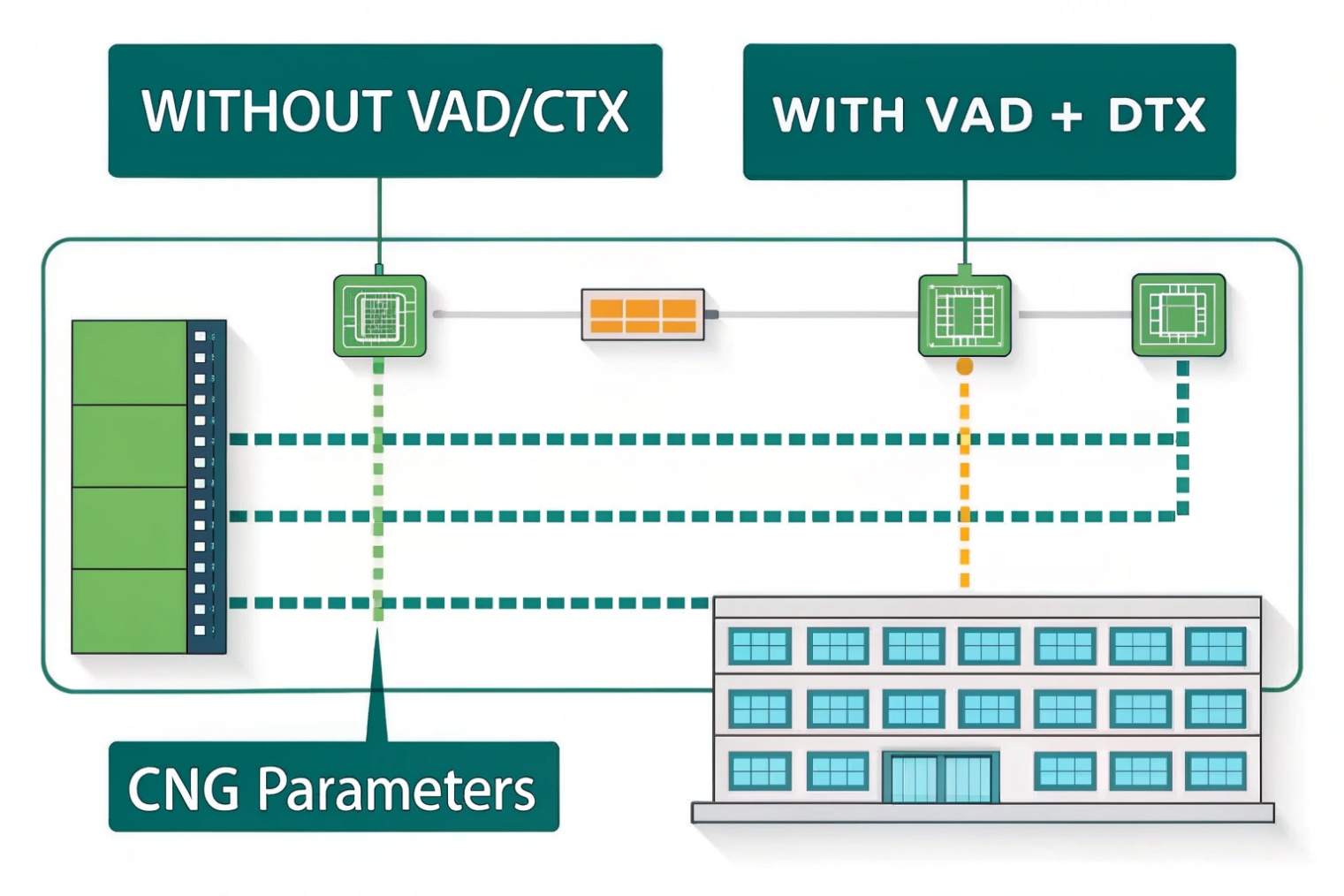
VAD reduces bandwidth by marking non-speech frames so the encoder can switch to discontinuous transmission (DTX). During silence, it sends only low-bitrate comfort-noise (CNG) parameters instead of full voice frames, so the link carries far fewer bits.
What VAD actually looks at
VAD does not “understand” words. It just looks at simple features for each short frame:
- Overall energy in the frame
- Energy in low and high bands
- Zero-crossing rate (how often the waveform crosses zero)
- Sometimes spectral shape or basic noise estimates
Older telephony standards like G.729 Annex B use these features in a light classifier. Newer systems may feed richer features into a small neural model, but the idea stays the same: decide if this frame is likely human speech or not.
Frames that look like speech get a “1”. Frames that look like noise or silence get a “0”. This bit then drives downstream logic.
From continuous audio to DTX and CNG
Once the encoder sees a run of “0” frames, it can enter discontinuous transmission:
- The codec stops sending full speech frames
- It may send only comfort-noise packets every so often
- The far end re-creates a soft background hiss instead of absolute silence
This flow often looks like this:
| Stage | What it does | Typical timing |
|---|---|---|
| VAD | Marks frames as speech / non-speech | Every 10–30 ms frame |
| DTX decision | Checks if enough non-speech has arrived | After ~100–200 ms |
| CNG encoder | Sends small noise description packets | Every few hundred ms |
| CNG decoder | Plays synthetic background noise | Continuous during pauses |
In VoIP, this saves bandwidth on access links, carrier trunks, and even CPU on SBCs. In mobile networks, it also helps battery life, because the radio does not need to push full voice frames during long pauses.
At the same time, comfort noise prevents users from thinking the line is dead. So VAD not only saves bits, it also shapes silence into something more natural.
Why does VAD sometimes clip my first syllables?
You start a sentence and hear only “ello” instead of “hello”. Or the first word of an alarm message sounds cut. Users complain, but logs show “good” MOS scores and no obvious packet loss.
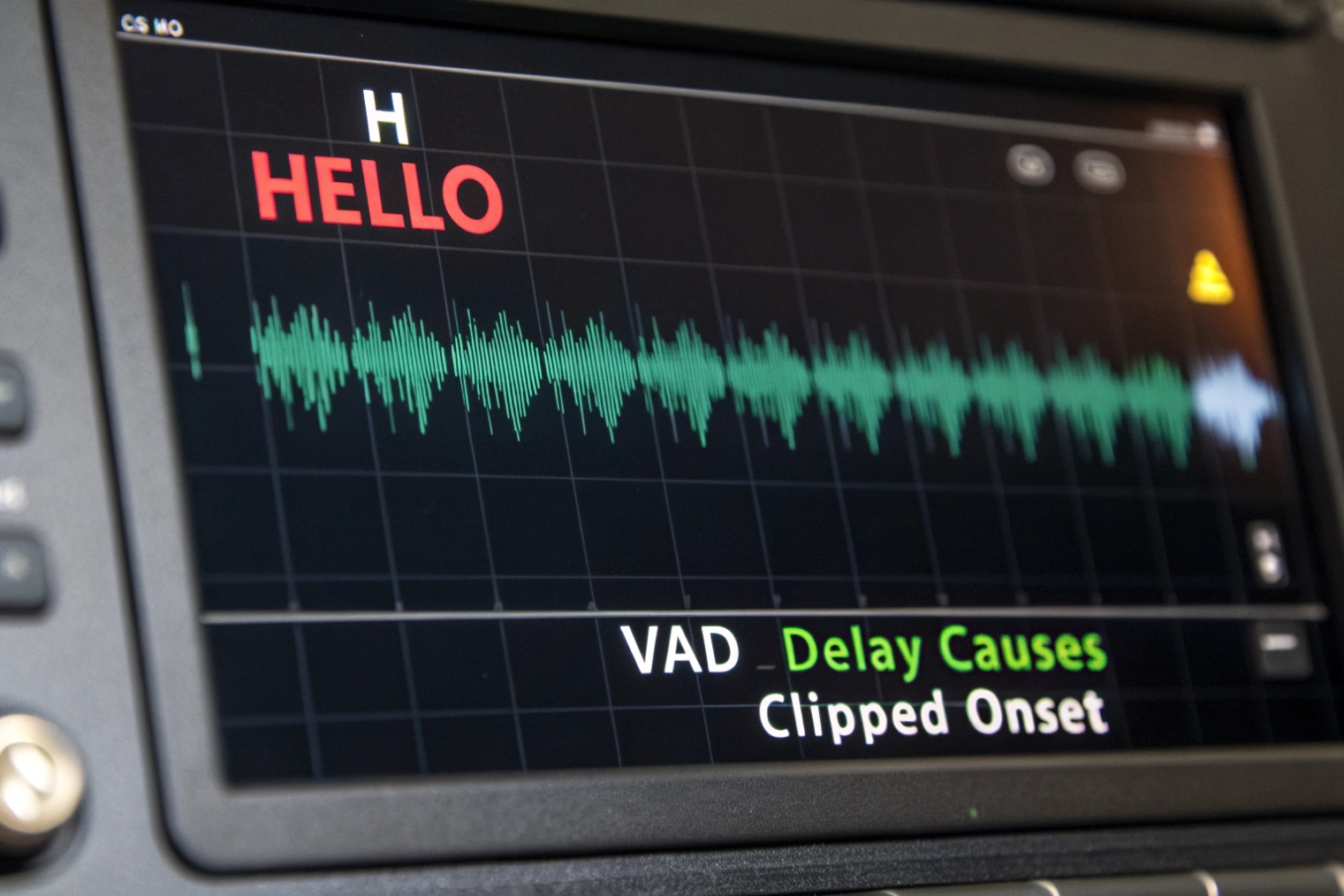
VAD often clips first syllables because it needs a few frames to decide that speech has started. If your thresholds are strict or your pre-roll is short, those early frames get marked as silence and dropped.
The first-frame problem
Most VAD logic does not trust a single frame. It waits for several frames that look like speech in a row. This protects against short noise bursts, but it introduces a small start delay.
A simple chain often looks like this:
- First soft consonant hits the mic
- VAD sees low energy and thinks “maybe noise”
- A few frames later, vowels raise the energy
- Only now does VAD flip to “speech”
If the system does not buffer and replay a bit of audio before the VAD trigger, those first frames are gone. On the wire or in your WAV files, your “hello” becomes “llo”.
This effect is worse when:
- The speaker is far from the mic
- There is strong background noise, so the SNR is low
- AGC (automatic gain control) ramps up slowly
- The person starts talking while still moving the handset or headset
System-level causes you should check
VAD is often not alone. It sits between many blocks. Small mistakes in this chain also cause clipping.
Common patterns I see:
| Symptom | Likely cause | Quick check |
|---|---|---|
| First word always cut on inbound SIP | VAD runs on media after jitter buffer cutoff | Capture RTP, check timestamps vs audio file |
| Only soft speakers get clipped | Energy threshold set too high | Lower VAD mode or threshold, retest |
| Start is fine on LAN, bad via carrier | Transcoding changed level or noise profile | Test each codec path separately |
| ASR text misses first 1–2 words | Cloud VAD or endpointing has no pre-roll | Enable pre-roll or send a bit more audio |
In one metro intercom project, an aggressive VAD profile plus a tight jitter buffer turned “Help, I am stuck in the lift” into “elp, I am stuck…”. Once we logged frame-level VAD decisions and added 200 ms pre-roll, the problem vanished without increasing bandwidth much.
So when you hear clipped onsets, look at VAD thresholds, hangover, and pre-roll. Also check where in the chain VAD sits and how much audio the system discards before VAD has a chance to decide.
Which settings balance sensitivity and accuracy?
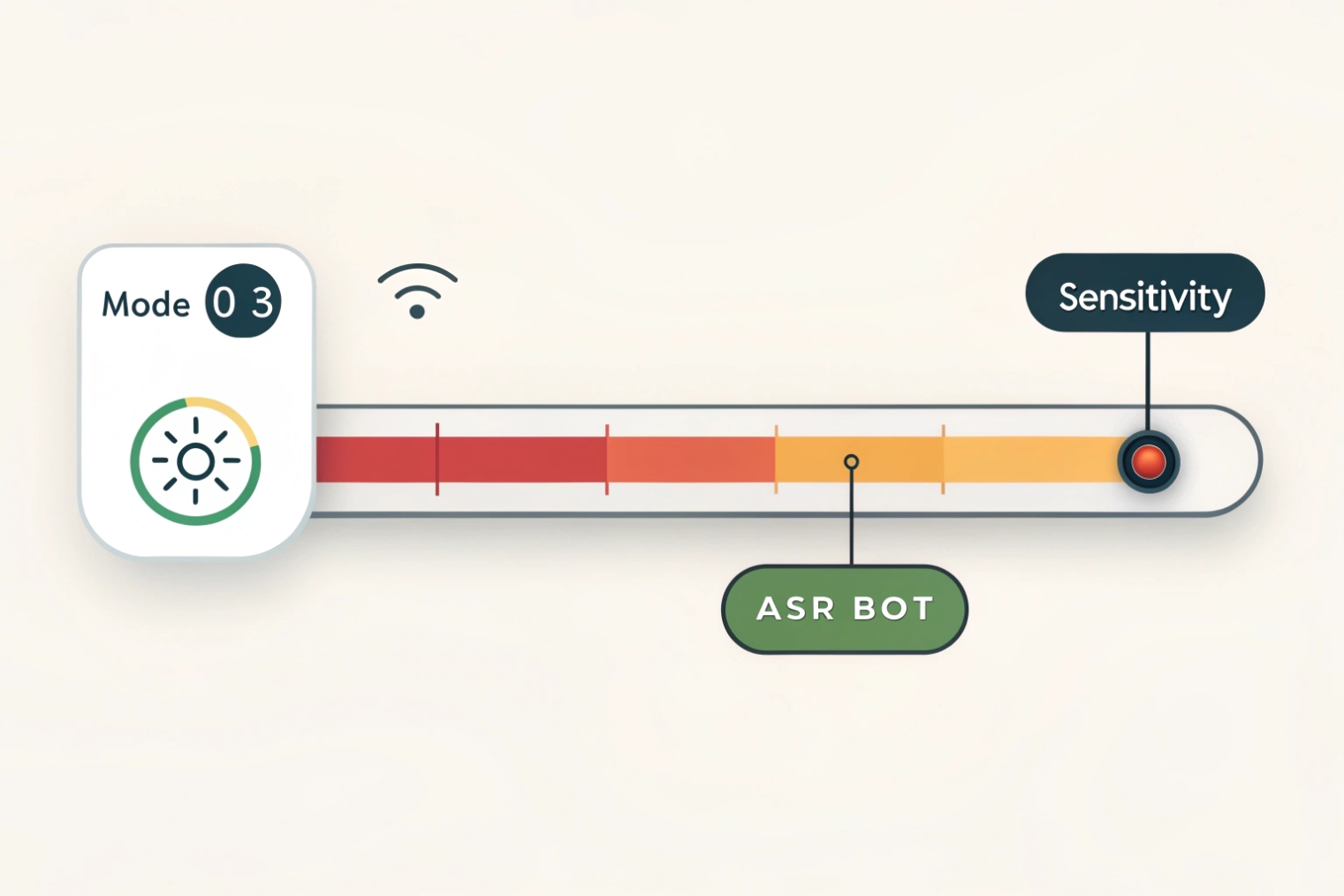
Every VAD has a few sliders or config values. They may show up as “aggressiveness”, “sensitivity”, “hangover”, or as modes 0–3 like in WebRTC. It is not always clear how to pick them.
You usually get the best balance by choosing a mid-level aggressiveness, adding 100–300 ms hangover after speech ends, and keeping a small pre-roll at the start so early consonants are not lost.
The knobs you usually control
Even simple VAD implementations expose some version of these settings:
- Aggressiveness / mode: how easily VAD says “speech” in noise
- Energy or SNR threshold: minimum level above noise floor
- Hangover time: extra time to keep “speech” after energy drops
- Pre-roll: how many frames before detection are also sent
- Minimum speech burst: ignore very short speech events
- Noise adaptation speed: how fast noise estimates update
Here is a simple way to think about them:
| Parameter | If you set it too low | If you set it too high |
|---|---|---|
| Aggressiveness | Many false positives in noise | Missed speech, clipped syllables |
| Hangover | Tail clipping, robotic breaks | Extra packets during short pauses |
| Pre-roll | Lost consonants at start | Slightly higher bandwidth, safer onsets |
| Noise adaptation | Slow to react to new noise sources | May treat steady speakers as “noise” |
For many SIP intercom and enterprise VoIP cases, a balanced setting is better than a “clean silence” setting. Users will accept hearing a bit of breath or room noise between words. They will not accept missing the first half of their sentence.
Practical profiles for common use cases
Here are starting points that work well for many projects:
| Scenario | Goal | Suggested VAD profile |
|---|---|---|
| Office VoIP / softphone | Good quality, stable MOS | Medium aggressiveness, 150–250 ms hangover, 120 ms pre-roll |
| Noisy factory intercom | Make sure every “Help” is heard | Low aggressiveness, 250–400 ms hangover, 200 ms pre-roll |
| Contact-center ASR bot | Low latency and cost | Medium-high aggressiveness, 100–200 ms hangover, 80–120 ms pre-roll |
| Mobile app over LTE/5G | Save data, keep line responsive | Medium aggressiveness, 150–250 ms hangover, small pre-roll |
For streaming ASR or real-time voice agents, VAD can also use features from low-bitrate neural audio codecs. This gives better start/stop detection at low compute cost. In that setting, you tune not only classic energy thresholds, but also model confidence and endpoint timeout.
A simple rule helps: for human-to-human calls, prefer a few extra packets over clipped sentences. For machine calls that pay per second of audio, allow a bit more clipping risk only if you can see the impact in real metrics, not just in theory.
How do I test VAD across codecs and carriers?
On your lab network, VAD looks fine. Then you deploy through a carrier that inserts transcoding, echo cancellers, and gain control. Suddenly, complaints start again, and it is hard to know where things broke.
To test VAD across codecs and carriers, build a small labeled audio set, send it through real network paths and codecs, capture both audio and VAD decisions, then compare ground truth vs detected speech segments.
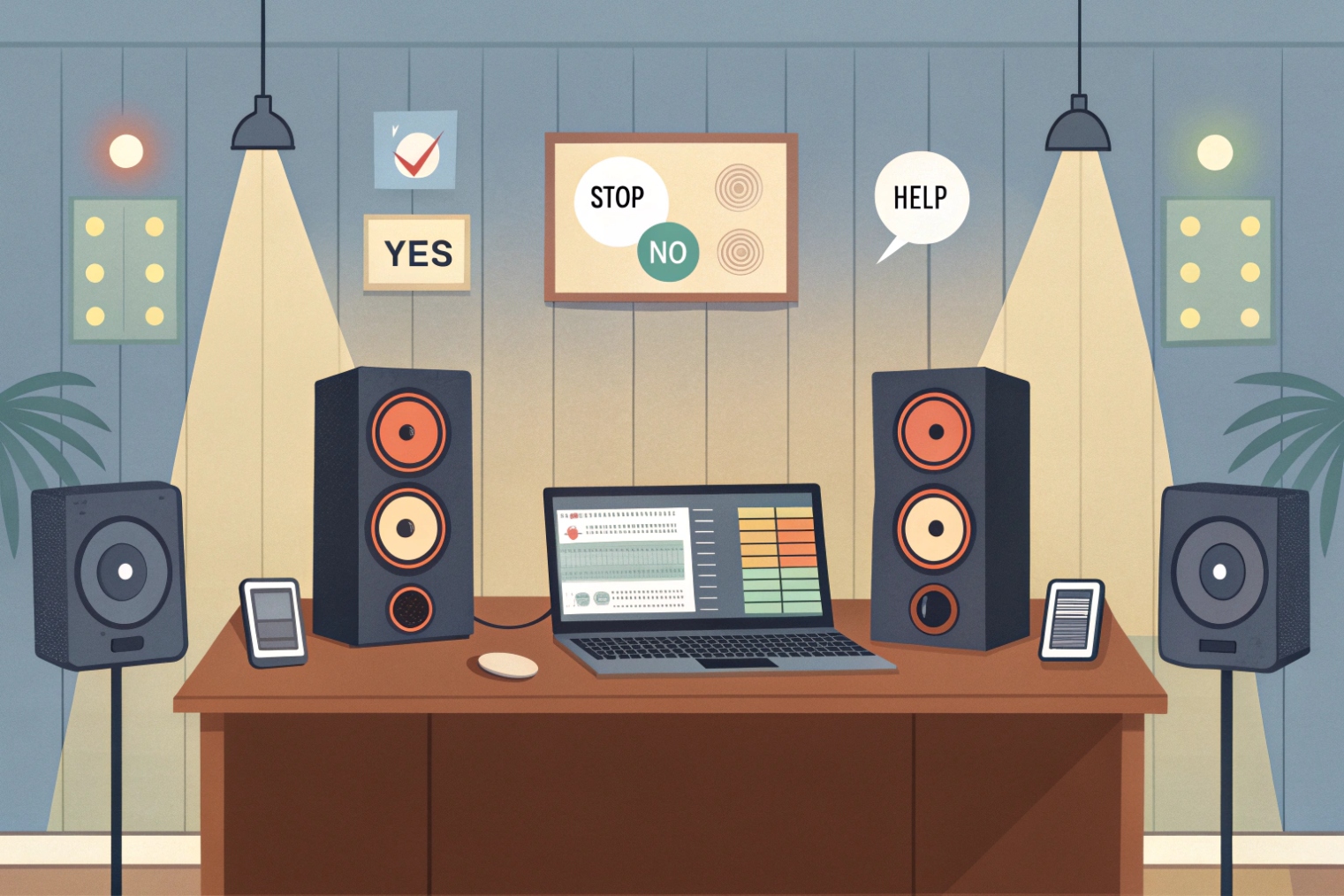
Build a focused but rich test corpus
You do not need hours of audio. A good starting set fits in a few minutes, but it must cover tricky cases. For IP intercoms, emergency phones, and SIP desk phones, include:
- Short commands: “Stop”, “Help”, “Yes”, “No”
- Long sentences with soft starts: “Actually I think we should…”
- Different speakers, genders, and accents
- Clean office background, street noise, wind, fan noise
- Sudden loud events: door slam, horn, cough
Label at least the start and end of speech segments. Simple text files with timestamps are enough. This becomes your “ground truth” that does not change while you try different networks and settings.
Run it through real codecs and networks
Next, push this corpus through every relevant path:
- Direct LAN calls with G.711
- Transcoded calls, for example G.711 ↔ G.729 or Opus ↔ G.711
- Mobile calls with AMR-NB / AMR-WB where possible
- Paths that go through carrier SBCs or cloud PBX
On each hop, capture:
- RTP or WebRTC media (PCAP, or browser logs)
- The decoded audio at the VAD input
- The VAD decisions per frame (many SDKs let you log this)
Then you can see if a specific codec or carrier path makes onsets softer, boosts noise, or changes the spectral shape. That often explains why the same VAD settings behave well on one route and badly on another.
Measure, compare, and document
Finally, turn these captures into simple numbers. For each path and setting, compute:
- How many starts are clipped (first speech frame marked as non-speech)
- How many ends are cut early (last vowel missing)
- How much extra “speech” appears inside pure noise regions
- Total speech vs non-speech duration sent on the wire
A small summary table helps you pick clear winners:
| Path / Codec | Clipped starts | Early cut ends | Extra “speech” in noise | Comment |
|---|---|---|---|---|
| LAN, G.711 | 0 | 1 | Low | Baseline, sounds natural |
| Carrier A, G.729 | 3 | 2 | Medium | Raise pre-roll, lower mode |
| Mobile, AMR-WB | 1 | 0 | Low | Good, keep current profile |
Once you have this grid, you can tune VAD settings per product profile or per customer type. For a carrier trunk that always transcodes to a harsh codec, you might choose a less aggressive VAD mode and a longer pre-roll. For a clean LAN route that serves ASR bots, you can tighten things to save cost.
Over time, this corpus and these metrics become part of your standard regression tests, so new firmware, new codecs, or new carriers do not quietly break your VAD behavior.
Conclusion
VAD is a small decision engine, but it shapes bandwidth use, speech quality, and user trust, so it pays to understand, tune, and test it as a first-class feature.








