
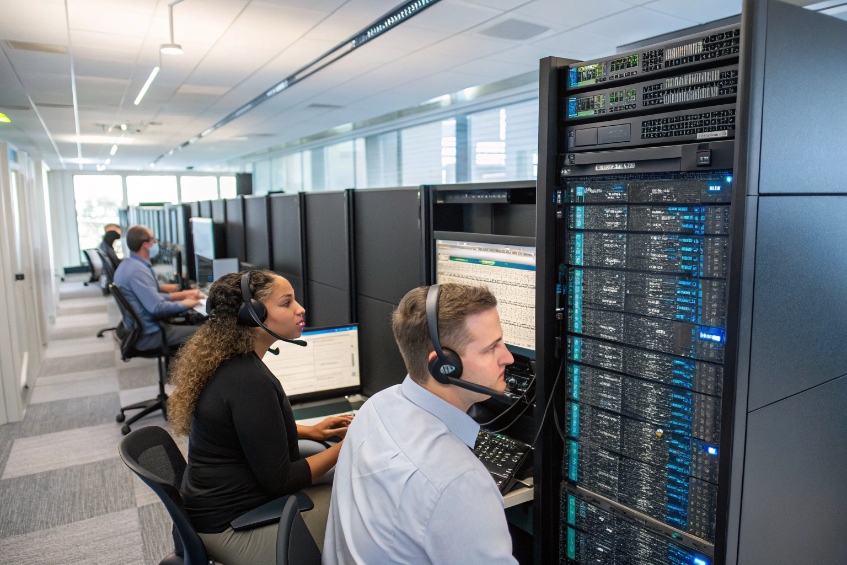
Bad audio loses deals. Echo and hiss push customers away. DSP fixes the chain. With a few settings and sane hardware, calls sound clean and steady.
Digital signal processing (DSP) 1 is how we analyze and modify digital audio in real time. It filters noise, cancels echo, levels voices, and protects headroom. Good DSP makes calls clear, stable, and low-latency.
This guide starts with a simple definition. Then it moves to practical wins for call quality. After that, we pick the PBX features that matter. We separate echo, noise, and jitter. We end with codec interactions and safe presets you can deploy today.
What is Digital Signal Processing (DSP)?
DSP takes samples of sound and runs math on them. We shape the signal frame by frame. The goal is a cleaner, more useful stream.
DSP converts mic voltage into numbers, processes those numbers, and converts back. It uses filters, FFTs, gain control, and adaptive algorithms to change what we hear.
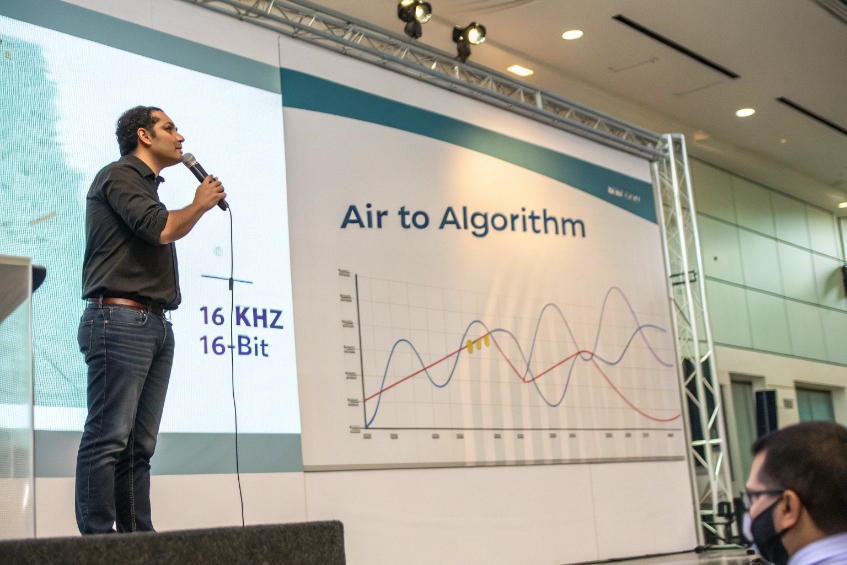
The short path from air to algorithm
A microphone produces an analog voltage. An ADC samples it at a fixed rate, like 8, 16, or 48 kHz, and quantizes to 16 or 24 bits. An anti-aliasing filter protects the band of interest before sampling. Now we have a sequence of integers. DSP code takes those frames and transforms them. With an FFT we look at frequency content. With FIR and IIR digital filters 2 we shape that content. With a limiter and compressor we set safe loudness. With an adaptive filter we model a room or a line echo and subtract it. Every step runs under strict time limits so the call stays in sync.
Why FIR and IIR both exist
FIR filters are stable and can have linear phase, so speech sounds natural. IIR filters reach sharp responses with fewer taps, which saves CPU, but their phase is nonlinear. We mix them. For tone removal and gentle EQ we prefer FIR. For telephony band-shaping and hum notch filters, an IIR biquad is small and fast. Stability and headroom matter more than sharp curves. A clipped, “perfect” filter is worse than a gentle, clean one.
Common blocks you will see in telephony
| Block | Purpose | Notes |
|---|---|---|
| High-pass filter | Remove rumble, plosives | 80–120 Hz cutoff helps headsets |
| AGC (automatic gain) | Normalize level | Use slow release to avoid pumping |
| Compressor/Limiter | Protect peaks | Peak near −6 dBFS for safety |
| Noise suppressor | Reduce steady noise | Moderate strength preserves consonants |
| Echo canceller | Remove acoustic or line echo | Needs correct tail length |
| Jitter buffer (not DSP-in-audio) | Smooth packet timing | Trades delay for continuity |
How does DSP improve my call quality?
Call quality rises when the source is clean, level is stable, and rooms do not leak back into the mic. DSP enforces these rules in real time.
DSP boosts intelligibility, protects headroom, and keeps tone consistent across devices. It also reduces agent fatigue because voices stay clear at lower volumes.
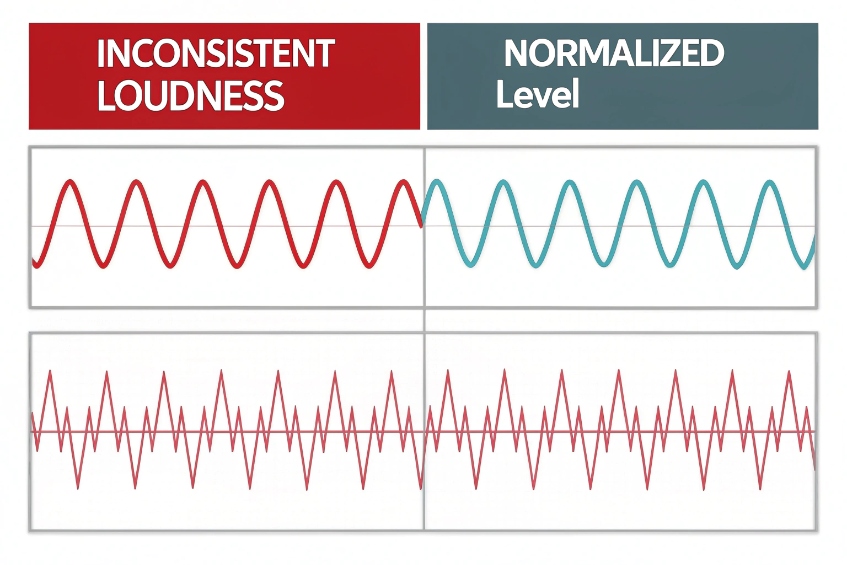
The four biggest audible wins
- Consistent loudness. Automatic gain control (AGC) 3 and gentle compression keep words within a tight range. Customers stop riding their volume knob.
- Cleaner spectrum. High-pass filtering and narrow notches remove rumble and mains hum. Listeners focus on the message, not the room.
- Less room and device echo. Acoustic echo cancellation stops the far-end voice from looping back. Line echo cancellation tames legacy gateways.
- Lower background wash. Noise suppression reduces HVAC and keyboard energy so vowels and consonants stand out.
What good sounds like in numbers
- Speech RMS: around −18 dBFS, peaks: near −6 dBFS.
- Round-trip latency: under ~200 ms keeps turn-taking natural.
- Packet loss after concealment: under ~1–2% keeps artifacts rare.
- SNR improvement: +6 to +10 dB after suppression is a big win without harsh artifacts.
A simple before/after checklist
| Symptom | Before | After good DSP |
|---|---|---|
| “Can you repeat that?” | Frequent | Rare |
| “You sound far away.” | Hollow tone | Solid, close mic |
| Volume rides | Big swings | Stable loudness |
| Echo complaints | Many | Almost none |
Which DSP features matter most for my PBX?
PBX menus list many effects. Only a few move the needle for live calls. Pick the blocks that protect clarity and stability first.
Prioritize AEC, AGC, high-pass, modest noise suppression, and proper jitter buffering. Add tone notch and dynamic range control only as needed.
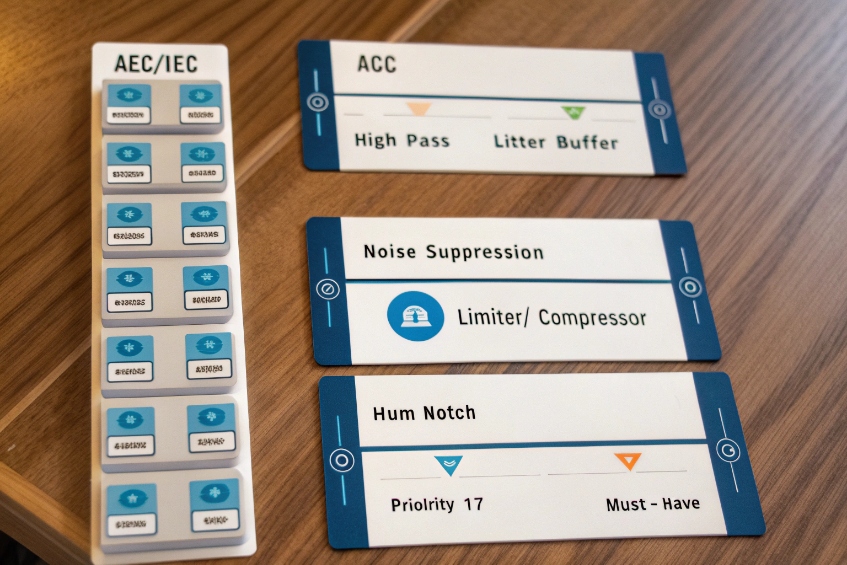
The must-have set for voice clarity
- High-pass at the input. Cut 80–120 Hz to remove mic handling and HVAC rumble. This improves headroom and reduces compressor work.
- AGC with slow release. Target −18 dBFS RMS. Attack ~10–50 ms, release 300–800 ms. This avoids pumping room tone between words.
- Limiter. Set a hard ceiling around −3 to −1 dBFS to prevent digital clipping during laughs or shouts.
- Acoustic Echo Cancellation (AEC). Choose a tail length that covers the room and device delay, often 128–256 ms for softphones with speakers. Enable double-talk protection so the agent can interrupt without suppression errors.
- Line Echo Cancellation (LEC). If you bridge to analog or T1/E1, enable LEC with 8–16 ms tail for hybrid echoes.
- Noise suppression at medium strength. Aggressive settings can smear consonants. Start in the middle and adjust later.
- Jitter buffer on the RTP edge. Use adaptive mode. Let it grow only when needed. Keep the target small on LAN, larger across WAN.
Feature priority table for PBX admins
| Priority | Feature | Why it matters | Safe default |
|---|---|---|---|
| 1 | AEC/LEC | Echo ruins calls fast | Tail 128–256 ms (AEC), 8–16 ms (LEC) |
| 2 | AGC | Normalizes voice | −18 dBFS target, slow release |
| 3 | High-pass | Clears mud, adds headroom | 100 Hz 1st–2nd order |
| 4 | Jitter buffer | Smooths network | Adaptive, cap at 80–120 ms WAN |
| 5 | Noise suppression | Lowers wash | Medium strength |
| 6 | Limiter/Compressor | Stops clip | Ceil −3 dBFS, 2:1 ratio |
| 7 | Notch filters | Remove hum/tones | 50/60 Hz + harmonics if needed |
Implementation tips that save hours
Keep only one AGC in the chain. If the headset has AGC, disable the PBX AGC, or vice versa. Calibrate device gains once and lock them. Align clock rates when possible to reduce resampling. Log levels and AEC convergence in your monitoring so you can catch drift after updates.
Does DSP reduce echo, noise, and jitter?
DSP kills echo and reduces noise. Jitter is different. It is a network timing problem. DSP can hide some effects, but transport fixes the cause.
Use AEC/LEC for echo and suppression for noise. For jitter, use a jitter buffer in your VoIP endpoints 4 and packet loss concealment. Then optimize the network to lower delay and loss.
Three problems, three tools
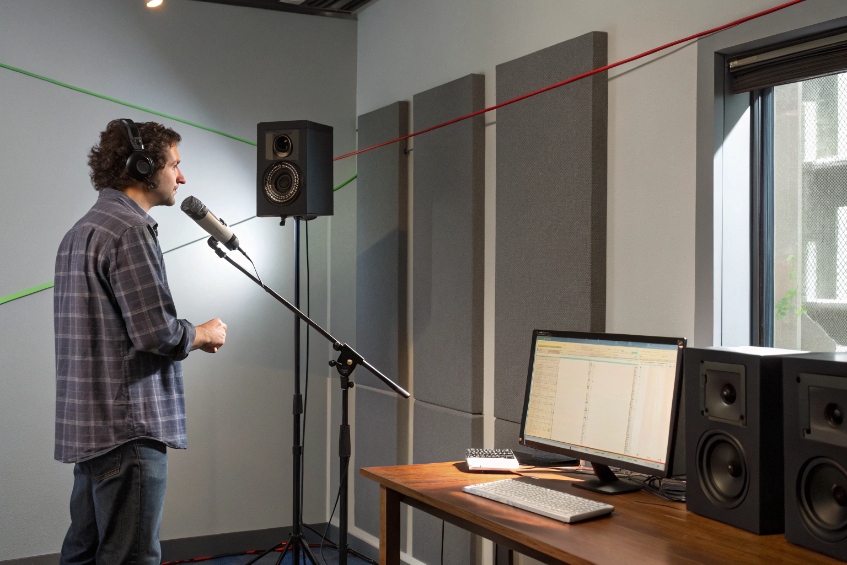
- Echo. Acoustic echo occurs when far-end audio leaks from speakers to the local mic. Line echo comes from impedance mismatch on analog paths. Fix: acoustic echo cancellation (AEC) 5 models the acoustic path and subtracts a filtered copy of the loudspeaker signal. LEC models the hybrid reflection on PSTN or gateway ports. Both require correct tail length and stable reference audio.
- Noise. Background noise includes steady HVAC hum, keyboard clicks, and other agents. Fix: Noise suppression lowers non-speech energy using spectral masks or rules. Add a high-pass to clear rumble and a pop filter to stop breath blasts. Strong suppression can hurt fricatives, so stay moderate.
- Jitter. Packets do not arrive evenly. Fix: A jitter buffer collects packets and plays them out smoothly. It adds delay to absorb variance. When packets go missing, packet loss concealment synthesizes a guess. That guess can sound like warble or hiss. No audio-path DSP can restore data that never arrived. Only network QoS, wired links, and sane loads fix the cause.
Practical limits and interactions
AEC needs a clean, undistorted loudspeaker reference. If a limiter clips the speaker path, the echo model fails. Place the limiter after the AEC reference point or turn it down. Noise suppression before AEC can confuse the model; prefer AEC early, suppression later. Jitter buffers add delay; too much delay harms turn-taking even if audio is smooth. Find a balance based on path: small on local LAN, larger across the internet.
Quick map of tools to symptoms
| Symptom | Primary tool | Secondary helpers | What not to do |
|---|---|---|---|
| You hear yourself back | AEC/LEC | Reduce speaker level, reposition mic | Do not raise suppression to “max” |
| Constant room hiss | Noise suppression | High-pass, close-talk mic | Do not compress hard |
| Warbly, robotic voice | Jitter buffer/PLC | QoS, wired Ethernet | Do not add more EQ |
How do my codecs interact with DSP settings?
Codecs and DSP share the same frames. Settings that sound fine in PCM can break once compressed. Test your chain with the codecs you use.
Match frame sizes and bitrates to your DSP blocks. Keep headroom for encoders. Watch how AEC and suppression behave when transcoding between trunks.
Frame size and timing alignment
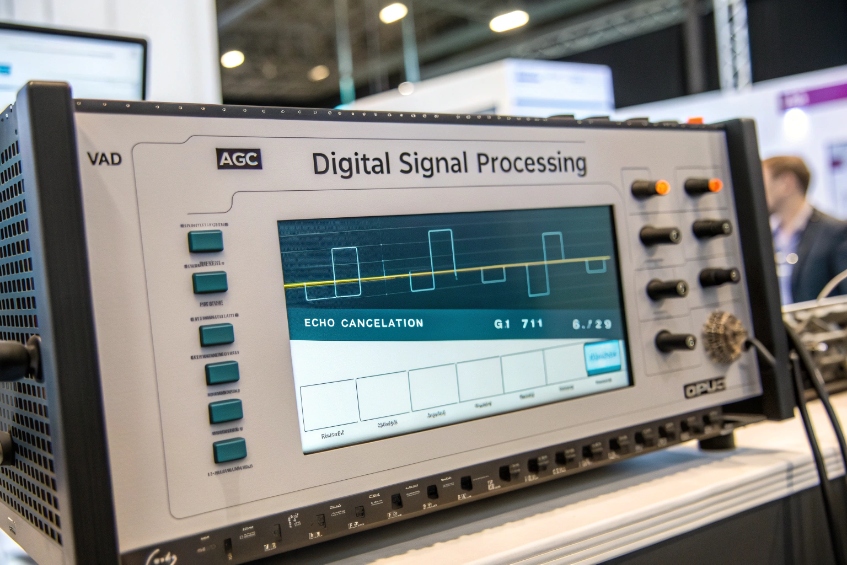
Most speech codecs work on 10, 20, or 30 ms frames. If your VAD, AGC, and AEC also use 20 ms, decisions line up. If blocks mismatch, you can add jitter at boundaries and increase delay. Keep a single, consistent frame size when possible. For Opus, 20 ms is a safe default. For G.729, 10 ms frames are common.
Headroom and pre-emphasis
Encoders do not like clipped input. Leave 6 dB of peak headroom. Avoid bright, aggressive EQ that overemphasizes sibilance; some codecs will smear it. If you must lift clarity, use gentle high-shelf, not a sharp boost.
Wideband vs narrowband behavior
- G.711 (PCMU/A). The G.711 telephony codec 6 is PCM and reflects exactly what you feed it, plus network artifacts. If calls sound harsh, it is your front-end, not the codec.
- G.729. It is narrowband and efficient, but artifacts show up fast when you stack heavy suppression and compression. Keep suppression moderate and reduce pre-emphasis.
- Opus. The Opus interactive audio codec 7 adapts well to variable networks and supports wideband and fullband. It handles background noise better at modest bitrates. Still, avoid clipping and excessive multiband compression.
- Transcoding. If a call goes Opus → G.711 → G.729 across carriers, each hop adds its own psychoacoustic choices. Keep your source clean and simple. Extra effects compound across hops.
DTX, CNG, and PLC interactions
If your codec has built-in VAD/DTX and CNG, align your external VAD. Two VADs may fight. Pick one master. For Opus, its built-in DTX can save bits without ugly silences. Packet loss concealment can mask 1–2% loss gracefully, but strong suppression can starve PLC of natural noise, which makes concealment more obvious. Leave some room tone.
Safe starting matrix
| Scenario | Codec | Bitrate | DSP notes |
|---|---|---|---|
| LAN softphone | Opus WB | 24–32 kbps | 20 ms frames, AEC on, suppression medium |
| Internet trunk | Opus WB | 16–24 kbps | Adaptive jitter buffer, DTX on if policy allows |
| PSTN gateway | G.711 | 64 kbps | LEC on, AEC off at the gateway, AGC slow |
| Low-bandwidth site | G.729 | 8 kbps | Conservative suppression, gentle EQ, longer jitter buffer |
A quick validation plan
Record a one-minute script through each codec path. Keep the same DSP preset. Check RMS, peaks, onset clarity, and MOS from a small panel. If G.729 shows consonant blur, back off suppression by one notch and reduce any high-shelf boost by 2 dB. If Opus in DTX mode chops first syllables, increase lookahead by 10 ms and add 100 ms hangover in your VAD.
Conclusion
DSP improves call quality when the basics are right: close-talk mics, AEC sized for the room, medium suppression, and sane jitter buffers. Align frames with your codecs, leave headroom, and keep one AGC in charge.
-
Introductory overview of digital signal processing concepts, tools, and common applications in audio and communications. ↩ ↩
-
Explains FIR and IIR digital filters and how they shape frequency content in DSP systems. ↩ ↩
-
Describes automatic gain control circuits and how they stabilize audio signal levels automatically. ↩ ↩
-
Plain-language guide to jitter buffers in VoIP and how they smooth out packet timing variations. ↩ ↩
-
ITU-T G.168 recommendation covering design and performance of digital network echo cancellers. ↩ ↩
-
ITU G.711 telephony codec overview, including PCM sampling, bandwidth, and toll-quality audio characteristics. ↩ ↩
-
Official Opus codec site with technical details, RFC links, and interactive audio quality demonstrations. ↩ ↩








