
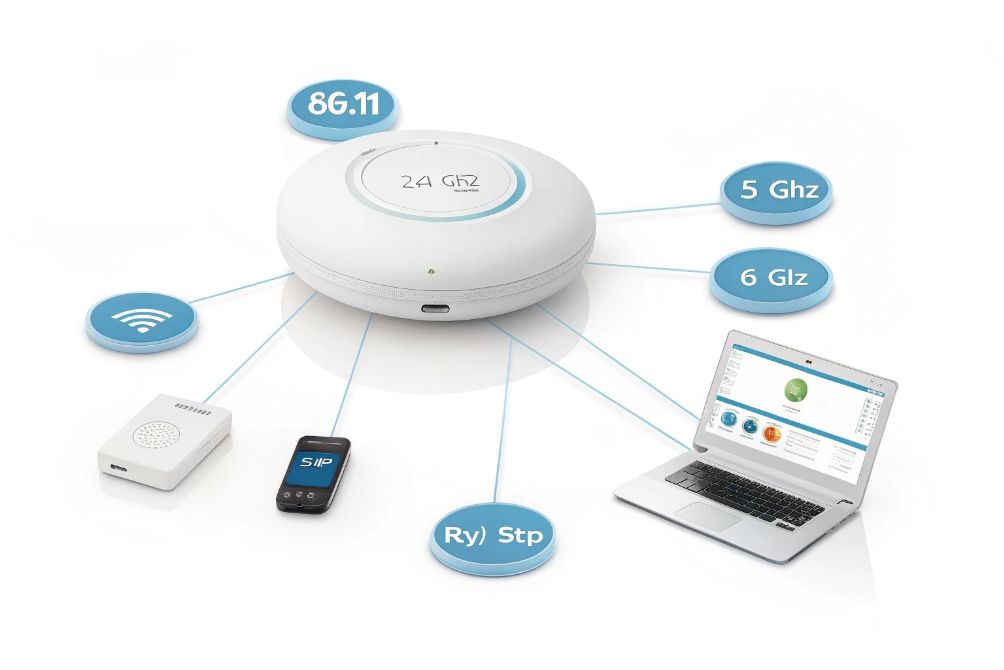
Wires tie devices down. Doors and lobbies move. Calls must follow people, not ports. Wi-Fi gives freedom while SIP keeps voice clear.
Wi-Fi is a family of IEEE 802.11 standards for short-range wireless LAN. It carries IP packets over 2.4/5/6 GHz radio so SIP phones and intercoms work without a cable.
Wi-Fi trades wire certainty for range and speed. It is fast in open space and fragile in noise. The stack adds MIMO, OFDMA, and beamforming to push more bits. Security uses WPA2/WPA3. Good design makes it solid enough for SIP audio and even door video. Bad design drops calls.
Transition:
Next, I will compare Wi-Fi and Ethernet for SIP work, pick the right band for doors, test latency with Wi-Fi 6, harden networks, and show a field-ready checklist.
How does Wi-Fi differ from wired Ethernet for SIP devices?
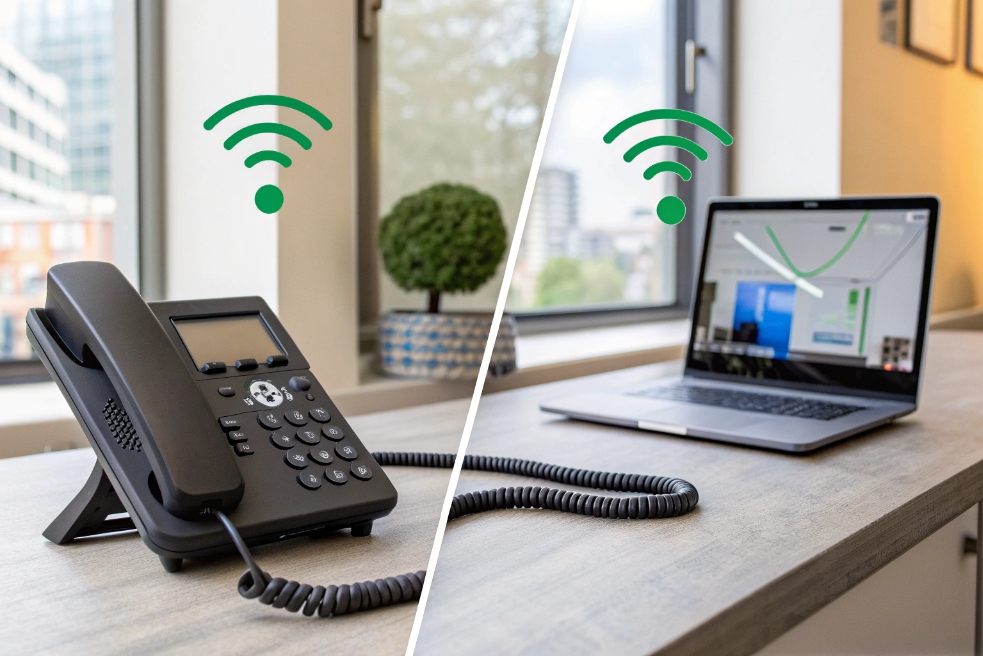
Busy lobbies hate jitter. Wired links are steady. Wireless links breathe with air, walls, and people. The gap shows up in call quality first.
Ethernet is full-duplex and stable with low jitter. Wi-Fi is shared and variable. SIP works on both, but Wi-Fi needs QoS, clean RF, and careful roaming to match voice quality.
Dive deeper
Link behavior and latency
Ethernet gives dedicated pairs and full-duplex. Collisions are gone. Delay is near zero. Wi-Fi is half-duplex and shared. Clients take turns with contention. Retries add delay. Hidden nodes cause more retries. SIP audio feels this as jitter. A steady 150 ms one-way is fine. Sudden spikes are not.
Throughput and overhead
Wi-Fi PHY rates sound huge. Real throughput is smaller. MAC overhead, acknowledgments, guard intervals, and airtime fairness eat capacity. A single 1080p H.264 door stream at 2–3 Mb/s is easy on Ethernet. On Wi-Fi, it competes with other clients for airtime. Good APs use band steering and load balance to keep airtime fair.
Roaming and session stickiness
SIP needs stable IP and RTP paths. When a phone roams, it re-auths and re-associates. With 802.11k/v/r roaming and fast BSS transitions, this takes tens of ms. Without them, it can take seconds. That is a drop. Use a single SSID across APs and tune min RSSI so phones do not cling to weak APs.
Power and placement
PoE phones sit near switches and never move. Wi-Fi handsets, tablets, and door panels may sit behind low-grade walls or metal frames. Plan APs in the same plane as clients. Avoid APs in metal cabinets. For doors, place APs indoors but aim coverage to the entrance. Use external directional antennas if walls are thick.
| Aspect | Ethernet (Wired) | Wi-Fi (Wireless) |
|---|---|---|
| Duplex/Jitter | Full-duplex, low jitter | Half-duplex, variable jitter |
| Roaming | Not needed | Needs 802.11k/v/r to avoid drops |
| Interference | Minimal | High (neighbors, microwaves, Bluetooth) |
| Install | Cable pull | Site survey, channel plan |
| SIP Impact | Stable RTP | Needs QoS (WMM/DSCP) and strong signal |
Which Wi-Fi band is best for IP video intercoms?
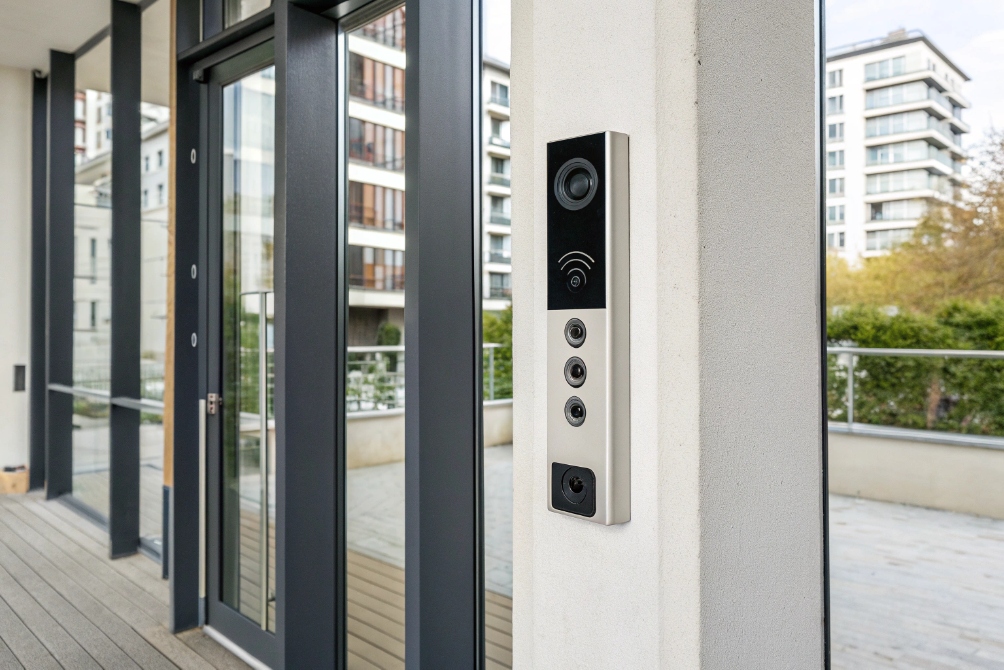
Video is hungry. 2.4 GHz reaches far but is noisy. 5 GHz is cleaner. 6 GHz is cleanest but short. Doors also sit by glass and metal.
Use 5 GHz as the default for intercom video. Use 6 GHz (Wi-Fi 6E/7) when clients support it and line-of-sight is strong. Keep 2.4 GHz only for backup and telemetry.
Dive deeper
Band traits in plain words
- 2.4 GHz: Long reach, few channels (1/6/11 only), crowded with IoT and Bluetooth. Good for text, bad for smooth 1080p.
- 5 GHz: Many channels, DFS adds more, good for 20/40/80 MHz. Better SNR, less overlap, solid for 1080p streams.
- 6 GHz (6E/7): Clean spectrum, wide 80/160 MHz channels, no legacy clients. Range is shorter and walls cut more.
Channel width and overlap
Video likes headroom but hates retries. On 5 GHz, 40 MHz is a sweet spot in small sites. In dense sites, use 20 MHz to avoid overlap and keep retries low. On 6 GHz, 80 MHz is fine due to clean air. Reserve 160 MHz for short, clear paths only.
Client and AP support
Your door station must match the band. Many intercoms ship as 2.4/5 only. If you run 6E, confirm the intercom radio supports it and your controller can steer it there. If not, keep a tuned 5 GHz SSID just for security devices.
Simple rules that work
- Put door intercoms and NVR/VMS viewers on 5 GHz with 20–40 MHz channels.
- Use static non-overlapping channels; avoid auto on busy floors.
- Enable band steering so phones land on 5/6 GHz.
- Keep RSSI ≥ –65 dBm at the door and SNR ≥ 25 dB.
- For glass lobbies, add a low-gain directional AP facing the entry to avoid bleed to the street.
| Band | Use for intercoms | Pros | Watch outs |
|---|---|---|---|
| 2.4G | Backup only | Range, wall penetration | Crowded, few channels |
| 5G | Primary | Capacity, cleaner spectrum | DFS events, channel planning |
| 6G | Premium/short paths | Very clean, big channels | Shorter range, client support |
Will Wi-Fi 6 improve latency for SIP calls?
Marketing says “faster.” SIP needs “steadier.” The air must be fair when many devices talk at once.
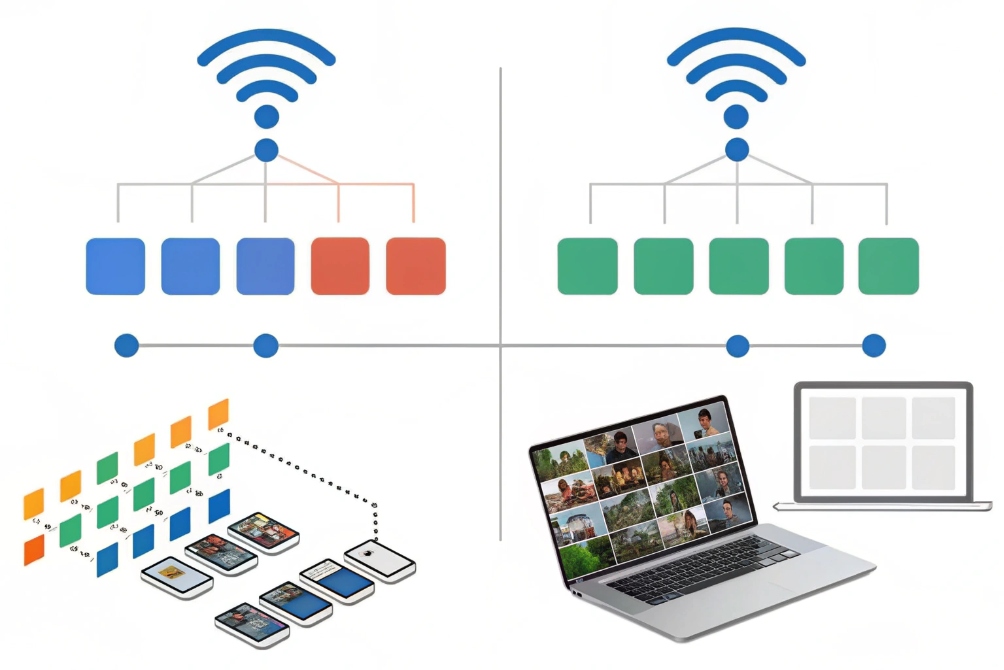
Yes, in busy cells. Wi-Fi 6 adds OFDMA, BSS Coloring, TWT, and better scheduling. These reduce contention and jitter, so RTP feels smoother at the same RSSI.
Dive deeper
Features that help voice
- OFDMA splits the channel into small sub-channels. The AP can send to many clients in one shot. Small RTP packets fit well in these Resource Units, so airtime waste drops.
- BSS Coloring marks cells with a color. Clients ignore far cells with a different color. This lowers “busy” time and shortens backoff waits.
- Target Wake Time (TWT) lets sleepy IoT avoid chattering. Less random traffic means fewer collisions with voice.
- Uplink scheduling helps phones send RTP on time instead of fighting for turns.
Real-world impact
On a quiet cell, Wi-Fi 5 and 6 feel similar. On a busy floor, Wi-Fi 6 cuts packet delay variation. That keeps jitter < 20–30 ms. MOS scores go up. Calls do not clip at the talk start. Add WMM and DSCP-to-WMM mapping (EF → AC_VO) so the AP queues RTP ahead of bulk data. Keep Airtime Utilization under 50–60% in peak hours.
Limits that still apply
RF laws still rule. A weak signal is still bad. Roaming still needs 802.11k/v/r to avoid drops. Neighbor APs still need clean channels. Wi-Fi 6 does not fix a poor survey. It just uses airtime better when you set it up well.
| Wi-Fi 6 Feature | What it changes | Voice effect |
|---|---|---|
| OFDMA | Many users per frame | Lower contention, less jitter |
| BSS Coloring | Ignore far cells | Fewer false busy detections |
| Uplink sched. | AP controls turns | On-time RTP packets |
| TWT | Quiet background IoT | Fewer random collisions |
How do I secure SIP intercoms on Wi-Fi networks?
Doors face the public. Wi-Fi is in the air. Security must be simple, strong, and routine. One weak SSID can expose a whole building.
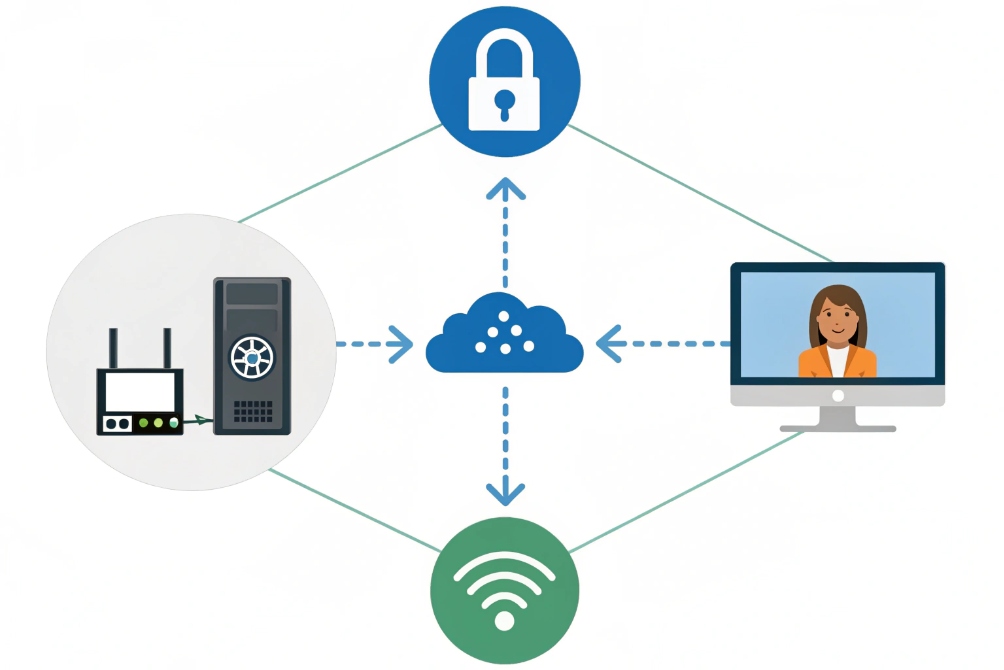
Use WPA3-Enterprise or strong WPA2-Enterprise, isolate devices on a VLAN, encrypt SIP with TLS and media with SRTP, and lock management with ACLs and certificates.
Dive deeper
Access and encryption
- WPA3-Enterprise (802.1X/EAP-TLS) is best. Devices use client certs, not shared passwords. If you must use WPA2-Enterprise (EAP-TLS/PEAP), plan a path to WPA3.
- Avoid WPA2-PSK for doors. If you must, use long random passphrases and a hidden device SSID that is not broadcast to users.
- Turn on 802.11w (Protected Management Frames). This blocks deauth/disassoc spoofing attacks that drop calls.
SIP layer hardening
- Enable SIP over TLS on the intercom and PBX/SBC. Use strong ciphers and current firmware.
- Use SRTP for media. Prefer SDES within TLS or DTLS-SRTP for WebRTC peers.
- Set fail2ban/rate limits on the SBC. Drop floods and bad auth bursts. Hide PBX IPs from the public Internet.
Network design
- Put intercoms and cameras on a voice/security VLAN. Block east-west traffic by default with ACLs. Only allow IPs for PBX/SBC, NTP, DNS, and provisioning.
- Map DSCP EF (46) to WMM Voice on WLANs. Map AF41 for video preview. Keep guest SSIDs firewalled away from devices.
- Disable WPS PIN. If you need push-button WPS for a lab, turn it off after pairing.
Management and lifecycle
- Use unique admin passwords, or better, cert-based admin.
- Lock device web UIs to an IT subnet.
- Keep NTP open so cert checks work.
- Patch on a schedule. Stage firmware in a pilot, then roll.
- Keep an asset list: MAC, model, firmware, cert expiry.
| Control | Action | Benefit |
|---|---|---|
| WPA3-Enterprise + 802.1X | EAP-TLS, per-device certs | Strong auth, no shared secrets |
| 802.11w (PMF) | Required on device SSID | Stops deauth attacks |
| SIP TLS + SRTP | Encrypt signaling and media | Privacy, integrity |
| VLAN + ACLs | Allowlist PBX/SBC/NTP/DNS only | Limits blast radius |
| DSCP → WMM mapping | EF→Voice, AF41→Video | Stable latency for SIP and preview |
| Disable WPS PIN | Off | Avoids known pairing attacks |
What is Wi-Fi?
Cables do not reach every door. Wi-Fi fills the gap. It is radio for LAN. It trades stability for mobility and must be tuned for voice and video.
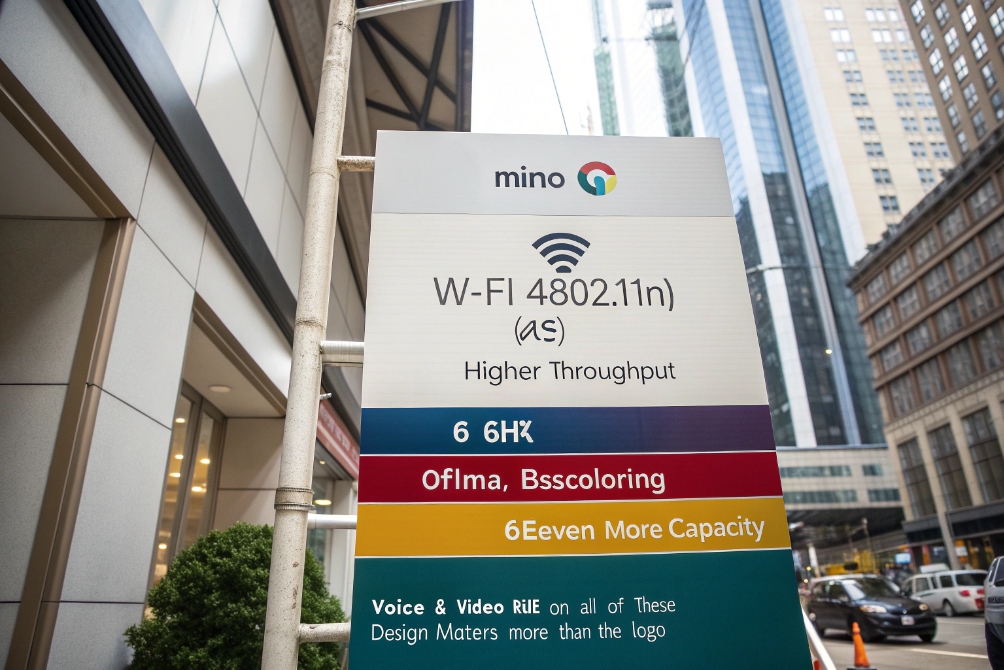
Wi-Fi is 802.11 wireless LAN over 2.4/5/6 GHz. It adds MIMO, OFDMA, and beamforming for speed. Real throughput is below the PHY rate due to overhead and airtime sharing.
Dive deeper
How it works end-to-end
An access point (AP) sends beacons with SSID, security, and channel. A client probes, authenticates, and associates. Keys derive from WPA2/3. The AP and client exchange frames. The medium is half-duplex. Only one talks at a time per channel. MIMO uses many antennas to send parallel streams. Beamforming shapes energy toward the client. OFDMA slices the channel into subcarriers so many clients can share a frame.
If you want the canonical starting point for the technology family, the IEEE 802.11 working group 7 is the standard home for Wi-Fi’s core specifications.
Why “up to” speeds mislead
“Up to 1.2 Gbps” is a PHY rate at ideal SNR with many spatial streams and wide channels. Real TCP/UDP throughput is far lower. Retries, headers, and control frames eat airtime. A single sticky client at the edge can slow all others because the AP must use a lower MCS so that client can hear. Design for airtime, not for raw bitrate.
What matters for SIP and video
- RSSI and SNR: Aim for ≥ –65 dBm with 25 dB SNR at the device.
- Channel plan: Use non-overlapping channels. Lock them.
- Target ptime: Keep RTP 20 ms.
- QoS: Mark EF and map to WMM Voice.
- Roaming: Turn on 802.11k/v/r.
- Streams: Prefer 5 GHz or 6 GHz for video. Keep 2.4 GHz as backup.
- Channel width: 20/40 MHz on 5 GHz; 80 MHz on 6 GHz when clean.
| Wi-Fi Gen | Std | Band(s) | Big wins for SIP/Video |
|---|---|---|---|
| Wi-Fi 4 | 802.11n | 2.4/5 | MIMO, 40 MHz |
| Wi-Fi 5 | 802.11ac | 5 | Higher MCS, wide channels |
| Wi-Fi 6 | 802.11ax | 2.4/5 | OFDMA, BSS Coloring |
| Wi-Fi 6E | 802.11ax | 6 | Clean spectrum, low contention |
| Wi-Fi 7 | 802.11be | 2.4/5/6 | Even more capacity (planning ahead) |
Conclusion
Use 5 GHz for door video, enable Wi-Fi 6 features, map QoS, and secure with WPA3-Enterprise, TLS, and SRTP. Survey the site once, then tune and test often.
Footnotes
-
Visual baseline for explaining 2.4/5/6 GHz choices around SIP phones and intercoms. ↩︎ ↩
-
Quick reference image for describing jitter and “shared airtime” effects versus Ethernet. ↩︎ ↩
-
Helps illustrate why doors near glass/metal benefit from 5 GHz design and tighter coverage. ↩︎ ↩
-
Useful diagram to explain why Wi-Fi 6 scheduling reduces contention and smooths RTP delivery. ↩︎ ↩
-
Architecture visual for VLAN isolation, secure WLAN design, and protected remote access patterns. ↩︎ ↩
-
Feature overview image to support discussions of OFDMA, BSS Coloring, and modern WLAN efficiency. ↩︎ ↩
-
Authoritative home for IEEE 802.11 specifications and working-group materials behind Wi-Fi. ↩︎ ↩








