

Customers hate sitting on hold. Queues spike, music loops, and valuable calls slip away as abandons instead of conversations.
Automatic callback (virtual hold) lets callers keep their place in queue without staying on the line, then calls them back when agents are free, which cuts perceived wait, abandons, and telco costs at the same time.
With a good design, a virtual hold callback system 1 keeps tickets in the same queues and follows the same priorities as live callers. The system watches real-time Estimated Wait Time, offers callback at the right moments, captures a trusted number, then blends outbound callback work into agent capacity. This is a queueing strategy, not just a “nice IVR feature,” so planning around SLAs, VIPs, and multi-channel journeys matters a lot.
How does virtual hold reduce my abandonment rate?
Long holds turn loyal customers into repeat callers, complainers, or churn risks, even if agents are working as fast as they can.
Virtual hold reduces abandonment because callers switch from “waiting in a live queue” to “promised a callback in the same place in line,” which removes the pain of holding while keeping their turn.
Why people abandon and how callbacks change the psychology
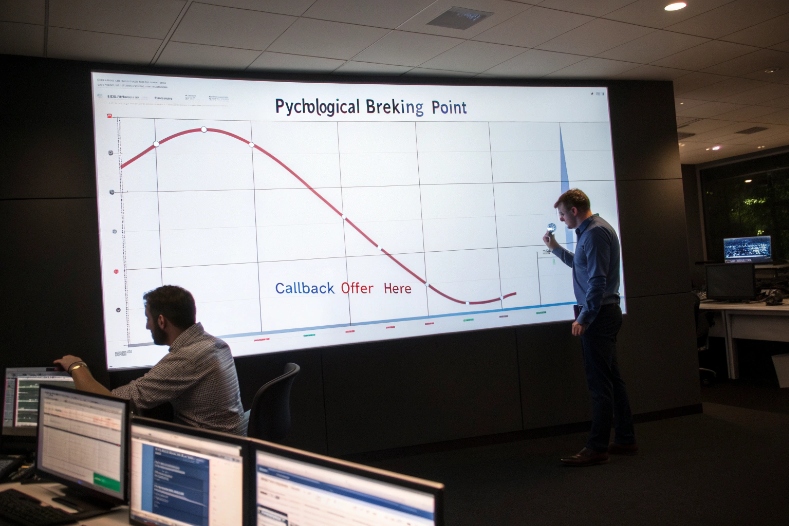
Call center abandonment 2 is not just a math problem. It is a human patience problem. People accept some delay. After a certain point the feeling shifts from “busy but fair” to “they forgot about me.” At that moment they hang up, and your metrics record one more abandoned call and one more frustrated person.
Automatic callback changes that story:
- The IVR or virtual agent tells the caller an honest Estimated Wait Time.
- If the expected wait is high, it offers a callback instead of more hold music.
- The system uses ANI or user input to capture a callback number, with a chance to confirm or change it.
- The caller hangs up, but a virtual ticket stays in the queue with the same priority as before.
From the customer’s view, they are no longer “stuck.” They feel they are still moving forward, just off the line. From the system’s view, the call is now very unlikely to abandon, because the person does not have to sit and listen to the queue.
Queue mechanics and perceived wait
Without callback, a typical queue has three outcomes:
| Outcome | What happens | Business impact |
|---|---|---|
| Answered | Customer reaches an agent | Good, but requires enough capacity |
| Abandoned early | Customer hangs up in first seconds | Often due to IVR or wrong menu |
| Abandoned during hold | Customer waits, loses patience, then drops | Most painful for satisfaction and churn |
Virtual hold mainly attacks the third case. When the offer appears around the point where people start to lose patience, a large share will accept it. Abandonment from those callers now becomes “callback accepted,” which later becomes either “callback completed” or “no-answer”.
The interesting thing is that the actual time to reach an agent may not change much. A caller who would have waited eight minutes and abandoned now waits the same eight minutes, but off the line. Perceived wait drops because they can do other things, and recorded abandonment drops because their place in line is protected by the callback ticket.
When should I offer callbacks based on queue length?
If you offer callbacks too early, you create unnecessary outbound workload. If you offer too late, most of the damage is already done.
Offer callbacks when Estimated Wait Time passes a clear threshold and is likely to stay high, and throttle offers so you do not create a second spike of callbacks later.
Using EWT instead of just “calls in queue”
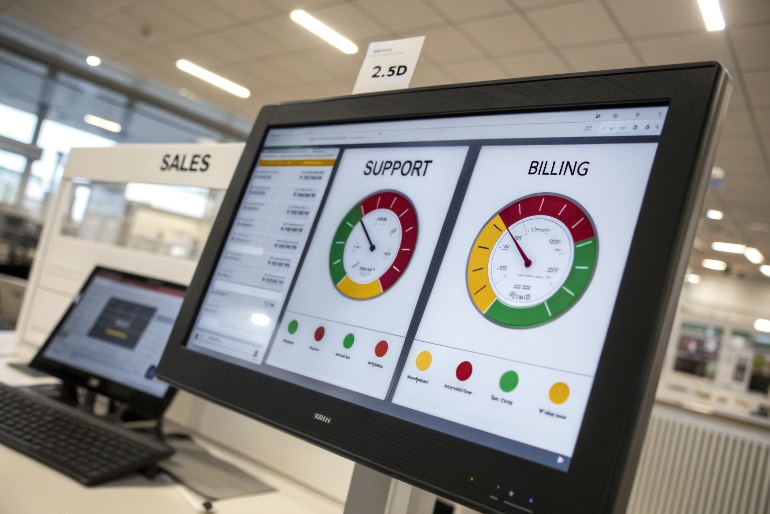
Queue length by itself is a blunt tool. Ten calls in queue with 50 agents is nothing. Ten calls in queue with three agents and a long AHT is a problem. That is why modern platforms drive callback logic from Estimated Wait Time (EWT) 3:
- EWT looks at current queue length.
- It uses historical or real-time AHT for that queue.
- It includes active agent states and short-term forecasts.
You then set thresholds such as:
- Do not offer callback if EWT is under 60 seconds.
- Start offering callback after the first hold announcement if EWT is 60–180 seconds.
- Offer callback prominently and early if EWT is above 180 seconds.
You can also vary those thresholds by intent. A critical support line might offer callback earlier than a general inquiry line.
Controlling callback volume so you do not overload later
A callback is not free. It is delayed work. If you offer it to everyone during a surge, you may push the problem into the next half hour and overload agents again.
Best-practice callback offer thresholds and caps 4 mix EWT with volume caps:
| Control | Example setting | Purpose |
|---|---|---|
| Max pending callbacks per queue | 100 active tickets | Prevent future overload |
| Max callbacks per 5-minute window | 20 new callbacks | Smooth demand over time |
| Last time-of-day for new callbacks | 30 minutes before closing | Avoid calls that land after hours |
| Expiration window | Cancel callbacks older than 2–4 hours | Keep promises realistic |
The platform should pause new callback offers when these caps are reached, even if EWT is high. In that case, you still play honest messages about long waits, but you do not create more future work than the team can handle.
Over a few weeks, you can tune thresholds and caps by watching:
- Abandonment rate by queue and time of day.
- Callback offer rate and opt-in rate.
- Time-to-callback and completion rate.
The goal is a stable pattern: you offer callbacks when they truly help, you keep promises within a clear time window, and queues do not see big waves of “now or 20 minutes later” chaos.
How do I prioritize VIP callbacks and SLAs?
Not every call is equal. A premium customer in your VIP customer support tiers 5, an outage report, or a sales opportunity may deserve faster attention than a routine billing question.
Prioritize VIP callbacks by tagging the original interaction with segment and SLA, then routing the callback ticket through the same high-priority queues and skills instead of mixing it with standard work.
Tagging and preserving priority from the first contact
Priority decisions should happen at the beginning of the journey, not at the callback moment. Good systems attach metadata to the contact as soon as possible:
- Caller identity from ANI plus CRM lookup.
- IVR choices (for example, “critical outage” vs “general question”).
- Entry point (for example, premium support number, partner hotline).
When the caller chooses callback, the system copies these tags onto the callback ticket:
- VIP status or customer tier.
- Intent and product line.
- Language preference.
- SLA target for answer time.
This makes the callback a continuation of the same interaction, not a fresh, low-priority inbound call. Routing policies treat it accordingly.
Building queue and skill rules around priority tiers
Most contact centers already use priority-based routing rules 6. Callback just needs to plug into it. A simple tier model looks like this:
| Tier | Example callers | Queue behavior |
|---|---|---|
| Tier 1 – Critical | Outage lines, safety, emergencies | Highest priority, shortest callback window |
| Tier 2 – VIP | High-value accounts, partners | High priority, special skill groups |
| Tier 3 – Standard | All other callers | Normal priority and SLA |
For callbacks, you can then define:
- Separate callback queues per tier, or a shared queue with priority values.
- SLA targets, such as “80% of Tier 1 callbacks within 10 minutes” and “80% of Tier 2 within 20 minutes.”
- Routing rules that allow high-priority callbacks to “jump the line” against normal work, within reason.
Workforce planning needs to see this too. If you have many Tier 1 or Tier 2 customers, you must schedule enough skilled agents in those windows so that callback SLAs are realistic.
You can also decide how many times to retry callbacks for each tier:
- More retries and longer windows for critical and VIP segments.
- Fewer retries for standard callers to avoid nuisance calls.
In the end, a VIP who accepts callback should feel that premium status is real. Their place in line is better than average, and the person who calls them back has the right skills and context, not just the next free seat.
Can I enable callbacks across voice, chat, and SMS?
Customers do not think in channels. They start on the phone, then switch to chat at their desk, then respond to a text while commuting.
You can enable callbacks across channels by treating each callback as a channel-agnostic promise, then deciding whether to fulfill that promise with voice, chat, or SMS based on context and consent.
Designing callbacks as promises, not just phone events
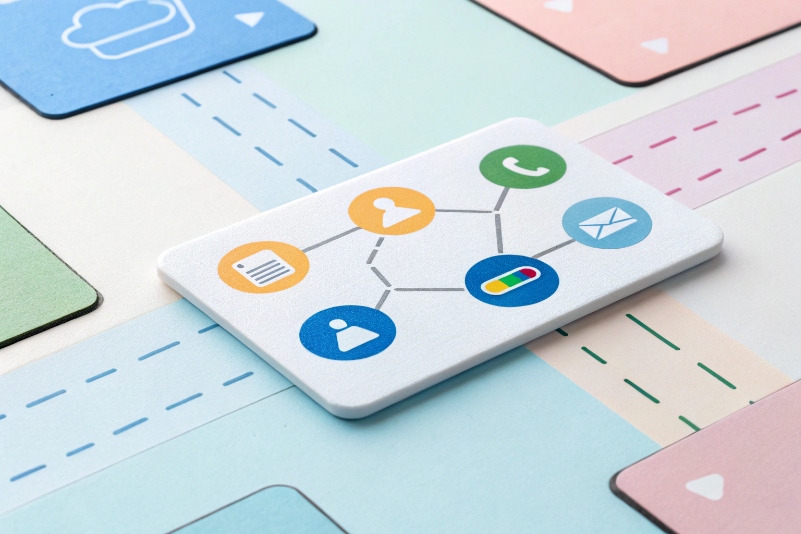
Designing omnichannel callback across voice, chat, and SMS 7 starts with treating each callback as a channel-agnostic promise:
- Who: customer identity and contact handles (phone, chat ID, SMS).
- What: intent or queue, language, and priority.
- When: creation time, target SLA window, and expiry.
Voice is only one path to fulfill that promise. For example:
- A caller in the IVR chooses “call me back when you are ready.”
- A web chat user accepts “we will message you when an agent is free.”
- An SMS user replies with a keyword to request a call.
The platform then:
- Routes the callback ticket to the right queue.
- Picks the best channel to reach that person, based on what they chose and what they allowed.
- Connects them back to an agent, either by calling them or by reopening a chat or messaging conversation.
Handling policy, consent, and routing for each channel
Each channel has its own rules:
- For voice, you must respect calling windows and time zones.
- For SMS and messaging, you must respect opt-ins and opt-outs, especially in regions with strong TCPA-like rules.
- For chat, you must manage session timeouts and browser or app state.
You can think in a small matrix:
| Original channel | Callback channel options | Typical design |
|---|---|---|
| Voice | Voice (default), SMS notification | Standard virtual hold plus SMS confirmation |
| Web chat | Chat (async), SMS, voice | “We will message you here or call if you prefer” |
| SMS / messaging | SMS reply, voice call | “Reply 1 for a call, 2 for an update by text” |
Routing stays the same at the logic layer. A VIP outage callback in SMS still goes to the same high-priority skill group as a voice callback. The agent desktop shows the history and channel, and the agent decides whether to keep the conversation in text, pick up the phone, or switch if the policy allows.
From a reporting view, you can then track:
- Callback completion rate by channel.
- Time-to-callback across voice, chat, and messaging.
- CSAT or NPS differences between channels.
This helps refine when you propose each option. For some segments, a fast SMS update may be better than a late phone call. For others, a live voice callback is still the strongest signal of care.
Conclusion
Automatic callback turns painful queue time into managed promises across voice and digital channels, so customers feel respected, SLAs stay under control, and VIPs get the priority they actually deserve.
Footnotes
-
Definition of callback and virtual hold in modern contact center platforms. ↩ ↩
-
Deep dive into abandoned calls and techniques to reduce abandonment. ↩ ↩
-
Explanation of Estimated Wait Time (EWT) metric and how it is calculated. ↩ ↩
-
Best-practice guidance on when to offer IVR callback based on queue conditions. ↩ ↩
-
How to structure VIP support tiers and expectations for premium customers. ↩ ↩
-
Technical guide to configuring priority-based routing in enterprise contact centers. ↩ ↩
-
Practical tips for implementing callbacks in a digital-first, omnichannel contact center. ↩ ↩








