
Customers read texts faster than email, but manual sending does not scale. A bulk SMS sender turns one message into thousands of timely, targeted conversations.
A bulk SMS sender is a software platform that sends large volumes of A2P (Application-to-Person) text messages at once, using short codes, 10DLC, toll-free, or alphanumeric sender IDs for alerts, OTPs, and campaigns.
In real projects, a bulk SMS sender sits beside SIP PBX and IVR systems 1 and CRM as another channel. It manages contact lists, segments audiences, and personalizes content with merge tags like names, order IDs, and locations. The platform connects to carriers through APIs or the SMPP protocol 2, handles scheduling and throttling, and tracks delivery, clicks, and opt-outs. Good systems separate transactional messages (OTP, alerts, passwords) from promotional campaigns, follow strict consent rules, and keep sender reputation healthy so messages actually reach the handset. When SMS and voice work together, customers get a smooth experience: call today, receive a follow-up text seconds later.
What regulations govern A2P messaging?
Regulators and carriers take A2P SMS very seriously. If messages feel like spam, your brand suffers and your routes start to fail, sometimes without clear error codes.
A2P messaging is governed by telecom and privacy rules such as TCPA, CTIA guidelines, carrier 10DLC policies, GDPR and local data laws, all focused on consent, transparency, and safe content.
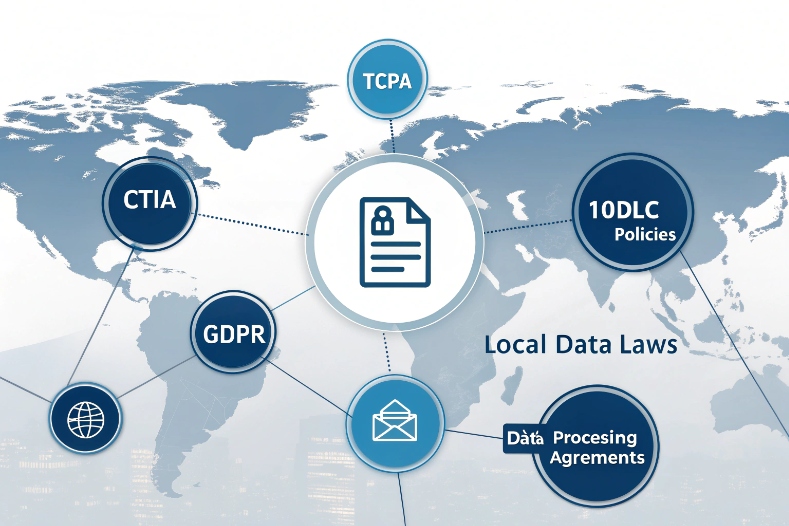
Designing a compliant bulk SMS program starts with a simple idea: send only what people clearly agreed to receive. This is the core of most frameworks. In the US, A2P traffic must follow laws and industry codes such as TCPA and CTIA compliance rules 3 for consent, documented opt-in, and obvious opt-out instructions in each message. In Europe, GDPR rules for SMS marketing 4 require clear purpose and careful handling of personal data. Other regions have their own mixes of telecom and data rules, but the pattern is similar.
From a practical point of view, a bulk SMS sender should help you:
- Capture proof of opt-in: web forms, keyword joins, signed agreements.
- Store consent details with timestamp, channel, and campaign.
- Include opt-out keywords like STOP, with working flows behind them.
- Respect quiet hours and time-zone rules when required.
- Separate transactional and promotional templates.
- Filter forbidden content types per country.
You can think of compliance like another “delivery route”. If you ignore it, carriers will add friction, throttle routes, or block traffic. If you design with compliance in mind, sending becomes smoother and more predictable, even at high volumes.
How do I register senders for 10DLC?
10DLC gives long code numbers a proper lane for A2P traffic, but it comes with paperwork and rules. Many teams treat this as a painful one-off task, then return to “business as usual”. That is risky.
To register 10DLC, you submit your brand details, use cases, and sample messages to carriers via your messaging provider, then map your campaigns to specific long codes with approved throughput.
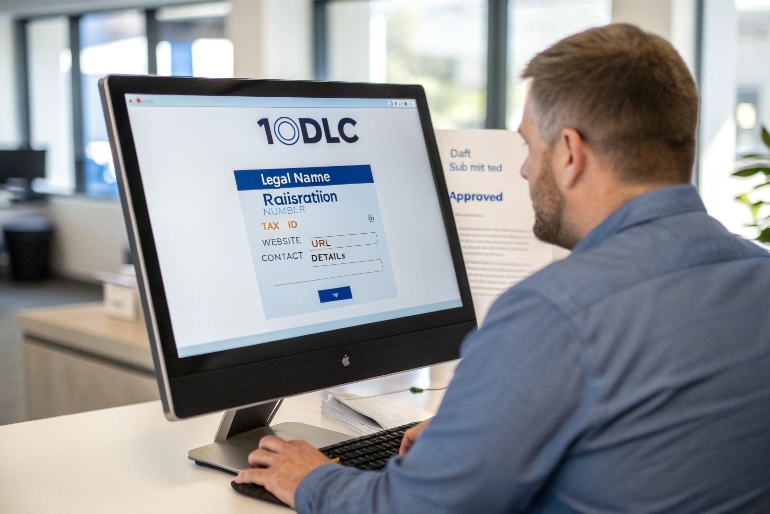
For a bulk SMS sender, 10DLC registration is now part of the basic onboarding checklist. Guides on 10DLC brand and campaign registration 5 usually describe a process with three layers:
-
Brand registration
You provide legal entity information: company name, registration, tax ID, website, and contact details. This creates a “brand profile” that carriers can score. Strong brands often get better throughput and risk ratings. -
Campaign registration
You describe each main use case: OTP, alerts, marketing, two-factor codes, appointment reminders, or customer care. For each one, you share:- Message samples with real wording.
- Expected monthly volume.
- Whether messages are one-way or two-way.
- How customers opt in and how they opt out.
-
Number assignment
Once campaigns are approved, you map one or more 10-digit long codes to each campaign. The platform then uses only those numbers for that type of traffic.
Here is a simple mental checklist for 10DLC setup:
| Step | What you prepare | Why it matters |
|---|---|---|
| Brand profile | Legal data, website, contact | Proves you are a real business |
| Use-case definitions | OTP, alerts, marketing, service | Controls which content is allowed per route |
| Sample messages | Realistic templates with opt-out lines | Carriers review risk and clarity |
| Opt-in description | How users join lists and confirm consent | Reduces spam complaints and blocking |
| Volume expectations | Peak and average send rates | Helps carriers size throughput and monitor abuse |
A good bulk SMS sender hides much of this behind a clear UI. You fill in brand and campaign forms once. The platform pushes data to carrier registries, handles responses, and ties each campaign to the correct sender IDs. When we integrate SMS into SIP or IVR flows, 10DLC registration becomes part of the project kickoff, not a last-minute fix.
How do I improve SMS deliverability rates?
High send volume means nothing if messages never reach phones. Deliverability is the hard truth that tells you whether routes, content, and reputation are working or not.
You improve SMS deliverability by using vetted routes, proper sender registration, clean contact data, non-spammy content, and by monitoring delivery reports, opt-outs, and carrier errors to adjust behavior.

Deliverability looks simple on the dashboard: “delivery rate 96%”. In reality, many things hide under that number. Some networks give detailed delivery receipts. Others only echo back “accepted”, even if they filter messages later. So the first step is to understand what your bulk SMS sender shows: handset-confirmed delivery, network acceptance, or something in between.
After that, you work on four main levers:
-
Route quality and sender reputation
Direct, vetted routes through tier-one carriers simply behave better than cheap SMS grey routes 6 that jump across borders. Registered short codes, approved 10DLC numbers, and clean toll-free senders build trust over time. Numbers that trigger high spam complaints or use forbidden content will see more filtering. -
Contact list hygiene
Old, invalid, or recycled numbers drag down deliverability. Use validation tools and remove hard bounces. Respect opt-outs quickly. Keep segments fresh, and do not buy cold lists from unknown sources. -
Content and frequency
Short, clear messages with obvious brand names work better than vague or click-bait copy. Avoid all caps, excessive punctuation, and shady URL patterns. For links, branded domains are safer than obscure shorteners. Frequency also matters: if you bombard people, they opt out or report spam, which harms sender reputation. -
Monitoring and testing
Do not guess. Run A/B tests on templates. Seed your own test numbers across carriers and devices. Track delivery rate, latency, click-through, reply rate, and opt-out per campaign. When a specific template or route dips, adjust and re-test.
A simple sample table helps keep teams focused:
| KPI | Target example | If worse than target… |
|---|---|---|
| Delivery rate | > 95% for mature campaigns | Check routes, sender IDs, and list quality |
| Opt-out rate | < 2% per campaign | Review consent and content expectations |
| Click-through (links) | Depends on use case (5–25%) | Rework copy, timing, and landing pages |
| Average latency | < 10 seconds for OTP/alerts | Talk to provider about fast routes |
Over time, deliverability becomes a feedback loop. Good behavior builds good reputation. Good reputation keeps deliverability high. A bulk SMS sender with strong analytics makes this loop visible and lets you act early instead of waiting for a crisis.
Can I trigger SMS from my IVR or CRM?
Voice and SMS do not need to be separate worlds. When they work together, customers move between channels smoothly. For example, a caller hears an order status in IVR, then gets a text with a tracking link.
Yes, you can trigger SMS from IVR or CRM by connecting them to your bulk SMS sender via APIs or webhooks, so calls, tickets, and workflows automatically send personalized text messages.
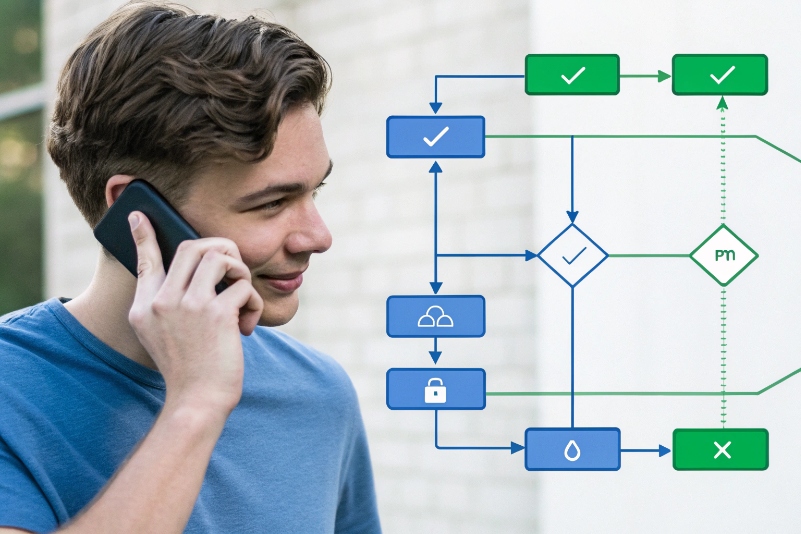
In practice, this looks like one simple pattern repeated in many flows: some event fires in voice or CRM, and that event calls the SMS API. Common examples:
- IVR sends an OTP or confirmation code mid-call.
- Contact center sends a survey after a call ends.
- SIP intercom sends a door-access link or PIN by SMS.
- CRM sends payment reminders when invoice status changes.
- Ticketing system sends status updates when cases move stage.
A typical integration path looks like this:
-
Choose the SMS connection
Most bulk SMS senders expose REST SMS APIs and webhooks 7. Some also support SMPP for very high throughput. For IVR and CRM flows, REST over HTTPS is usually enough and easier to manage. -
Map events to templates
Decide which events should send SMS. For each one, pick a template and define the merge fields: name, date, order ID, short URL, and so on. Keep each template focused on one action or message. -
Implement the API calls
From IVR, use a script node or webhook step that posts to the SMS API. From CRM, use built-in automation (like “workflow rules”, “flows” or “webhooks”) to call the same endpoints. The bulk SMS sender handles queuing, throttling, and reporting. -
Handle responses and errors
Store message IDs in CRM, so you can see if a message delivered or failed. If delivery fails for alerts or OTP, consider a fallback path, such as voice call or email.
Here is a simple mapping table you can use during design:
| Event in system | SMS action | Example message |
|---|---|---|
| IVR call: payment success | Send receipt | “Your payment of $45.00 is received. Ref: 123456.” |
| CRM: appointment booked | Send reminder | “You are booked on 15 June, 14:00 at Main Clinic.” |
| Call center: call ended | Send survey link | “Rate your experience: https://example.com/s/abc” |
| SIP intercom: door opened | Send access log to manager | “Door A opened at 09:21 by code 7782.” |
When this integration is done well, SMS becomes a natural extension of your SIP and CRM environment, not a separate “marketing tool”. The customer never has to think about channels. They simply receive the right information at the right moment.
Conclusion
A bulk SMS sender is more than a mass-text tool. With compliance, 10DLC registration, deliverability focus, and deep IVR/CRM integration, it becomes a reliable, high-impact messaging backbone.
Footnotes
-
Explains how SIP PBX, IVR, and VoIP systems fit together in modern business telephony. Back ↩
-
Overview of the SMPP protocol used to send large volumes of SMS via carriers. Back ↩
-
Guide to aligning US SMS programs with TCPA law and CTIA messaging best practices. Back ↩
-
Practical overview of GDPR-compliant SMS marketing practices and data protection duties. Back ↩
-
Walkthrough of A2P 10DLC brand and campaign registration steps and requirements. Back ↩
-
Comparison of SMS grey routes and direct routes, and how grey routing harms deliverability. Back ↩
-
Introduction to using REST APIs and webhooks to send and react to SMS events programmatically. Back ↩








