
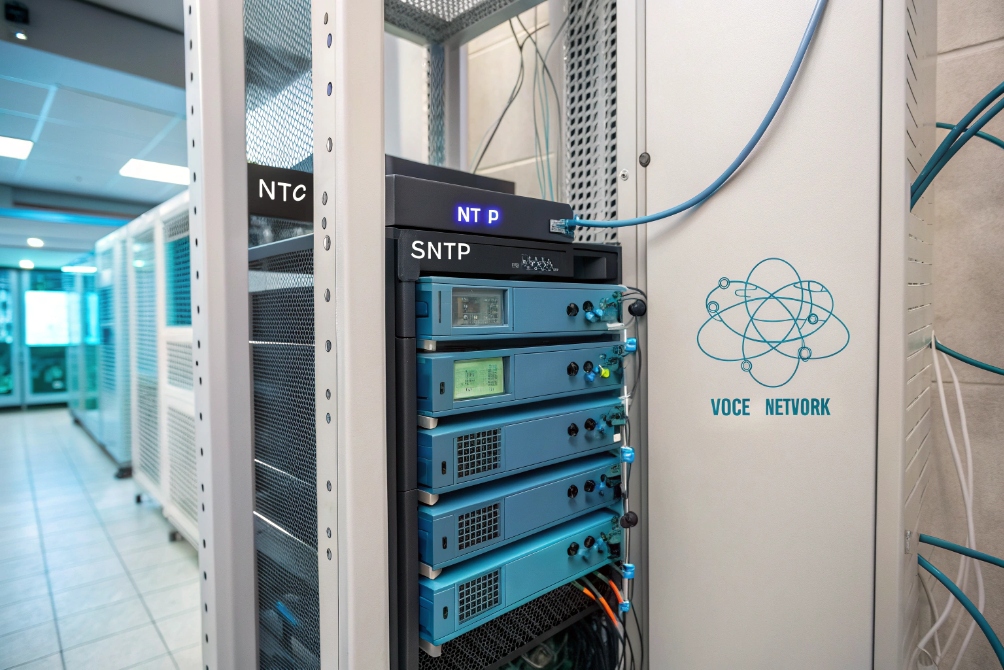
Time is invisible until it breaks. Wrong phone clocks, bad logs, and odd TLS errors often trace back to one simple thing: no stable time source.
SNTP is a lightweight subset of NTP that lets phones, PBXs, intercoms, and switches sync their clocks from one or more time servers over UDP port 123 with “good enough” accuracy for VoIP and logging.
SNTP gives endpoints a simple client. They ask a time server for the current UTC, adjust their clocks, and then poll at relaxed intervals. When you design this well, every device in your voice network uses the same timeline, so tickets, CDRs, and security events finally line up. If you want the formal behavior and message details, the Simple Network Time Protocol (SNTP) specification (RFC 4330) 2 is the clean reference.
How do I sync my phone clocks reliably?
Users lose trust when phone displays show different times than wall clocks or softphones. Troubleshooting also slows down when CDRs and syslogs disagree by minutes.
To sync phone clocks reliably, I point all phones to a small set of trusted NTP/SNTP servers, auto-provision those addresses (often via DHCP Option 42), and keep time zones and DST rules correct on each device.

Use internal time sources first
The first decision is where phones should get time. You have three basic choices:
| Time source | When it makes sense |
|---|---|
| Internal NTP on firewall | Small sites, simple design, one obvious time anchor |
| Dedicated NTP server | Larger networks, many VLANs, strict compliance |
| Direct public NTP pool | Very small or temporary sites (use with care) |
For most VoIP and intercom deployments, I prefer internal time first. That can be your core firewall, a domain controller, or a small VM running NTP. That server syncs with two to four public sources, then your phones, PBX, and switches sync only to that internal address.
This brings a few benefits:
- Fewer devices talking to the internet on UDP 123.
- One place to see and control time behavior.
- Consistent offset across voice, video, and data logs.
Provision phones automatically
IP phones, SIP intercoms, and gateways almost always support SNTP or full NTP. The hard part is not the feature. The hard part is consistent configuration.
On voice VLANs, I typically:
- Hand out the NTP/SNTP server with DHCP Option 42 (NTP Servers) 4.
- Use the same server address in auto-provision templates.
- Keep two or three server entries per device for redundancy.
Phones then:
- Step the clock on large errors at boot.
- Slew slowly for small offsets during the day.
- Increase poll intervals when time is stable.
You also must set timezone and DST on each device. SNTP gives UTC only. The phone decides how to show local time. If the UTC base is correct but the displayed time is wrong, the bug is usually a timezone profile or DST rule, not NTP itself.
For clean troubleshooting, I want at least these elements on the same time base:
- IP phones and SIP intercoms
- PBX / IP-PBX / UC platform
- SBCs and VoIP gateways
- PoE switches and routers
- NVR / VMS for intercom video
When every device reads the same SNTP sources, you can correlate “call started,” “door opened,” “access granted,” and “camera recorded” without mental math. That saves a lot of time during incident reviews and security audits.
Which NTP stratum should I select?
Stratum numbers often sound mystical. In practice, phones do not need stratum 1 atomic-clock accuracy. They need stable, sane time with a clear hierarchy.
For VoIP and intercom deployments, I typically sync core servers to public stratum 1–2 sources, then let phones and edge devices use those internal servers as stratum 2–3. Phones should not talk directly to reference clocks.
Understand the basic NTP hierarchy
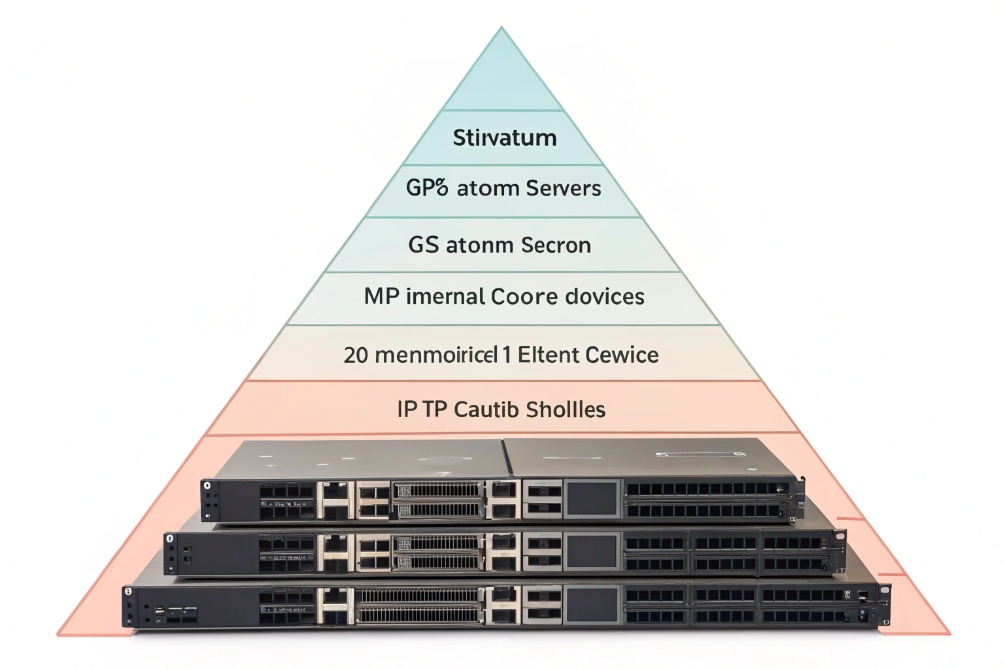
NTP uses “stratum” levels to show how far a server is from an original reference clock:
- Stratum 0 – Physical reference (GPS, atomic clock, radio clock).
- Stratum 1 – Server directly attached to stratum 0.
- Stratum 2 – Server syncing from one or more stratum 1 servers.
- Stratum 3+ – Each hop down the chain increases the stratum.
SNTP clients, like most IP phones, do not care deeply about those details. They just query a server, see the reported stratum and offset, and decide if the source looks good enough.
A simple, safe pattern:
| Device type | Typical stratum relationship |
|---|---|
| Core NTP server | Syncs from public stratum 1–2 servers |
| Secondary NTP server | Syncs from core and/or public pool |
| PBX / UC platform | Syncs from internal NTP servers |
| Phones / intercoms | Sync via SNTP from internal NTP (stratum 2–3) |
As long as stratum values are within normal ranges and not “16” (unsynchronized), phones will get plenty of accuracy for call stamps and display clocks.
Choose stability over “lowest stratum”
Many admins try to point everything at “the lowest stratum they can find.” For voice networks this is not necessary. It matters more that:
- The server is reachable with low, stable latency.
- The server has multiple upstreams and does proper selection.
- The server does not flap between sources all day.
Using the internal firewall or a dedicated NTP box as stratum 2 is often ideal. That box talks to several public servers. It filters out odd ones. Then it presents stable time to the rest of the network.
Phones get millisecond-level consistency on the LAN. Over internet VPNs, you usually see tens of milliseconds. That is more than enough for CDRs, cert validation, and basic security checks.
The key is redundancy. Configure two to four NTP servers per site. Avoid relying on a single IP. If one server goes away or loses sync, phones will automatically pick another healthy one without you touching every device.
Does time drift break my logs and certs?
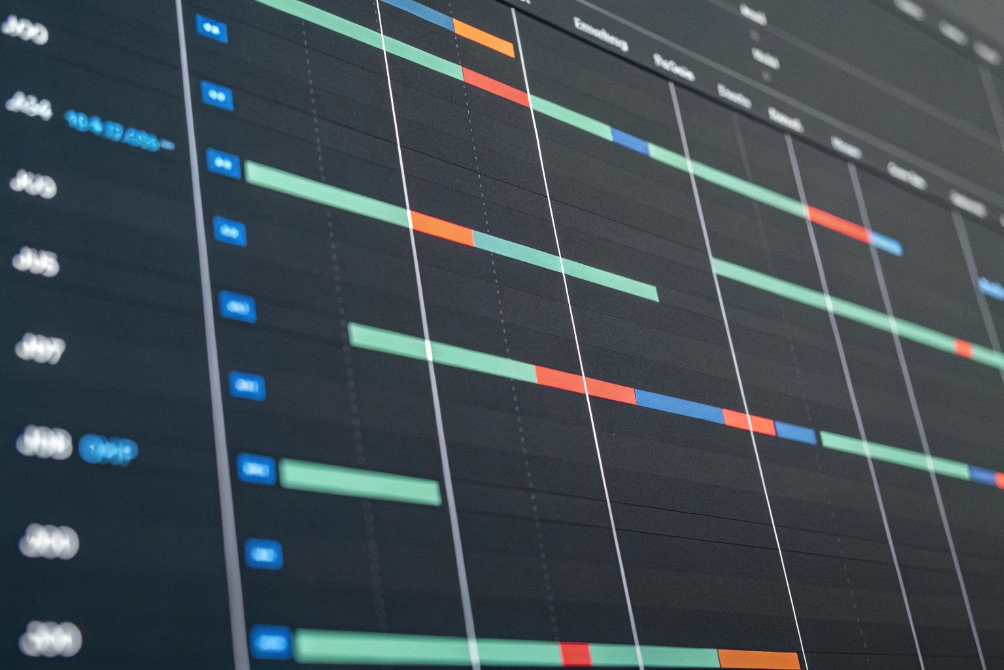
Time drift looks harmless when users only glance at the display on a phone. It becomes painful when you try to match CDRs, SIP traces, firewall logs, and video recordings for the same incident.
Time drift can break log correlation, confuse CDR analysis, and even cause TLS and certificate failures when clocks move outside certificate validity windows or token lifetimes. Keeping drift under a few seconds is critical for VoIP operations.
How drift hurts troubleshooting
Every part of a modern VoIP system writes logs:
- PBX and SIP servers write call signaling events.
- IP phones and intercoms log registrations and errors.
- Firewalls and SBCs log NAT, drops, and QoS shaping.
- Switches log link flaps and power events.
- NVRs log video motion and door station events.
If these clocks disagree by minutes, you cannot easily say which log line matches which call. Investigations become guesswork.
A simple drift scale looks like this:
| Drift amount | Typical impact |
|---|---|
| < 1 second | Usually fine, easy correlation |
| 1–10 seconds | Still workable, but side-by-side graphs need care |
| 10–60 seconds | Hard to match events across systems |
| > 1 minute | Serious confusion in incident reviews and CDR analysis |
In security projects, such as SIP intercom plus access control plus video, drift can also weaken your audit story. It becomes harder to prove that “this badge event” lines up with “this video clip” and “this intercom call.”
Where certificates and security come in
TLS and certificates are very sensitive to time. Some examples:
- Phones use HTTPS or TLS to fetch configs and firmware.
- SIP over TLS (SIPS) protects signaling to PBX or SBC.
- Web portals for PBX admin use standard HTTPS.
- STIR/SHAKEN identity checks depend on valid signing times.
If a device’s clock is too far behind, it might think a certificate is “not yet valid.” If it is too far ahead, it might think the certificate has already expired. In both cases, TLS handshakes can fail.
That leads to:
- Phones that cannot register because TLS fails.
- Intercoms that cannot reach the provisioning server.
- Browsers that show scary “clock is wrong” or “certificate invalid” warnings for your PBX UI.
Some auth schemes, like Kerberos or modern SSO tokens, also expect clocks to be within a small window. Big drift breaks them outright.
The safest habit is simple:
- Keep all infrastructure (PBX, SBC, NVR, controllers, firewalls, switches) locked to reliable NTP.
- Let phones and intercoms follow the same internal sources via SNTP.
- Watch for devices whose time suddenly jumps, then fix the root cause rather than “fixing logs by hand.”
How do I harden NTP on my firewall?
NTP and SNTP use a single UDP port and a simple packet format. That simplicity is nice for endpoints but also attractive for abuse and reflection attacks if you expose servers to the internet.
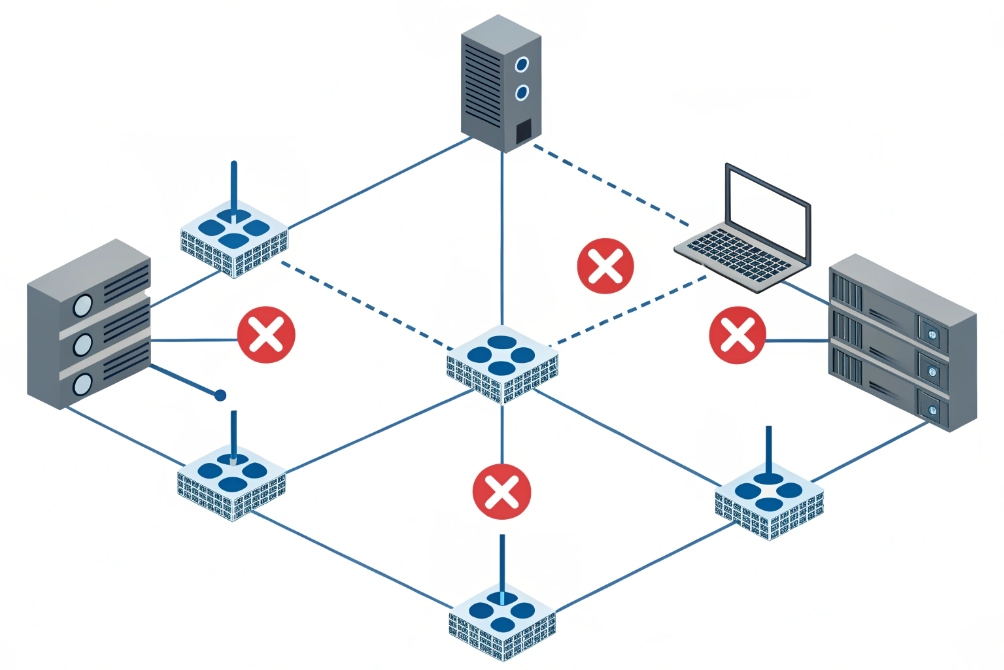
To harden NTP, I expose as few servers as possible, block unsolicited inbound NTP, allow only trusted internal clients to query my internal servers, and restrict outbound UDP 123 so random devices cannot act as public NTP servers.
Limit who talks NTP where
Most voice endpoints, including DJSlink SIP intercoms and IP phones, only need client-mode SNTP. They should never act as servers to the internet.
A simple, robust design:
| Direction | Firewall policy |
|---|---|
| Internet → LAN (UDP 123) | Block by default, except to your chosen NTP server if it must be public |
| LAN → Internet (UDP 123) | Allow only from your internal NTP server(s) |
| LAN → Internal NTP | Allow from phones, PBXs, switches, servers |
With that setup:
- Only your internal NTP server queries upstream public sources.
- Phones, PBXs, cameras, and other devices talk only to that internal IP.
- No internal device can be abused as a reflector in a DDoS attack.
If you must run an NTP server that is reachable from outside (for example, to serve remote branches over the public internet), then:
- Limit permitted source IP ranges.
- Use rate limiting to cap responses.
- Keep NTP software patched.
Keep time traffic on the inside
On voice and security networks, I like to keep time traffic inside defined VLANs:
- Voice VLANs: phones and intercoms reach a local NTP IP.
- Management VLANs: switches and controllers sync to the same or a nearby server.
- Server VLANs: PBXs, SBCs, and application servers sync centrally.
SNTP itself does not encrypt or authenticate time. It assumes the path is trusted. That is another reason to keep it inside your own network and not rely on random public servers directly from every endpoint.
For higher security, you can:
- Use internal servers that support NTP authentication with keys.
- Watch firewall logs for unexpected NTP traffic from phones or edge devices.
- Combine this with 802.1X and DHCP controls to stop rogue boxes from joining your voice VLAN and spoofing time.
Once the firewall policies are in place, SNTP becomes very low risk. Phones get a stable, internal reference. Only a few, well-known servers talk to the outside. And your VoIP, intercom, and access systems all agree on what “now” actually means.
Conclusion
SNTP gives phones, PBXs, and intercoms simple, shared time. With a few internal NTP servers, clean firewall rules, and correct timezones, your logs, certs, and troubleshooting stay sane.
Footnotes
-
Diagram showing where SNTP/NTP servers sit in a typical voice network time design. ↩︎ ↩
-
Defines SNTP packet behavior, timestamps, and “good enough” accuracy expectations for lightweight clients. ↩︎ ↩
-
Visual example of centrally controlling time settings across mixed on-prem and cloud infrastructure. ↩︎ ↩
-
Confirms the DHCP option used to distribute NTP server addresses automatically to phones and endpoints. ↩︎ ↩
-
Helps explain NTP stratum hierarchy so teams pick stable internal sources instead of chasing stratum 1. ↩︎ ↩
-
Shows why aligned timestamps improve incident correlation across VoIP, security, and ops logs. ↩︎ ↩
-
Illustrates why you should fence UDP 123 to prevent exposure, abuse, and unexpected time paths. ↩︎ ↩








