
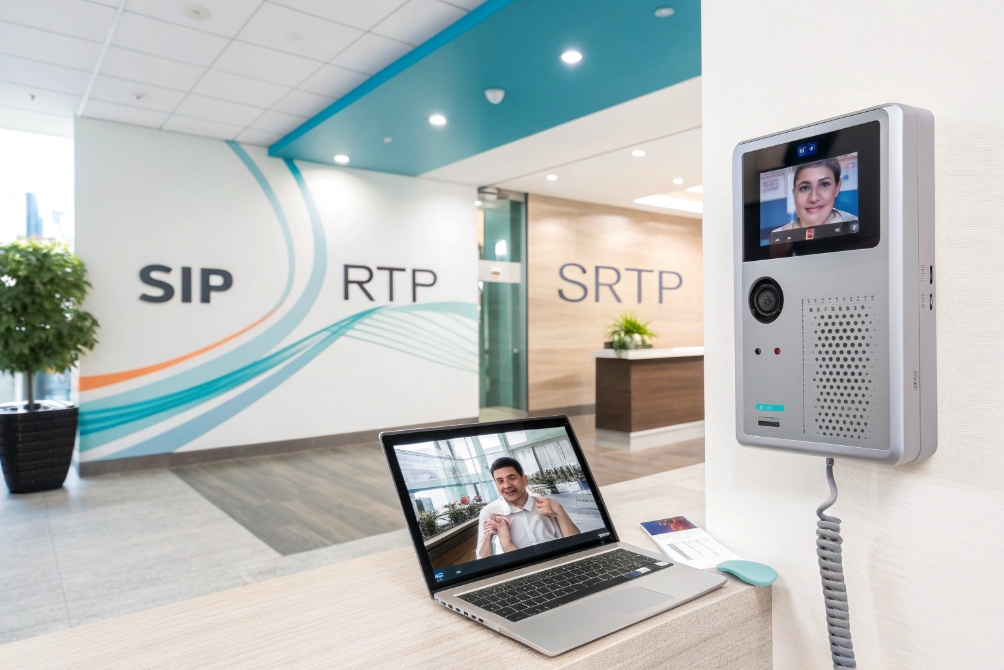
When video calls freeze at the gate or in a meeting room, people lose trust in the whole system. Stable video calling makes your intercom, PBX, and apps feel “simple” again.
Video calling is real-time two-way audio and video over IP networks, where cameras and microphones capture media, codecs compress it, and endpoints decode it so people can see and hear each other as if they are face to face.
In real projects, that means SIP video phones, door stations, indoor monitors, laptops, and phones. They capture audio and video, encode them with the H.264 video codec 1 or similar codecs, send them over your LAN or the internet, and play them back in a few tens of milliseconds. The quality depends on bandwidth, latency, jitter, and how well you designed the call path.
Next, let’s look at how this works with SIP, WebRTC, SIP door phones, and your IP PBX so you can choose the right design instead of guessing.
How does SIP video calling differ from WebRTC?
To end users, a video tile is a video tile. But for you as the system owner, SIP video and WebRTC behave very differently in real networks.
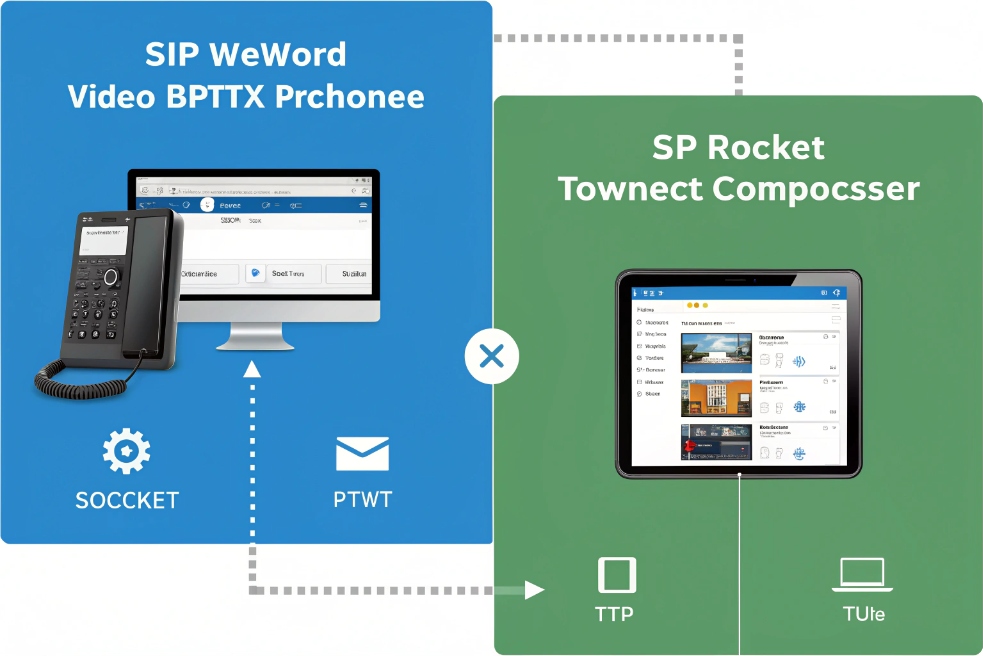
SIP video calling uses SIP signaling and RTP/SRTP media through a PBX or SBC, while WebRTC lives in browsers and apps with built-in DTLS-SRTP, STUN, and TURN, and usually needs a gateway to talk to SIP devices.
Signaling, identity, and call model
SIP follows the classic telephony model. You dial an extension, SIP URI, or phone number. The IP PBX or SBC routes the call using the SIP signaling standard 2. The same platform already handles your voice, queues, IVR, and intercom.
WebRTC follows an app model. The browser or mobile SDK talks to an application server. Users join with a link, meeting ID, or app account. If you want the formal baseline for what browsers implement, the WebRTC 1.0 specification 3 is the reference point.
A simple comparison:
| Aspect | SIP video calling | WebRTC calling |
|---|---|---|
| Identity | Extension, DID, SIP URI | URL, meeting ID, app account |
| Signaling | SIP over UDP/TCP/TLS | Custom app signaling over WebSocket/HTTPS |
| Media transport | RTP / SRTP | DTLS-SRTP |
| Core element | IP PBX / softswitch / SBC | Web/app server + SFU/MCU |
| PSTN integration | Native (phone numbers, E.164) | Needs separate PSTN gateway or add-on |
So SIP video fits best where you already use extensions and phone numbers. WebRTC fits best where people join meetings from browsers and mobile apps with one click.
Devices, use cases, and intercoms
For a SIP intercom project, SIP video has some clear advantages:
- Door phones, indoor stations, and SIP video phones speak SIP natively.
- IP PBX routing and features apply to both audio and video.
- Existing SIP trunks and SBCs already know how to pass the call.
WebRTC is strong in:
- Browser meetings without any install.
- Rich collaboration features like chat, reactions, and whiteboards.
- B2C support flows where customers join from a link.
In many deployments I see a hybrid. SIP handles intercom + PBX. WebRTC handles browser meetings. A gateway or media server sits in the middle if you need them to talk to each other.
Security, NAT, and QoS
With SIP, you decide:
- If you use TLS and SRTP or plain SIP and RTP.
- How you expose services through your SBC and firewall.
- How you tag audio and video for QoS on the network.
Media in SIP systems typically rides the RTP (Real-time Transport Protocol) 4 and is protected with the Secure Real-time Transport Protocol (SRTP) 5 when you enable encryption.
With WebRTC, encrypted media is mandatory. It commonly uses DTLS-SRTP keying 6 plus ICE (Interactive Connectivity Establishment) 7 to traverse NAT and pick the best media path. This is good for security, but it keeps you inside that app’s world unless you add a SIP–WebRTC bridge.
So the short rule: use SIP video to integrate with PBXs, SIP door phones, and IP phones. Use WebRTC when you want browser-first meetings. Connect them with a gateway when you need both.
Can my SIP door phone stream to mobile apps?
The visitor presses the button at the entrance, but the receptionist is walking around with a phone. If that video cannot reach mobile, people stop using the intercom.
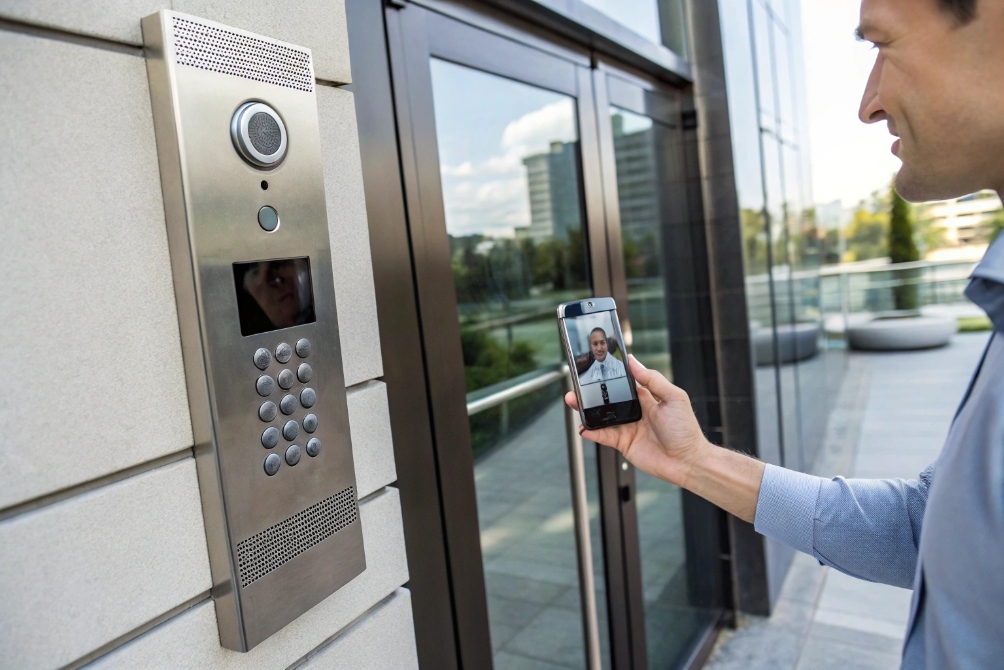
Yes. A SIP door phone can deliver video to mobile apps as a SIP video call to a softphone/UC client, or as an RTSP/HTTP stream to a CCTV or intercom app, as long as codecs, signaling, and NAT rules match.
Main integration patterns you can use
In most deployments, I see three patterns:
| Pattern | How it works | When to use it |
|---|---|---|
| SIP → mobile softphone | Door phone calls SIP extension on the app | Hosted PBX, UC app with SIP support |
| SIP → PBX → push to mobile client | PBX sends push, app wakes and answers with audio + video | Cloud PBX, UCaaS with own mobile client |
| RTSP/HTTP → viewer app | Mobile app pulls video stream directly from intercom | Guards, security staff, monitoring only |
For two-way talk and video, you want the mobile app to:
- Register as a SIP extension.
- Support H.264 video and a shared audio codec (often G.711 or Opus).
- Receive push notifications so calls ring even when the app sleeps.
For live viewing without answering, RTSP or ONVIF support on the door phone lets CCTV apps show the stream all the time.
NAT, security, and user experience
When you extend video to mobile, you must think about NAT and security:
- Put the door phone behind your PBX or SBC.
- Do not open the intercom directly to the internet with port forwards.
- Use TLS/SRTP when clients support it, or at least protect SIP with an SBC and strong auth.
- Limit who can trigger door open actions inside the app.
User experience also matters:
- Use ring groups so both desk phones and mobiles ring together.
- Set fallback to audio-only on weak mobile networks.
- Keep door-open DTMF or API actions simple and clear.
When all those pieces are in place, your SIP door phone feels modern. Staff can answer from the front desk, from an indoor station, or from a mobile app in the parking lot.
What bandwidth do 1080p SIP calls require?
High-resolution video looks great in demos. Then one busy day your uplink saturates and suddenly even voice calls start to break.
A typical 1080p SIP video call with H.264 needs about 2–3 Mbps one-way in real use; for planning, it is safer to reserve 3–4 Mbps per direction for each active 1080p call.
Rough sizing numbers for your design
Real bitrates vary with scene complexity, codec profile, and frame rate. These are good planning values:
| Resolution | Frame rate | Codec | Expected bitrate (one-way) | Planning budget (one-way) |
|---|---|---|---|---|
| 720p | 25–30 fps | H.264 | 1.0–1.5 Mbps | 1.5–2.0 Mbps |
| 1080p | 25–30 fps | H.264 | 2.0–3.0 Mbps | 3.0–4.0 Mbps |
| 1080p | 25–30 fps | H.265 | 1.0–2.0 Mbps | 2.0–3.0 Mbps |
So a two-way 1080p call:
- Uses around 4–6 Mbps in both directions combined.
- Should have 6–8 Mbps of clean headroom to avoid quality drops.
If you run multiple concurrent calls or a video wall at the guard desk, you must also look at switch backplanes and uplinks, not just ISP bandwidth.
How network quality changes real results
Bandwidth is not the only factor. You also need:
- Latency under ~150 ms round trip for natural talk.
- Jitter under a few tens of milliseconds, with proper jitter buffers.
- Packet loss under 1%; beyond that, video will freeze or drop frames.
Good QoS planning helps keep voice safe even when video is heavy:
| Traffic | Priority idea |
|---|---|
| SIP signaling | High, low bandwidth |
| Voice RTP | Highest priority, strict real-time queue |
| Video RTP | High, but below voice |
| Data | Normal or low |
On LTE or small WAN links, it is often better to cap intercom or client apps at 720p and keep 1080p for local indoor stations and NVR recording. That way calls stay smooth and you still get good detail where it matters.
How do I enable video calling on IP PBX?
Many teams assume that installing video phones is enough. Later they find that the PBX or trunk silently strips video, so every call falls back to audio-only.
To enable video calling on an IP PBX, you must turn on video support globally, allow video codecs like H.264 on extensions and trunks, keep video on-net where trunks are audio-only, and make sure NAT, SRTP, and QoS all handle the larger media streams.
Step 1: Check PBX video capabilities
First make sure your platform actually supports video:
- Global toggle like “Enable video” or “Support video codecs”.
- Codec list includes H.264 (and maybe H.265, VP8/VP9).
- Licensing does not restrict video or conferencing to special plans.
Some old or very small PBXs are audio-only. In those cases, you can still use video peer-to-peer between endpoints, or connect the intercom’s video to an NVR/VMS and keep the PBX for audio and door control.
Step 2: Enable codecs on extensions and trunks
On each extension or user profile:
- Enable video.
- Allow H.264 and place it at the top of the video codec order.
- Set a reasonable max resolution (often 720p or 1080p for indoor stations).
On each SIP trunk:
- Confirm if the carrier supports video. Many PSTN trunks do not.
- If the trunk is audio-only, leave video enabled between local extensions but expect audio-only when calls go out to the PSTN.
- Avoid unnecessary transcoding. Align codecs on both sides whenever you can.
A small table helps as a rule of thumb:
| Call type | Recommended approach |
|---|---|
| Extension ↔ extension | Audio: Opus/G.722, Video: H.264 (720p/1080p) |
| Extension ↔ door phone | Audio: G.711/Opus, Video: H.264 |
| Extension ↔ PSTN | Audio only, G.711 toward trunk |
Step 3: Fix NAT, SRTP, and QoS for video
Video is more sensitive to design mistakes than audio. Check:
- SBC or PBX external IP is set correctly so endpoints know where to send media.
- Firewall allows the full RTP/SRTP port range in and out to the PBX or SBC.
- TLS and SRTP are enabled and certificates are trusted by phones.
- QoS markings treat video as important but still lower than voice.
In many projects I see, once you fix the SBC and firewall rules, “mystery” one-way video and mobile issues disappear.
Step 4: Test real-world flows, not just lab pairs
Do test calls that match how the system will be used:
- Desk video phone ↔ desk video phone.
- Desk phone ↔ SIP door intercom.
- Indoor station ↔ mobile softphone.
- Local extension ↔ external PSTN caller.
During tests, capture:
- SIP traces to confirm codec negotiation.
- Switch and router stats to watch bandwidth and errors.
- PBX CPU and memory to see if transcoding is hurting capacity.
If the PBX CPU climbs fast with video, reduce transcoding by aligning codec lists or lowering resolutions. When video can flow end-to-end without changes, the PBX only handles signaling, and the system scales much better.
Conclusion
Video calling works best when SIP, WebRTC, bandwidth, and PBX settings are planned together, so your intercoms, indoor stations, and mobile apps all see the same clear, low-latency picture.
Footnotes
-
Understand H.264 profiles/levels so door stations, phones, and clients decode video reliably. ↩︎ ↩
-
Reference for SIP dialogs, REGISTER/INVITE behavior, and interoperability fundamentals. ↩︎ ↩
-
Browser-level WebRTC API and media behavior used by most web-based calling apps. ↩︎ ↩
-
Defines RTP packetization and timing used by most SIP audio/video media streams. ↩︎ ↩
-
Explains how SRTP encrypts and authenticates RTP media for secure video calling. ↩︎ ↩
-
Shows how WebRTC commonly derives SRTP keys using DTLS during call setup. ↩︎ ↩
-
Details ICE negotiation for NAT traversal and path selection in real-world video calls. ↩︎ ↩








