
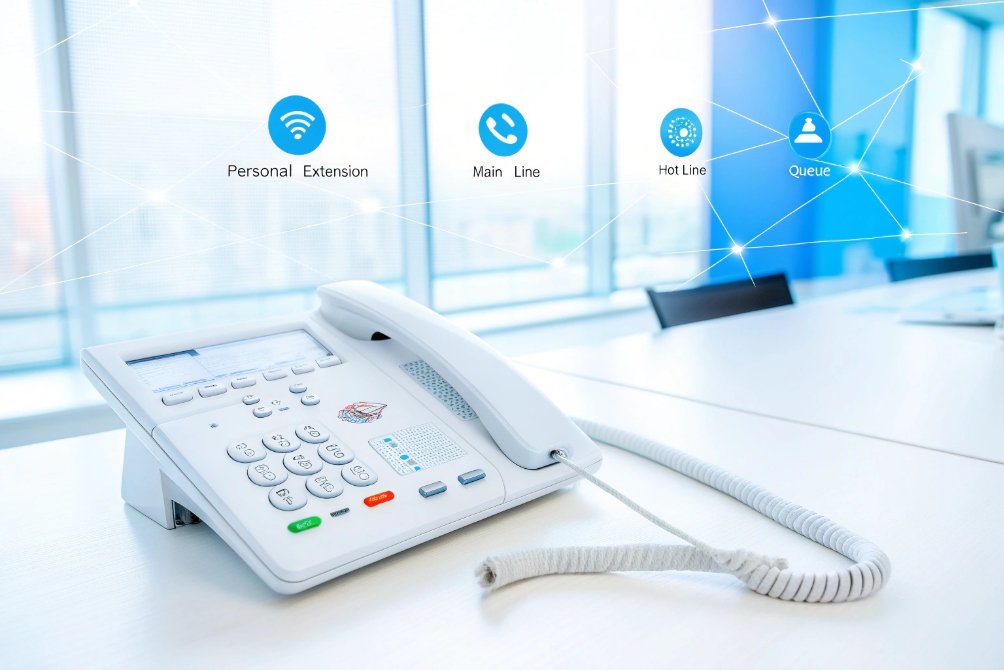
When people see six or eight line keys on a VoIP phone, they feel confused. Are these real phone lines, or just buttons? This confusion often blocks good system design.
Multiple lines on a VoIP phone are logical call slots, not copper wires. They let one device handle several calls, extensions, and caller IDs at once, which unlocks call waiting, transfers, and team sharing.
On a modern SIP phone, each “line” is a virtual identity. It can be a user extension, a shared front-desk number, a hotline, or even a monitored line on another phone. When these line keys are set in a smart way, one handset can replace several old analog phones and give the user much better control of calls. In projects, this is also how we keep hardware and cabling simple while still giving teams the flexibility they need.
You pick up a call and another customer rings in. Without extra lines, you must drop someone or let it ring. This fear stops teams from growing call volume.
Yes. Multiple lines enable real call waiting, smooth attended transfers, easy shared extensions, and ad-hoc conferencing, because each call has its own line appearance you can park, swap, or move.
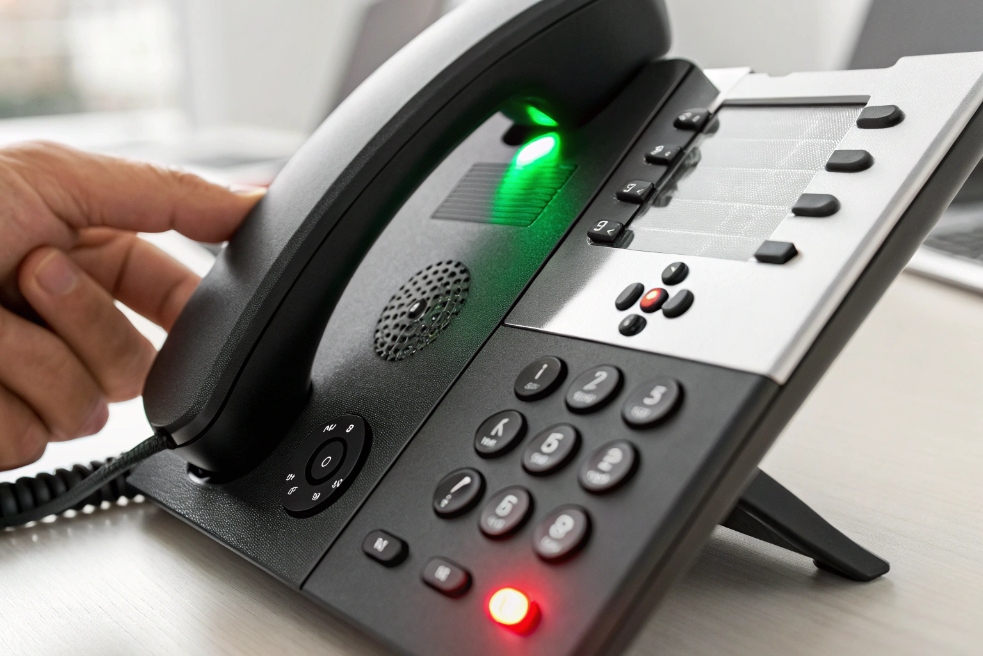
What a “line” really means on a VoIP phone
On a SIP phone, a line is a logical account or extension, not a physical copper pair. One device can register several SIP accounts. Each account can usually support more than one call at the same time.
So when you see “Line 1”, “Line 2”, “Line 3”:
- Line 1 might be the user’s personal extension.
- Line 2 might be the main company number, shared by several phones.
- Line 3 might be a hotline, a queue, or a hunt group.
Each active call sits on a line appearance. That appearance gives you a place to put the call on hold, pick it back up, and move it where it should go.
How multiple lines power call waiting and transfers
With only one line, call waiting is possible, but it is limited. You can answer a second call and put the first on hold, but you have less visual control. With multiple line keys, each call has its own button with its own LED and label. You can see which call is which.
Typical workflow on a multi-line SIP phone:
- Call A arrives on Line 1. You answer.
- Call B arrives on Line 2. You press Line 2. Call A goes on hold.
- You talk to Call B, then press Line 1 again to switch back.
- You can now start a transfer from the active line to another extension or to a shared line.
Because each call is tied to a line appearance, it is easy to do attended transfers, blind transfers, and even quick three-way conferences. Multi-line support also makes call parking simple: you can park a call on a parking extension, then pick it up from another line key on another phone.
Shared line appearances are one of the biggest reasons business users love multiple lines. Several phones subscribe to the same extension and show it on a line key. When that shared extension rings:
- All phones show it ringing.
- Any authorized user can press that key to answer.
- Everyone can see if that line is idle, ringing, or in use.
This is perfect for reception, security desks, and team-based support. In one hospital project, the nurses’ station phones shared the same emergency line appearance. Any nurse could see the emergency line ringing and pick up at once, without waiting for a dedicated operator.
Here is a simple way to view the difference:
| Scenario | Single line phone | Multi-line SIP phone with shared lines |
|---|---|---|
| Call waiting | Basic, no visual separation | Each call on its own key, easy swap |
| Attended transfer | Key sequences, more training | Press new line, dial, announce, transfer with one button |
| Shared front desk number | Hard to share cleanly | Shared line visible on many phones |
| Call park and pickup | Star codes only | Dedicated park keys and pickup keys on line buttons |
Multiple lines do not just add “capacity”. They add structure. They turn a busy desk phone into a small call control console that lets non-technical staff handle calls like operators.
How do SIP line keys map to extensions, BLF, and speed dials?
When you first program a SIP phone, the line key menu looks messy. Accounts, BLF, speed dials, presence. Bad mapping here creates daily confusion for users and support teams.
On a SIP phone, each line key can be a full SIP account, a shared line, a BLF lamp, or a speed dial. Good planning maps core extensions first, then monitoring and shortcuts.
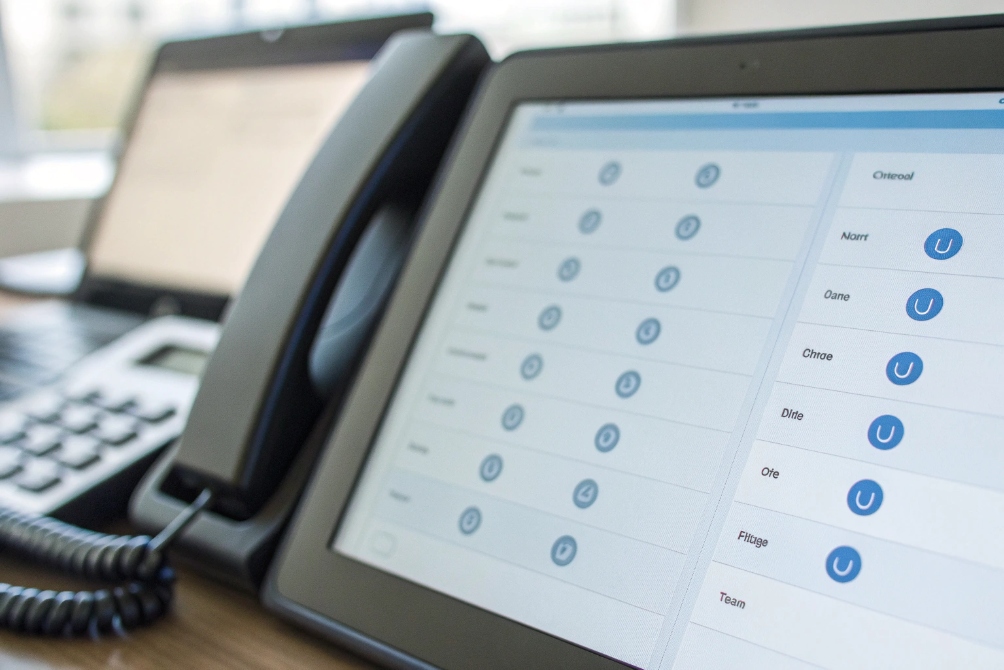
Types of line keys on a SIP phone
Most enterprise SIP phones and SIP intercom panels support several key types:
- SIP account / line: a full registration with a SIP server. It can place and receive calls.
- Shared line appearance: same extension shared by multiple phones.
- BLF (Busy Lamp Field): monitors another extension’s status and often works as a pickup key using the SIP Dialog Event Package (RFC 4235) 4.
- Speed dial: one-touch dialing for a common number or feature code.
- Feature key: park, pickup, record, DND, door release, paging, and so on.
On many of our IP phones and SIP indoor stations, the same physical key can be set to any of these modes. The trick is to choose a clear structure, so users know what each key does just by looking.
A practical mapping strategy
In real projects, a simple rule works very well:
- Use the first row of line keys for actual SIP accounts and shared lines.
- Use the next row for BLF monitoring of the most important people or departments.
- Use the remaining keys for speed dials and features.
You also control the label and ringtone per line. So you can show “Sales 8001”, “Support Queue”, “Door Intercom”, and “Emergency” with different ring patterns. Before the agent even answers, they know which service the caller dialed.
Here is how the mapping often looks:
| Key type | SIP configuration | Typical label | Main behavior |
|---|---|---|---|
| Line | Full SIP account / extension | “101 Jason” | Make/receive calls, hold, transfer, conference |
| Shared | Same extension on many phones | “Main Line” | Any phone can answer and see status |
| BLF | Subscribes to another extension | “201 Maria” | See idle/ring/busy, press to call or pickup |
| Speed dial | Dial string only | “Tech Support” | One-touch dialing of external or internal numbers |
| Feature | PBX feature code | “Park”, “Pickup” | Triggers special functions on the PBX |
With BLF keys, the LED color tells the story: idle, ringing, or in use. The user can press that key to call or to pick up a ringing call, depending on PBX settings. This gives one handset a live dashboard of the team’s status.
Why this mapping matters for intercoms and security
For security projects, the mapping of line keys is not just a comfort issue. It is a safety issue. For example:
- One key might monitor the gate intercom.
- Another monitors the loading dock phone.
- Another monitors the emergency help point outside the building.
In one industrial site, the control room had a SIP phone with several BLF keys labeled with locations, not extension numbers. “Gate A”, “Pump Room”, “Tower Crane”. The operators did not care about the extension; they cared about the place. When “Pump Room” started flashing, they knew where to focus.
Good line-key mapping also makes it simple to integrate with smart building platforms. The building software can trigger calls from devices tied to clear line labels, while the phone display shows easy names for staff.
Will extra lines require additional licenses on my IP PBX?
PBX license models scare many buyers. They worry every new line key on a phone will trigger another fee, even when the user still has one extension.
Extra line keys rarely need extra PBX licenses by themselves. Most systems license per extension, user, or concurrent call, not per physical button, but you must confirm your vendor’s model.
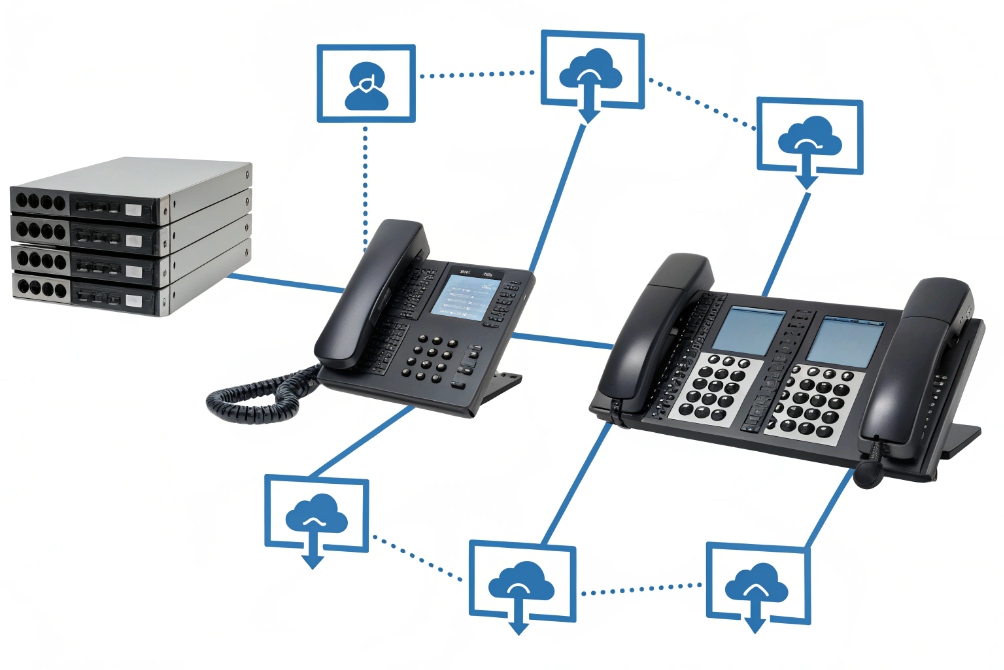
Common ways PBXs are licensed
Every IP PBX has its own business model, but the most common patterns are:
- Per extension or user: you pay for each registered user or device identity.
- Per concurrent call: you pay for the number of simultaneous calls the PBX will handle.
- Per feature pack: basic extensions are free or cheap, advanced features cost extra.
- Cloud per seat: one monthly fee per user, with a bundle of features.
In all these models, the PBX does not “see” how many plastic keys are on the phone. It only sees how many SIP accounts register, and how many calls are active.
When extra lines do and do not cost more
If one phone registers to the PBX with one extension (for example, 301), and you map Line 1 and Line 2 to that same extension, you do not usually need an extra license. You are using one PBX user with two appearances on the same device.
You may need more licenses when:
- You add a second or third SIP account on the same phone, with different extension numbers.
- You add lines that point to extra call queues or hunt groups, and your PBX charges per queue.
- You push your concurrent call limit higher because now the team can handle more calls at once.
Here is a simple way to think about it:
| License model | What actually counts | Impact of extra line keys |
|---|---|---|
| Per extension / user | Number of SIP accounts / extensions | Extra keys cost nothing if they use the same extension |
| Per concurrent call | Number of live calls at the same time | More lines can raise peak calls, so license may increase |
| Per queue / feature | Number of queues, IVRs, features | Keys that use extra queues may require those add-ons |
| Cloud per seat | Number of paid users | Extra keys on one user’s phone usually do not change cost |
As a device maker, we design IP phones and SIP intercoms that can register several accounts without extra cost on the hardware side. But the PBX license plan is the key limit. Before you propose a multi-line setup to a client, it is wise to ask one simple question: “Is your PBX licensed per device, per user, or per call?” That one answer will show you where the real cost border is.
A simple checklist before you add more lines
To stay safe on cost and avoid surprises:
- List how many extensions and queues the customer has now.
- Check the PBX license page for current call capacity.
- Decide which line keys are new SIP accounts and which are just extra appearances.
- Confirm with the PBX vendor or manual where the license limit sits.
When this is clear, you can confidently use multi-line phones to simplify the user’s life, without creating hidden billing issues later.
How many concurrent calls can my VoIP phone handle per line?
On paper the phone says “4 lines,” but your call center wants ten people in a queue. People ask if one ringing storm will crash that small handset.
Concurrent calls depend on both the phone and the PBX. A single SIP line can usually hold several active calls, and the phone often supports more total calls than visible line keys.
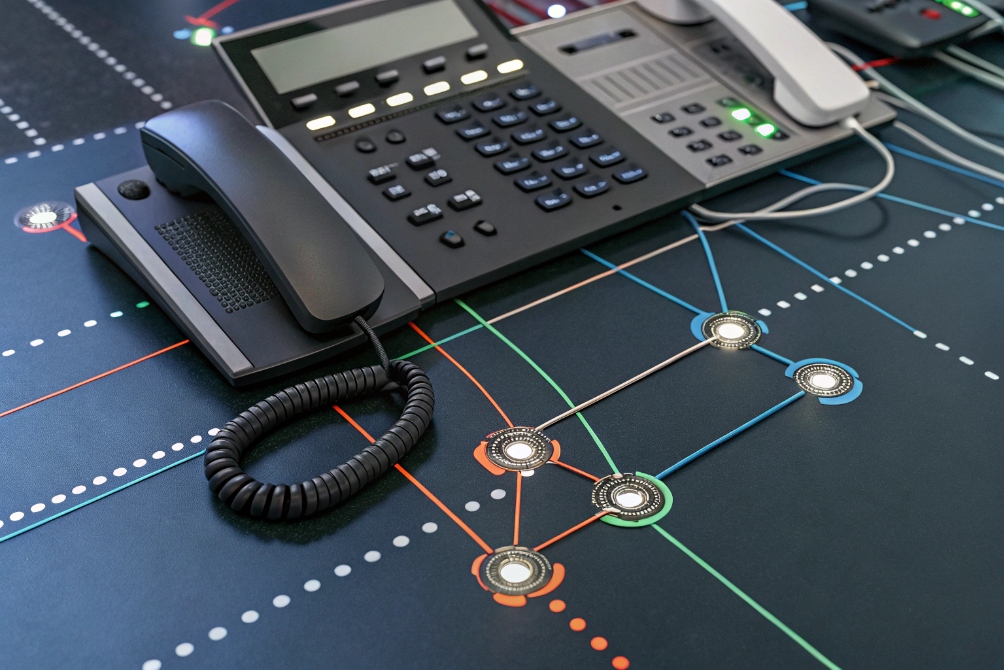
SIP accounts vs call capacity
There are two separate limits:
- Number of SIP accounts (lines) the phone can register.
- Number of concurrent calls the phone can handle across all accounts.
A phone might support “4 SIP accounts and 8 concurrent calls”. That means:
- You can register up to four different extensions or trunks.
- At any time, the total of active and held calls across all lines cannot go beyond eight.
Within one SIP account, the phone can usually hold several calls. For example, one call active, two on hold. You can swap between them using the line keys or the on-screen soft keys. The PBX sees each of these as a separate SIP dialog model (RFC 3261) 7, but the phone manages them under the same user identity.
Practical limits and what users actually feel
From a user’s view, the limit feels like this:
- Each line key can show one active or held call.
- Extra calls may stack under the same key in the phone’s UI.
- When the phone hits its max call limit, new calls may get busy tone or fail.
For most office workers, more than three or four concurrent calls on one phone is already too much. So the phone’s internal limit is often higher than what is comfortable. In real deployments we care more about clear call handling than about squeezing every possible call onto one device.
For projects with queues or shared lines, the PBX limit often becomes more important than the phone’s limit. If the PBX allows only, say, 10 concurrent calls for the whole site, then adding phones with 16-call capacity each will not help after that point.
Here is a simple planning view:
| Item | Where you check it | Typical value range |
|---|---|---|
| SIP accounts per phone | Phone data sheet / web UI | 2–16 |
| Concurrent calls per phone | Phone data sheet / web UI | 4–32 |
| Concurrent calls on PBX | PBX license / status screen | 4–1000+ depending on model |
Planning for queues, hunt groups, and teams
In queue and hunt group scenarios, one agent phone may need to handle:
- Personal calls on their own extension.
- Queue calls from two or three teams.
- Internal calls from colleagues.
Multi-line phones make this possible because one device can join several queues and ring with different labels and tones. But there is a point where adding more queues does not help. The human who answers the phone is still one person.
A simple planning approach:
- Give each agent one main line for their own extension.
- Add one or two queue lines they really need.
- Set clear ring tones and display names for each line so they know the context.
- Use the PBX to cap the number of calls offered to each agent at a realistic level.
In one contact center deployment, the team tried to give each agent five or six active queues on the same phone. The agents felt overloaded. After we reduced it to two queues per handset, with clear labels and tones on the line keys, call handling became smoother even though the phone’s technical capacity stayed the same. The “right” number of concurrent calls per line is often about people, not just about SIP limits.
Conclusion
Multi-line VoIP phones use logical lines to juggle calls, identities, and queues on one device, which boosts flexibility for users while keeping PBX licensing and hardware under control.
Footnotes
-
Visual example of multi-line identities like main line, personal extension, and queue. ↩︎ ↩
-
Shows how line LEDs communicate active, held, and ringing calls at a glance. ↩︎ ↩
-
Reference image for line-key layouts with accounts, BLF, and feature keys. ↩︎ ↩
-
Defines the standard event package most systems use to power BLF presence and pickup keys. ↩︎ ↩
-
Helps explain PBX-to-phone relationships and why licenses follow users/calls, not buttons. ↩︎ ↩
-
Visual aid for discussing call capacity and how phones juggle multiple dialogs. ↩︎ ↩
-
Authoritative SIP reference for dialogs and call state handling across multiple calls on one identity. ↩︎ ↩








