

Legacy call centers strain during peaks, break during outages, and take months to roll out a new country or channel.
AI Cloud Contact Centers are cloud-native platforms that deliver voice and digital support with AI built-in for routing, self-service, analytics, and real-time agent assist, instead of just moving your PBX into a data center.
In a classic on-premise world, you buy hardware, wire SIP trunks, and bolt on IVR, recording, and reporting. In an AI cloud model 1, you subscribe to a platform that already includes ASR/TTS, NLU, virtual agents, Agent Assist, quality analytics, and global routing. You plug in your CRM, SIP trunks, and data tools through APIs. For many teams, the hardest part is not the technology. It is deciding which AI features to turn on first, how to handle security and compliance in the cloud, and how to understand CCaaS pricing well enough to build a real business case.
How do AI cloud centers differ from on-premise?
Your old stack may already be “VoIP,” so it feels like “we are modern enough.” But the way you deploy, scale, and innovate is still rooted in hardware.
AI cloud centers shift you from hardware-heavy, change-resistant on-premise systems to elastic, API-first platforms where routing, reporting, and AI features ship as continuous updates.
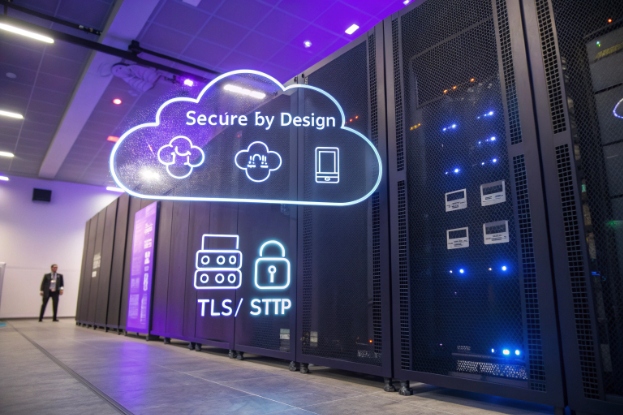
Architecture and operations: from boxes to services
On-premise contact centers 2 are built around physical gear:
- PBXs and gateways in your racks
- Licenses tied to specific servers
- Major upgrades every few years
- Disaster recovery through second sites and manual failover
AI cloud centers flip this model. The vendor runs a multi-tenant or dedicated cloud platform:
- Capacity scales up and down as you add or remove agents
- New AI features land as regular releases, not forklift upgrades
- Regional data centers handle latency and resilience
- You access everything through a web desktop and APIs
You still keep SIP trunks, DIDs, and sometimes local SBCs, but the “brain” moves to the cloud.
| Dimension | On-premise | AI cloud contact center |
|---|---|---|
| Deployment | Hardware projects, long lead time | Provisioned in days, feature toggles |
| Scaling | Buy new servers and licenses | Elastic seats, usage-based capacity |
| Upgrades | Infrequent, risky maintenance windows | Continuous, vendor-managed |
| AI capabilities | Bolt-ons, separate projects | Built into routing, QA, and agent desktop |
| Disaster recovery | Extra sites and complex routing | Geo-redundant cloud regions |
AI-native across channels
On-premise systems often treat voice as the main citizen and patch in email or chat as side modules. AI cloud platforms start from an omnichannel contact center 3 view:
- One routing engine for voice, chat, SMS, and social
- One NLU stack for intent across text and speech
- One analytics layer for sentiment, topics, and quality
That means your voicebot and chat bot can share logic and knowledge. Your supervisors can see a single view of demand across all channels. Your SIP-based devices and intercoms still connect through trunks and SBCs, but once inside the platform, every interaction gets the same AI treatment.
In many projects we support, the jump from on-prem to AI cloud is not just “move calls.” It is “flatten the tech stack,” so you can test new flows, languages, and bots without another hardware quote.
Is my customer data secure and compliant in the cloud?
Security and compliance are often the biggest blockers when teams talk about the cloud. Voice calls and transcripts include personal data, card numbers, and health or financial details.
Customer data can be secure and compliant in AI cloud centers when you use encryption, redaction, access controls, consent logging, and data residency options that match your regulations and internal policies.
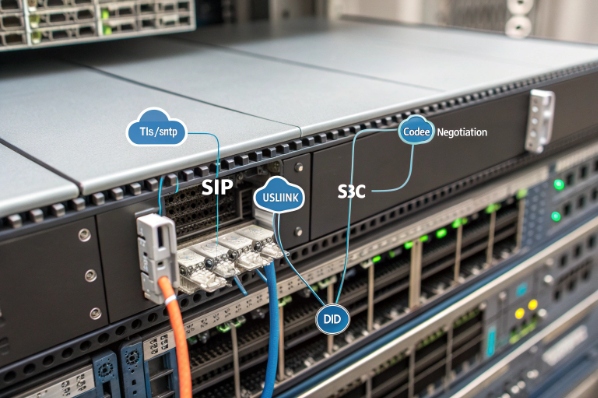
What “secure by design” looks like
A credible AI cloud platform does not treat security as an add-on. You should expect:
- Encryption in transit for SIP signaling and media 4 where supported
- Encryption at rest for recordings, transcripts, and logs
- Strong identity (SSO, MFA) for agents, admins, and API calls
- Role-based access control (RBAC) so not everyone can see everything
- Audit trails for configuration changes and data access
On the AI side, extra controls matter:
- Redaction of card numbers and sensitive PII in transcripts and summaries
- Separate storage domains for training data and live customer data
- Clear switches for whether your data can be used to train generic models
Compliance: PCI, HIPAA, GDPR, and local rules
You match platform features to your regulatory needs:
- PCI: DTMF masking, pause/resume recording, and redaction during payment flows
- HIPAA or health privacy: BAAs, restricted logs, and strict access controls
- GDPR and similar 5: Data subject rights, export and deletion tools, and data minimization
Many AI cloud platforms also offer:
- Data residency choices (for example, keep EU data in EU regions)
- Configurable retention for recordings and transcripts
- Consent prompts and logging for analytics or call recording
A simple view:
| Area | Cloud capability you want |
|---|---|
| Payments | PCI tools, secure IVR, redaction |
| Health data | Signed BAA, strict access, audit logs |
| EU customers | EU data centers, subject rights support |
| Analytics | Opt-in controls, anonymization where needed |
Your job is to map your policies to vendor features. The fact that the stack runs in the cloud does not remove your responsibilities. But it does give you more flexible tools. In many cases, cloud contact centers ship stronger logging, access control, and redaction than older on-prem systems ever had.
How do I integrate CRM, SIP trunks, and analytics?
Moving to AI cloud does not mean throwing away your phone numbers, CRMs, or BI tools. The value comes when all of them plug into the same backbone.
You integrate CRM, SIP trunks, and analytics by treating the AI cloud center as your routing and interaction hub, then connecting telephony at the edge and data systems through APIs and webhooks.
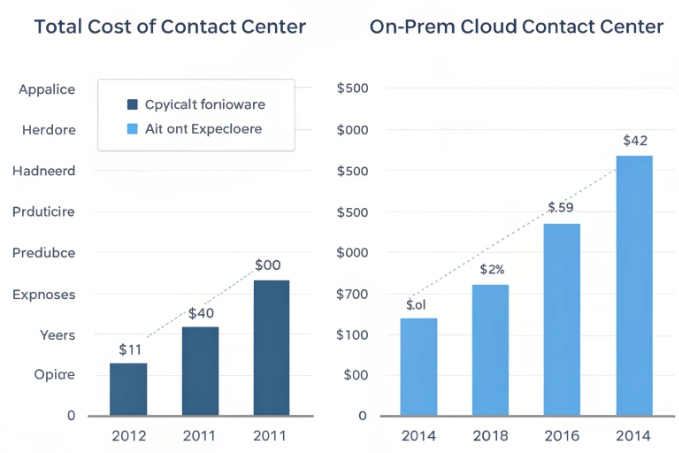
SIP and voice infrastructure
You usually have three options:
-
Keep existing SIP trunks
Point your trunks (or SBC) at the cloud entry point. The vendor becomes your main call control and ACD layer. This keeps your numbers and carrier contracts. -
Use vendor-provided telephony
Some platforms bundle carrier services. This simplifies setup but can lock you into a single route. It works well when you have no strong telephony footprint yet. -
Hybrid model
Use your own trunks in some regions and cloud telephony where you do not have local partners. This is common during migrations.
In all cases, the SIP side stays mostly familiar: you manage DIDs, E.164 formats, and codecs. The difference is that once the call enters the AI cloud, routing, recording, and AI features take over.
CRM and ticketing integration
CTI integration 6 is where agents and supervisors feel the biggest change.
Good patterns:
- Use SSO between CRM and the contact center desktop
- Use screen pops based on ANI, IVR input, or bot context
- Write back dispositions, summaries, and call links to CRM or ticketing
- Use CRM data (segment, value, risk flags) for routing decisions
A typical mapping:
| Integration point | Direction | Example event |
|---|---|---|
| CTI screen pop | CCaaS → CRM | “Call answered, here is contact ID” |
| Case creation | CCaaS → CRM | “After call, create or update a case” |
| Routing context | CRM → CCaaS | “This caller is VIP, use premium queue” |
| Journey triggers | CRM ↔ CCaaS | “Order shipped, start an outbound workflow” |
Analytics and BI
AI cloud platforms already offer built-in dashboards: AHT, AWT, occupancy, sentiment, topics, and QA scores. To go further, you:
- Stream events and summaries into your data warehouse
- Join interaction data with sales, churn, and NPS
- Build end-to-end funnels and cohort reports
This usually happens via:
- Webhooks that push events in near real time
- Batch exports of records and transcripts
- Direct connectors to common BI platforms
In our own deployments, the most successful teams treat the AI contact center as just one data source in a bigger picture. They use its AI summaries and sentiment scores as inputs to wider customer health or risk models, instead of trying to answer every question inside the contact center UI alone.
What costs should I expect with CCaaS pricing?
Cloud and AI often sound like they “must be cheaper,” but invoices still surprise people when they do not understand the pricing levers.
With CCaaS, you usually pay per named or concurrent agent, plus usage-based fees for minutes and advanced AI features; the main work is mapping these levers to your real traffic and growth plans.
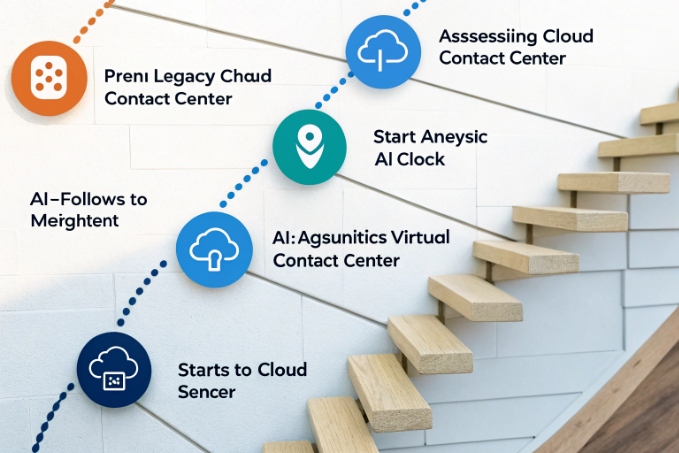
Core pricing building blocks
Most AI cloud contact centers mix several elements, following common CCaaS pricing models 7:
-
Platform license
Per agent (named or concurrent) per month. Often tiered by feature set: voice-only, omnichannel, or full AI. -
Usage
Voice minutes in and out, possibly per region. SMS, WhatsApp, and other channels often have per-message fees. -
AI features
ASR minutes, transcription storage, AI summaries, and advanced analytics may be bundled or charged as add-ons. -
Storage and compliance
Long-term recording / transcript storage, extra retention, and advanced compliance modules may add cost.
A simple table:
| Cost category | Common model |
|---|---|
| Agent licenses | Monthly per seat (named / concurrent) |
| Voice minutes | Per minute by region and direction |
| AI features | Included up to a quota, then usage |
| Storage | GB per month or by retention tier |
| Professional services | Fixed-fee projects or hourly |
How to build a real cost picture
To avoid surprises, base estimates on:
- Current and forecasted agent counts
- Peak and average concurrent seats by region
- Inbound and outbound minutes per month
- Share of interactions that will use transcription and AI
- Required recording and transcript retention periods
Then run a few scenarios:
- “Today only, minimal AI”
- “Scaled AI assist + limited virtual agents”
- “Heavy AI with full transcription and analytics”
Compare these against your current on-prem or legacy costs:
- Hardware and maintenance
- Licenses and support contracts
- Carrier and colo fees
- Internal admin and upgrade projects
In many cases, cloud and AI do not cut raw telephony cost first. The bigger gains come from lower operational overhead, faster deployment of new flows, higher containment, and reduced handle time. That is where cost per contact and cost per successful outcome move, even if per-minute rates stay similar.
Conclusion
AI cloud contact centers matter when they join secure, elastic infrastructure with practical AI—routing, self-service, assist, and analytics—so every interaction becomes faster, smarter, and easier to change than any on-premise stack.
Footnotes
-
Overview of cloud contact centers and how AI-ready CCaaS platforms replace legacy hardware stacks. ↩ ↩
-
Comparison of traditional on-premise contact centers versus cloud deployments, including pros, cons, and migration drivers. ↩ ↩
-
Explanation of omnichannel contact centers and how unified routing improves cross-channel customer experiences. ↩ ↩
-
Guide to encrypting SIP media and signaling using TLS and SRTP for secure cloud calling. ↩ ↩
-
Official introduction to EU GDPR data protection rules and key compliance rights such as access and deletion. ↩ ↩
-
Description of CTI integration between cloud contact centers and CRM, including screen pops and click-to-dial features. ↩ ↩
-
Breakdown of CCaaS pricing structures and factors that influence total cloud contact center cost. ↩ ↩








