
Legacy call centers feel slow, expensive, and fragile. Queues grow, agents search knowledge bases by hand, and simple questions still wait for human help.
An AI call center uses machine learning to automate routine work and assist agents in real time, so voice and digital interactions become faster, smarter, and more consistent without losing human control.
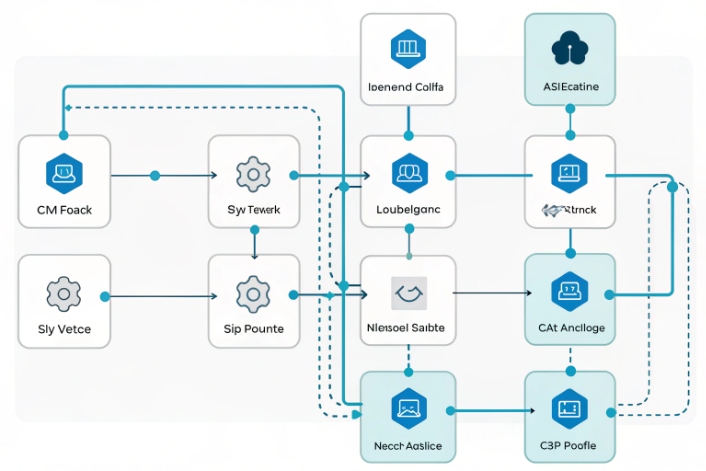
An AI call center 1 is not a single bot. It is a stack: ASR/TTS to handle speech 2, NLU to understand intent, dialog to manage steps, and deep integrations to CRM, ticketing, and payments. Virtual agents handle simple tasks end-to-end. AI-assisted agents handle the rest with live guidance and summaries. When this sits on top of solid SIP connectivity and routing, you get lower handle times, higher first-contact resolution, and better CSAT, often without a big increase in headcount.
How does AI routing work for my calls?
Many teams still rely on “press 1 for sales, press 2 for support.” That wastes time, misroutes calls, and hides real intent from your reports.
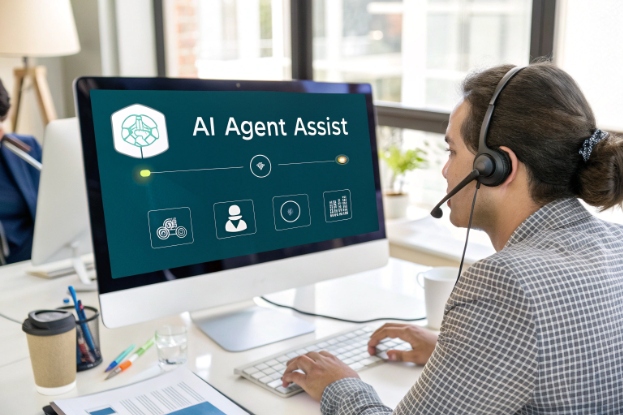
AI routing listens to what callers say, detects intent and context, then sends each interaction to the best virtual or human agent based on skills, value, and risk.
From call entry to intent detection
The routing journey starts the moment a call hits your SIP trunks:
- The platform answers and runs ASR to convert speech to text.
- NLU models read the text and detect intent, entities, and sentiment.
- The system looks up CRM data using ANI, account numbers, or IDs gathered in IVR.
- A routing policy decides if a virtual agent can handle the request or if it should go to a human.
For simple intents like order status or password resets, a virtual agent can complete the task with no human. For complex or sensitive intents, AI does the triage and then moves the caller to the right skill group.
This works across channels. The same NLU that understands “I want to update my card” in voice can also handle the same request in chat or messaging, and route it the same way.
AI-powered routing decisions
Classic ACD routing cares about skills, queues, and priorities. AI routing adds more dimensions 3:
- Caller intent and sub-intent.
- Customer segment and lifetime value from CRM.
- Risk or compliance flags.
- Live sentiment (angry, neutral, calm).
- Agent performance and availability.
You can think in terms of signals and rules:
| Signal from AI / systems | Example rule |
|---|---|
| Intent = “card lost / stolen” | Route to fraud desk with highest priority |
| Sentiment = “very angry” | Avoid junior agents; send to retention specialists |
| Segment = “VIP enterprise” | Skip bots and general IVR; send to premium queue |
| Channel = “social complaint” | Route to social care team with fast SLA |
| Language = “Spanish” | Route to Spanish-speaking agents or bot |
AI does not replace your routing engine. It feeds it richer context. You still set policies such as “VIPs cannot wait more than 30 seconds” or “fraud calls must bypass bots.”
Guardrails and fallback for safe AI routing
No model is perfect. Some calls will have low confidence intents, or mixed signals. This is where guardrails matter:
- When ASR or NLU confidence is low, fall back to a simpler IVR menu or a human agent.
- For regulated journeys (payments, health, legal), route to specialists even if the bot thinks it understands.
- For new intents, start in “assist-only” mode, where AI suggests routes but supervisors can override.
In my own projects, the most stable setups treat AI routing as “advisor plus automation.” When signals are clear and rules agree, the router acts automatically. When signals conflict, the system takes the safer path, even if it means slightly longer AWT for a small slice of calls.
Which AI features should I prioritize for my team?
There are many AI features on every vendor slide. Not all of them matter on day one. If you try everything at once, agents and supervisors will feel lost.
Start with AI features that remove manual work: virtual agents for top intents, real-time Agent Assist, smart knowledge search, and strong analytics built on clean CRM integration.
Start from outcomes, not buzzwords
Before picking features, decide what you want to move:
- Lower AHT without hurting quality.
- Higher first-contact resolution.
- Less training time for new agents.
- Better compliance on scripts and disclosures.
Then align features with those goals.
Tier 1: must-have AI capabilities
For most teams, these give the biggest impact:
-
Virtual agents / voicebots for routine intents
Virtual agents for top intents 4 handle things like balance checks, order status, PIN resets, and FAQs. Keep scope tight at first. Escalate with full context when confidence is low. -
Real-time Agent Assist
Real-time Agent Assist 5 shows suggested answers, next steps, and checklists. Highlight required phrases for compliance. Surface related CRM data without manual search. -
Knowledge search with retrieval-augmented generation (RAG)
Retrieval-augmented generation (RAG) for knowledge search 6 lets AI pull from your knowledge base, policies, and product docs. RAG reduces hallucinations by grounding answers in approved content. -
Post-interaction summaries and auto-disposition
Generate call summaries, reasons, and tags. Agents can edit instead of typing from scratch. This cuts wrap-up and improves report quality. -
Live analytics and alerts
Use sentiment, topic detection, and volume spikes to alert supervisors in real time. They can jump into coaching or join calls when risk is high.
Here is a simple view:
| Feature | Main benefit | Who feels it first |
|---|---|---|
| Virtual agents | Fewer simple calls to agents | Customers + WFM |
| Agent Assist | Faster, more accurate responses | Agents |
| RAG knowledge search | Better answers, less hunting | Agents + QA |
| Auto-summaries | Shorter wrap-up, better records | Agents + reporting teams |
| Live sentiment analytics | Faster supervisor intervention | Supervisors + QA |
Tier 2: features to add once basics work
After the first wave is stable, then explore:
- AI-based workforce forecasting adjustments.
- Quality automation with automated scorecards.
- AI-driven coaching suggestions per agent.
- Deeper personalization in bots using profiles and history.
At this stage, governance matters more. You need clear access control, redaction for PII and PCI, and log retention rules that fit your audit needs. Otherwise the “advanced” features can introduce risk faster than they create value.
Can I migrate from my PBX to an AI platform?
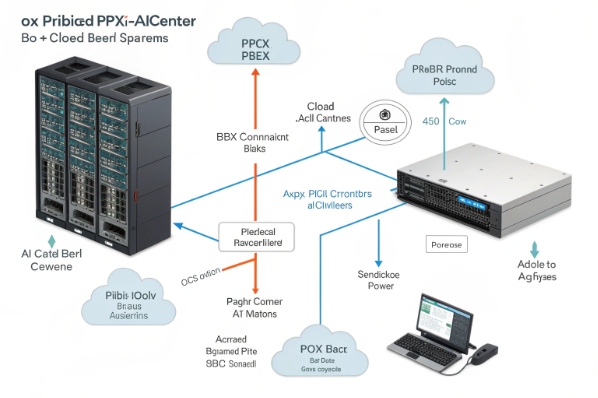
Many centers still run on a classic PBX or basic SIP platform. Migrating from a PBX to a cloud contact center 7 sounds great, but a full rip-and-replace feels scary and risky.
You can move from a PBX to an AI platform in stages: first connect by SIP, then add AI for routing and assistance, then shift more traffic off the PBX as confidence grows.

Where your PBX ends and AI begins
Your PBX or IP-PBX handles:
- Extensions and basic call control.
- Hunt groups and simple queues.
- Basic IVR and voicemail.
An AI platform focuses on:
- Omnichannel routing with rich context.
- ASR/TTS and NLU-based virtual agents.
- Agent desktop with AI assist and deep CRM links.
- Analytics, recordings, and coaching at scale.
You do not need to discard everything on day one. The key is to treat the AI platform as another SIP-aware application that can take more roles over time.
A phased migration approach
A simple four-step path:
-
Connect and observe
- Keep PBX as the main switch.
- Send a slice of traffic (for example, one service line) through the AI platform.
- Use AI only for analytics and Agent Assist. No customer-facing bots yet.
-
Add smart IVR and virtual agents
- Move the IVR entry to the AI platform for selected queues.
- Introduce virtual agents for very specific, low-risk intents.
- Escalate to PBX queues with full context when needed.
-
Shift routing and agent handling
- Use the AI platform’s ACD to route calls directly to AI-enabled agent desktops.
- PBX remains as a trunk and extension anchor, but contact center logic lives in the AI layer.
-
Consolidate and retire old components
- Once most traffic uses AI routing and desktops, plan gradual PBX feature retirement.
- Keep minimal telephony for legacy devices, elevators, or analog endpoints if needed.
A simple phase table:
| Phase | What changes most | Main risk control |
|---|---|---|
| 1 | Analytics only | No impact on live flows |
| 2 | IVR + limited virtual agents | Tight scope, strong escalation rules |
| 3 | Routing + Agent Assist | Run pilots per queue, not all at once |
| 4 | PBX cleanup and consolidation | Keep rollback plan for key numbers |
Integration, latency, and compliance
During migration, focus on:
- Latency: keep round-trip times under about 300 ms for voice turns. This depends on codec choice, network path, and ASR/NTT processing.
- Security: use encryption for SIP and media where possible. Enforce role-based access to recordings, transcripts, and AI tools.
- Compliance: ensure PCI, HIPAA, or local rules are respected. Use redaction and consent prompts when running ASR and analytics.
In our SIP hardware and platform work, the smoothest migrations keep PBX and AI systems side by side for a while, then change routing logic one queue at a time. That gives space to refine AI prompts, training data, and escalation rules before you bet the whole center on a new path.
What ROI can I expect from AI-assisted agents?
Many leaders ask, “Will this really pay off, or is it just a nice demo?” AI on its own does not create value. AI that changes real workflows does.
AI-assisted agents usually deliver ROI through lower handle and wrap-up times, faster ramp-up for new staff, higher first-contact resolution, and more consistent compliance, so cost per contact drops while CSAT rises.

Where AI-assisted agents save time
Agent Assist and good knowledge search remove a lot of micro-friction:
- Less time searching multiple systems.
- Less time typing long notes and summaries.
- Fewer transfers because the first agent can see clear next steps.
Common impact ranges that I see in practice (your numbers will vary):
| Lever | Typical impact range | Notes |
|---|---|---|
| AHT (simple intents) | 10–30% reduction | Fewer holds and lookups |
| Wrap-up time | 30–60% reduction | Auto-summaries and dispositions |
| New agent ramp-up | Weeks → days in some teams | AI suggests answers instead of heavy memorizing |
| First-contact resolution | +5–15 points | Better context and guidance |
| QA / compliance violations | Noticeable drop | Live prompts and checklists |
These changes roll into cost per contact and capacity:
- With the same headcount, you can handle more volume at stable quality.
- Or you can stabilize volume and use freed capacity for outbound or higher-value work.
How to measure ROI in a clean way
To make ROI real, treat AI as an experiment, not magic.
-
Baseline
- Pick one or two queues.
- Measure AHT, wrap-up, FCR, CSAT, and handle volume for at least a few weeks.
-
Roll out AI to a test group
- Give Agent Assist and auto-summaries to a subset of agents.
- Keep a control group without AI for the same period.
-
Compare
- Look at blended performance and per-agent impact.
- Check if the gains hold across new and experienced agents.
-
Include cost side
- Include licensing, implementation, and training costs.
- Estimate savings and revenue improvements over at least 12–24 months.
Do not hide soft benefits. Fewer manual notes and clearer guidance often reduce agent burnout and turnover, which also has a real cost impact even if it is harder to measure cleanly.
Common pitfalls to avoid
AI-assisted setups fail when:
- Audio quality is poor, so ASR struggles.
- Intents are brittle, so bots and assists misfire on real phrasing.
- Over-automation hides the “escape hatch” to humans.
You can reduce this risk by:
- Starting with a small intent set and high confidence thresholds.
- Designing graceful failure paths—“Let me connect you to a specialist with what we already know.”
- Reviewing AI outputs regularly and feeding real conversations back into training and prompt design.
When AI assistance is quiet but reliable, agents quickly treat it as a natural part of their desktop, not a gadget they must fight.
Conclusion
An AI call center is a layered upgrade, not a rip-and-replace: start with smart routing and assist, add focused self-service, and measure hard gains in AHT, FCR, and CSAT.
Footnotes
-
High-level overview of AI-powered call centers and how AI augments customer service operations. ↩ ↩
-
Introduction to cloud speech recognition services explaining how ASR processes audio into text. ↩ ↩
-
Vendor explanation of AI-driven omnichannel routing and intent-based distribution of customer contacts. ↩ ↩
-
Definition of virtual agents and how they automate routine conversations in contact centers. ↩ ↩
-
Overview of real-time Agent Assist tools that surface suggestions and knowledge during live interactions. ↩ ↩
-
Guide to retrieval-augmented generation and grounding AI answers in enterprise knowledge sources. ↩ ↩
-
Article describing how to migrate from on-prem PBX systems to cloud-based, AI-ready contact centers. ↩ ↩








