
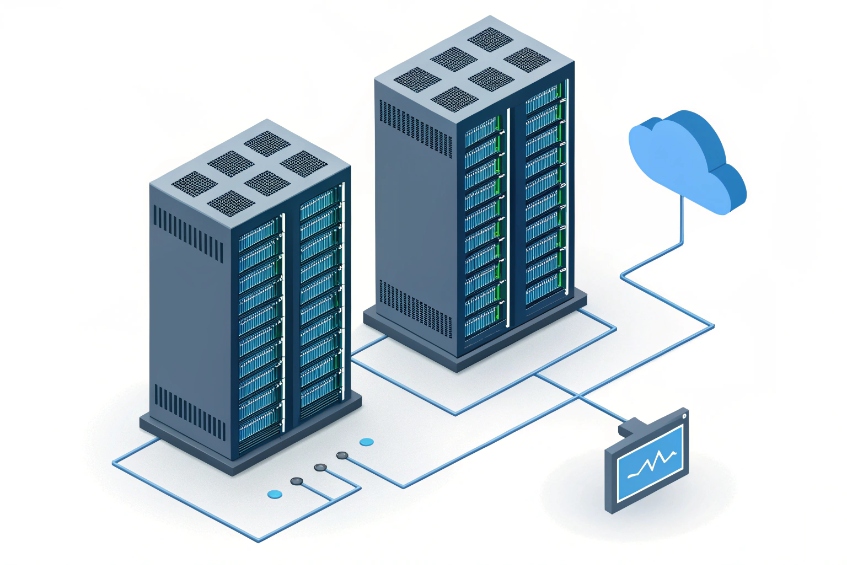
When the PBX dies in the middle of the day, everyone suddenly discovers which calls and doors and intercoms depend on it, and the blame game starts.
Hot standby mode keeps a second PBX ready with synced configuration and data, so when the active node fails, a standby takes over and phones and trunks reconnect with minimal downtime.
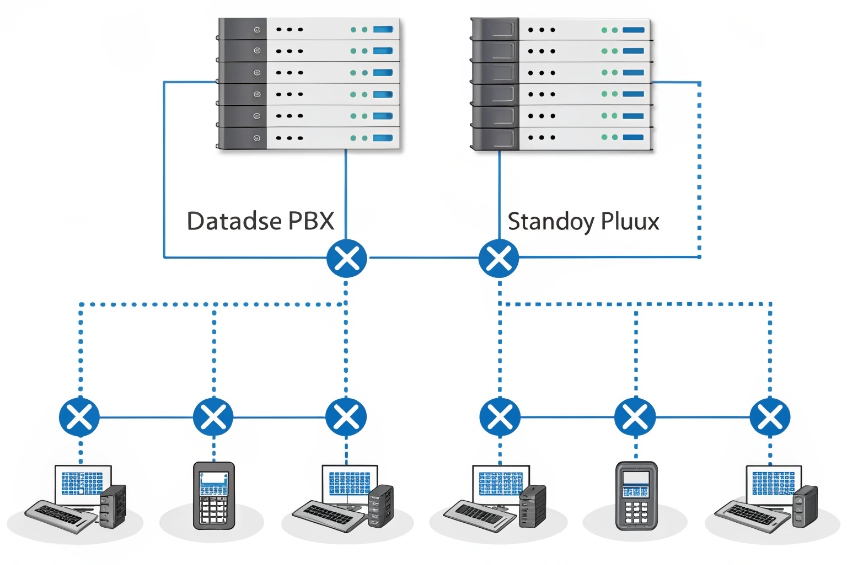
In a hot standby pair, one node is active and carries every call. The other sits quietly in the background, pulling configuration, voicemail metadata, prompts, and CDRs over in real time or near real time. In practice, this is a classic high-availability cluster 1 design with one “owner” node at a time. Phones and SIP trunks do not care which physical box is active. They register to a virtual IP or a DNS name. When something breaks, that address moves, endpoints re-register, and new calls can continue. In our SIP and intercom projects, this is usually the foundation of a “we can sleep at night” design.
How does active-standby failover sync extensions and CDRs?
Many teams assume hot standby is magic cloning. Then they fail over once and discover some settings or logs are missing, or live calls vanish anyway.
Active-standby pairs sync configuration, voicemail data, prompts, and CDRs via database and file replication, but they do not mirror live SIP dialogs. Only new calls continue after failover.
What actually stays in sync between nodes
A good hot standby design treats one PBX as the “truth” and keeps the other almost identical at the data level. The goal is that when the standby becomes active, everyone sees the same dialplan and history.
Typical items that sync:
| Data / asset | How it syncs | Why it matters |
|---|---|---|
| Extensions and trunks | Database replication / config sync | Phones and trunks still register and route calls |
| Dialplan and IVRs | Database + config files | Menus and routing behave the same |
| Voicemail boxes & state | Database + mailbox metadata | No lost PINs or “new” vs “old” flags |
| Prompts and MOH | File replication / shared storage | Callers hear the right prompts and music |
| CDRs | DB replication or batch exports | Reporting sees a complete picture |
| Certificates and keys | File sync | TLS, SRTP, and HTTPS keep working after failover |
In many platforms, configuration and CDRs live in a database that replicates from active to standby using database replication 2. Prompts, announcements, and recordings usually sit on shared storage or on disks that mirror at block level. The key is write-order consistency. The standby must see changes in the same sequence so it can stand up cleanly.
What never syncs: live calls and SIP state
Even with perfect replication, most PBXs do not share live SIP dialog state. That means:
- Ongoing calls drop when the active PBX fails.
- Phones and trunks see a broken signalling path and must re-register.
- New calls work once failover finishes and endpoints reconnect.
Some vendors offer advanced clustering that shares dialog state, but this is rare and complex. In most real projects, hot standby is about fast recovery for new calls rather than hitless failover for active ones.
If I truly need live calls to survive a core failure, I look at:
- SBC or gateway survivability features at the edge.
- Local survivable branch controllers that can keep branch phones talking over local trunks.
- Routing designs where media stays point-to-point and only call control fails over.
How I test that replication and failover really work
The only way to trust hot standby is to test it like any other safety system. I like a simple drill:
- Make a change: add a test extension, tweak an IVR, record a new prompt.
- Verify it on the active PBX and with a real call.
- Trigger a controlled failover to the standby.
- Confirm the new extension registers, the IVR change works, and the prompt plays.
- Check that CDRs before and after the failover show up in reports.
If any of these steps fail, replication is not complete or is lagging. This is where many setups stumble: they sync config but forget about CDRs, or they sync mailboxes but not the “read/unread” state. I fix those gaps before trusting the pair in production.
What failover IP methods should I use—VRRP or DNS?
PBX redundancy is useless if phones and trunks keep talking to the wrong address. This is where many designs break even though the standby took over correctly.
For fast local failover, I prefer a floating IP using VRRP or a cluster IP. DNS-based failover is useful for trunks and remote sites, but it reacts slower and depends on caches.
VRRP and floating IPs: fast and simple in one LAN
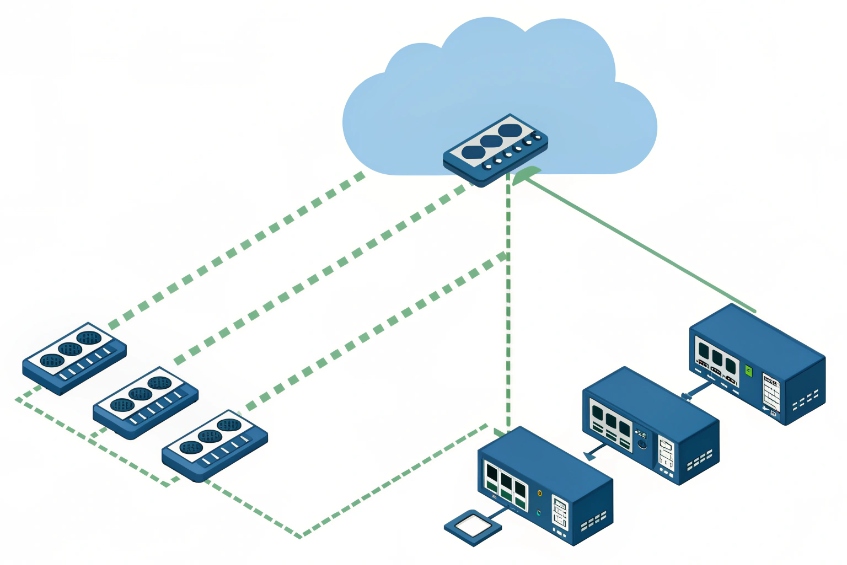
On a single site or VLAN, a virtual IP is the cleanest way to hide which node is active. Phones and trunks point at one address. The cluster decides which box holds it.
Typical options:
- VRRP (Virtual Router Redundancy Protocol) 3 on the PBX nodes.
- A clustering tool that moves an IP and announces it with gratuitous ARP.
Key points:
- Only one node holds the virtual IP at any time.
- When the active fails, the standby takes the IP and sends ARP updates.
- Phones and trunks see the same address, so configs stay simple.
A quick comparison:
| Method | RTO (failover speed) | Scope | Best for |
|---|---|---|---|
| VRRP IP | Very fast (seconds) | Same L2 network | Phones and trunks on same LAN / VLAN |
| ARP move | Similar to VRRP | Same broadcast | Simple two-node cluster, no extra protocol |
With VRRP, I can even monitor specific services, like the SIP process. If SIP dies while the OS is still up, the node can drop the IP so the standby takes over.
DNS and SRV: flexible but slower
For trunks and remote sites, I might not be able to move an IP. Instead, I use DNS A records, SRV records, or provider-side failover:
- DNS A record with a short TTL pointing to the current active.
- DNS SRV records 4 listing both PBX nodes with priorities and weights.
- Trunk provider configured with two SIP peers for inbound routing.
The catch: DNS depends on caches. Even with low TTLs, some devices and providers cache longer than they claim. That means:
- Phones and apps may keep trying the old IP for a while.
- Trunks may not switch over instantly.
I treat DNS-based failover as good for DR and remote clients, not as my only local HA mechanism. Where possible, I combine:
- VRRP or floating IP for LAN devices.
- DNS SRV and multiple peers for carriers and remote branches.
Where to point trunks and phones
Phones and SIP trunks should always target something that can survive a node reboot:
- Phones: virtual IP or cluster FQDN with low DNS TTL.
- Trunks: two SIP peers (one per node) or a DNS SRV that lists both, plus any SBCs in front.
If I have an Session Border Controller (SBC) 5 in front of the PBX pair, life is even easier. Phones and trunks talk only to the SBC. The SBC then maintains separate connections to both PBX nodes and can fail over internally. The SBC becomes the fixed “front door” while PBX nodes change behind it.
Can hot standby span sites and data centers?
Management loves the idea of “if we lose the building, we keep talking from another city,” but they expect LAN-grade failover at WAN distances.
Hot standby can span sites, but then it becomes a DR design, not just HA. I must handle latency, split-brain risks, trunk and E911 differences, and realistic recovery times.
Same-room HA vs multi-site DR
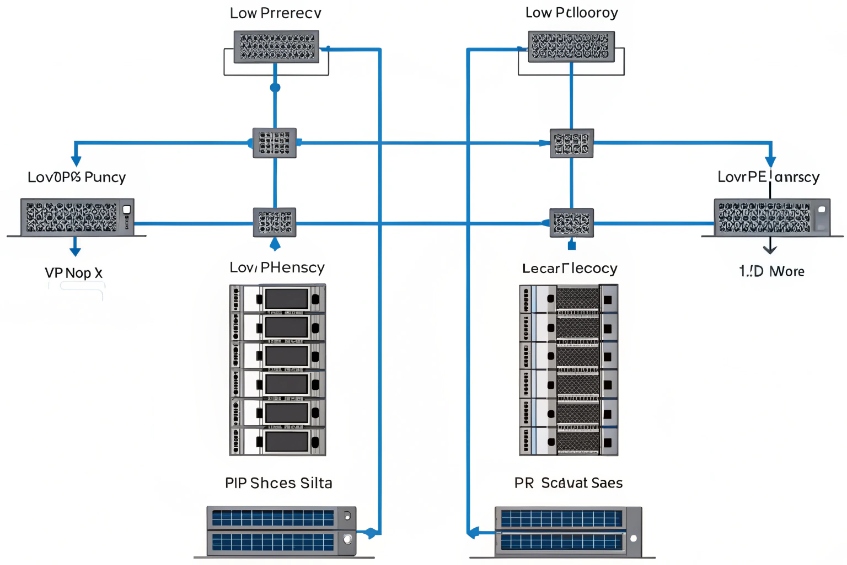
First, I draw a clear line:
- HA (high availability): protect against single-node failures, PSU issues, or local disk problems. Often same rack or same room.
- DR (disaster recovery): protect against building, power, or city failures. Nodes live in different rooms, floors, or data centers.
A small comparison:
| Topology | Goal | Typical distance | Expectation for calls |
|---|---|---|---|
| Same rack pair | HA | Same rack / closet | Very fast failover, local IP |
| Same building, 2 rooms | HA + small DR | Same campus | Survive local room failures |
| Two DCs / sites | DR | Different campus/city | Survive site loss, slower failover |
For hot standby across data centers, latency and jitter between nodes must stay low enough for database and file replication. I avoid long, unstable WAN paths for synchronous replication. When latency rises, replication either slows down or becomes risky.
Replication, split brain, and quorum
When nodes live in different sites, I must avoid a split-brain condition 6, where both think they are active. That can corrupt data and confuse phones and trunks.
So I plan:
- quorum and witness node 7 logic that can judge which side should stay active.
- Heartbeat checks that include both service health and network reachability.
- Clear fencing rules: when in doubt, one node must shut itself down or give up the virtual IP.
In DR designs, I often prefer one true primary and one warm standby in another site, with replication that can tolerate delay. During a major incident, I can promote the DR node and point trunks and users at it. This is slower than local HA, but it is realistic and safe.
Per-site trunks, numbers, and emergency routing
If hot standby spans sites, I also think about:
- Which site owns which DIDs and SIP trunks.
- How each site handles E911 or local emergency calling.
- Where media flows when users in one site hit a PBX in another.
A small planning table:
| Question | Consideration |
|---|---|
| Inbound numbers | Can each site take over the other’s DIDs? |
| Outbound caller ID | Do we adjust CLIs to match local presence? |
| E911 / emergency routing | Do we route emergency calls to local PSAPs? |
| Media path | Do we allow media hairpin through distant DC? |
Often the right answer is a mix:
- Local IP PBX (or SBC) per site for HA and local emergency calling.
- Cross-site replication plus DR runbooks if a full site fails.
That way, users get fast local behaviour most days, and the business still has a clear plan when a site goes dark.
Why did failover occur but calls still drop?
Logs say failover worked. Monitoring shows the standby became active. But users only remember that “phones went dead” and “calls dropped.”
Calls drop during failover because active SIP sessions are not replicated, endpoints and trunks need time to re-register, and sometimes the network or trunks were never fully redundant.

What happens to live calls when the active PBX dies
When the active node fails hard, the following happens in almost every classic hot standby setup:
- All SIP dialogs on that node vanish.
- Media streams may continue for a short time, but they soon stop when endpoints realise signalling is gone.
- Phones and trunks retry registration after their timers expire.
So users experience:
- Ongoing calls cut off.
- A short period where placing new calls fails or is delayed.
- Then calls start working again without them changing anything.
This is expected. Hot standby keeps configuration and data safe. It does not keep live calls alive unless there is extra survivability at the edges.
Registration timers, trunks, and reconvergence delays
Even if the standby becomes active within seconds, phones and trunks need time to notice:
- SIP clients have registration intervals and retry timers.
- Trunk providers have their own health checks and DNS or peer failover logic.
- SBCs may cache routes and take a moment to detect which PBX is up.
Common symptoms and causes:
| Symptom | Likely cause | Fix |
|---|---|---|
| Failover logged “OK” but 30–60s gap | Phone/trunk registration timers too long | Shorten intervals, tune retry timers |
| Inbound calls fail after failover | Provider only points at old IP | Add second peer, or use DNS SRV / SBC |
| Some phones recover, others not | Mixed configs, some point to node IPs | Standardise on virtual IP or FQDN |
I like to:
- Use moderate registration intervals (for example, 60–300 seconds) with sensible retry backoff.
- Make sure all phones and trunks use the same virtual IP or DNS name.
- Work with carriers so both PBX nodes or the SBC IPs are whitelisted.
When “failover works” but the design still has single points
Sometimes the failover pair works fine, but other parts do not:
- Both PBX nodes share the same switch, power circuit, or upstream router.
- Only one SIP trunk or ISP exists, so routing breaks even though the PBX is alive.
- Intercoms and security phones sit on an unmanaged switch that went down.
A quick reality check table:
| Layer | Question |
|---|---|
| Power | Do both nodes have separate PSUs and UPS? |
| Network | Do they connect through different switches? |
| Internet / trunks | Do we have more than one upstream path? |
| Phones | Are key devices on PoE with backup power? |
Users judge success by what they hear, not by cluster logs. So I design hot standby as part of a stack: resilient power, network, trunks, and endpoints. Only then does the PBX pair deliver the experience people expect when they hear the words “high availability.”
Conclusion
Hot standby mode keeps a second PBX ready with synced data, but real resilience comes when I pair it with smart IP failover, realistic DR design, and honest testing of what happens to live calls.
Footnotes
-
Understand how active/standby nodes are typically structured and monitored in HA deployments. ↩ ↩
-
Clarifies common replication approaches and pitfalls so standby nodes come up with complete, consistent data. ↩ ↩
-
Defines VRRP behavior and timers so floating-IP failover is predictable on a LAN. ↩ ↩
-
Explains SRV priority/weight records used to publish multiple PBX targets for trunks and remote endpoints. ↩ ↩
-
Learn how SBCs stabilize SIP at the edge with NAT traversal, security policy, and controlled failover. ↩ ↩
-
Shows why split-brain is dangerous and why DR clusters need strict decision rules. ↩ ↩
-
Explains quorum and witness concepts that prevent two sites from becoming active at once. ↩ ↩








