
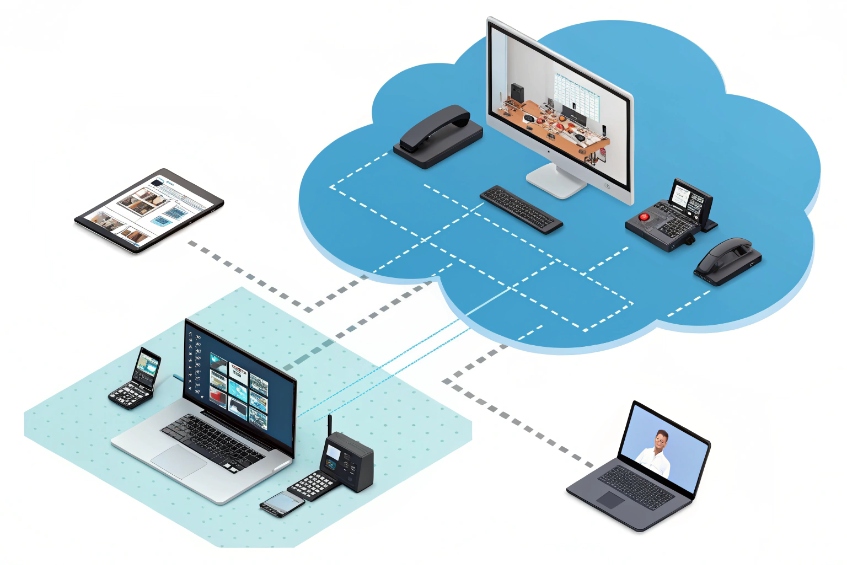
Many teams mix VoIP video and “app video” into one bucket, then wonder why some calls work with door phones and others only work inside one app.
VoIP video calls use SIP and RTP through your PBX or SBC, while app video calls ride on WebRTC or proprietary stacks in a vendor cloud. Both move pixels, but they plug into your business in very different ways.
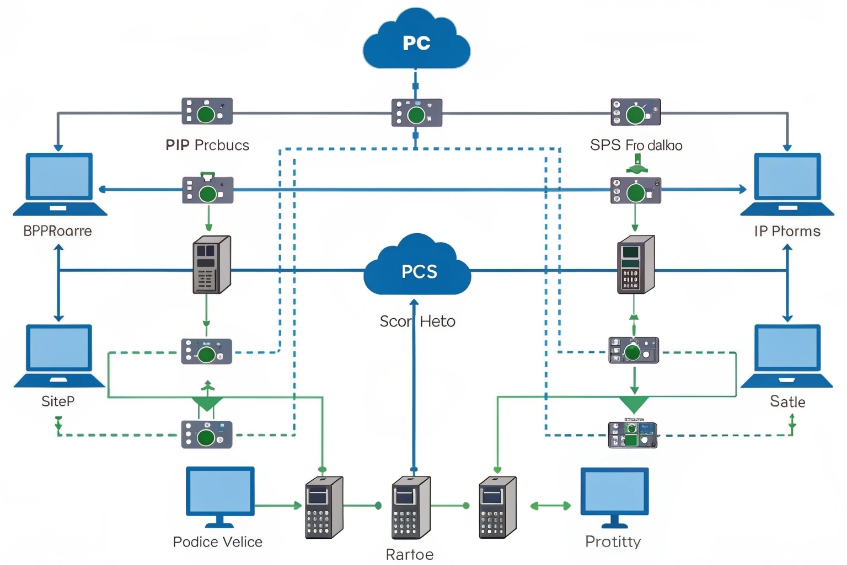
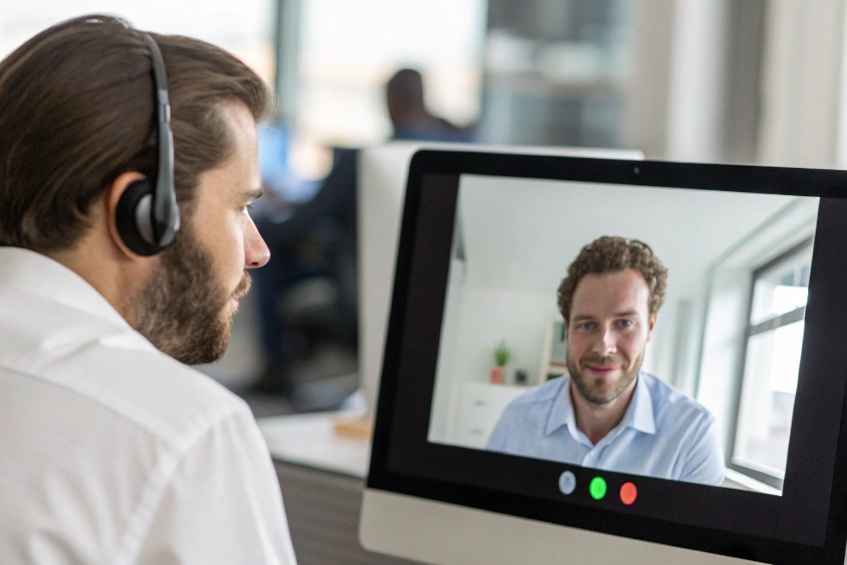
I like to see these as two layers. VoIP video belongs to your telephony world: extensions, DIDs, SIP trunks, and SIP intercoms. App video belongs to collaboration: meetings, chat, screen share, and browser links. Once you separate those roles, it is much easier to decide where each one fits in your office, and how you want your entrance intercoms and security devices to talk to them.
Does SIP video beat WebRTC for interoperability?
Everyone promises “it just works,” but then a SIP room system cannot join a browser meeting, or a door phone cannot reach a mobile app.
SIP video wins for interoperability across standards-based phones, intercoms, and room systems; WebRTC wins inside each app ecosystem, but cross-vendor interop usually needs a gateway or bridge.
How VoIP video calls behave
VoIP video lives in the same universe as your PBX:
- Signalling: SIP signaling protocol (RFC 3261) 1.
- Media: RTP media transport (RFC 3550) 2 (often SRTP).
- Identities: extension numbers, DIDs, SIP URIs.
- Control: PBX or SBC.
That means a SIP video endpoint can talk to:
- IP desk phones that support video.
- SIP video door phones.
- SIP softphones on laptops and mobiles.
- Other PBXs and SBCs over SIP trunks.
As long as devices agree on codecs and SIP basics, they can usually call each other. This is why SIP video is still the natural choice when you want door phones, security stations, and room systems to share one platform.
How app video calls behave
App video calls usually look like this:
- Signalling: proprietary or REST + WebSockets.
- Media: WebRTC browser media stack 3 (SRTP over UDP, plus STUN/TURN/ICE).
- Identities: usernames, emails, meeting links, room IDs.
- Control: vendor cloud.
Interoperability is great inside each platform. Everyone on that app can usually join from browser, mobile, and desktop. But calls do not cross easily between platforms without a special gateway.
Where each one fits
You can think of them like this:
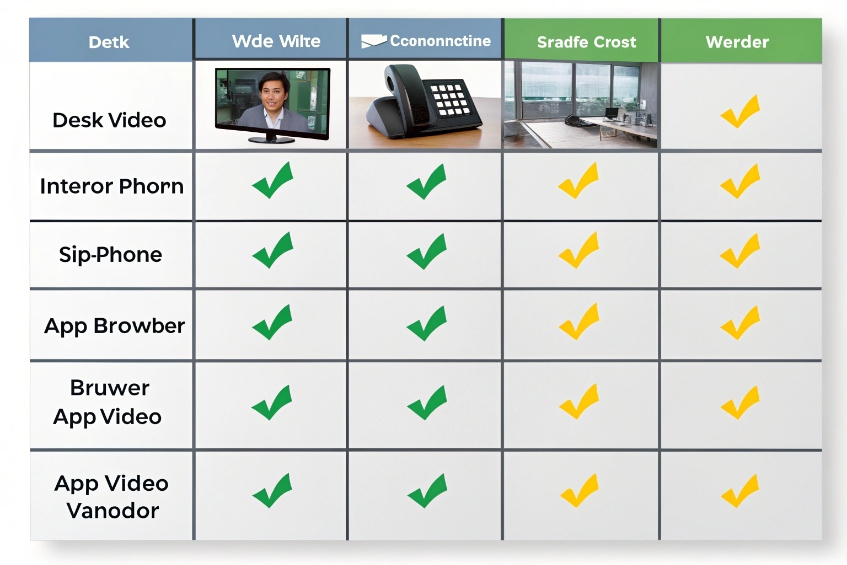
| Aspect | SIP video (VoIP) | App video (WebRTC-based) |
|---|---|---|
| Dial style | Extension, DID, SIP URI | Link, meeting ID, username |
| Hardware endpoints | Very strong: phones, room systems, intercoms | Weak, mostly via PCs or dedicated room kits |
| Browser experience | Needs WebRTC–SIP bridge or WebRTC SIP stack | Native, no plugin |
| PSTN / E911 integration | Native via PBX and trunks | Add-ons or separate PSTN gateway |
| Cross-vendor interop | Good if everyone speaks SIP and common codecs | Usually via third-party gateways |
In my own projects, I use SIP video for “infrastructure video” (intercoms, security phones, room units), and I let WebRTC apps handle collaboration. When I must join both worlds, I plan for a gateway on day one instead of hoping they will magically interoperate later.
Which is better for me: bandwidth, QoS, and security?
A video call is only as good as the network beneath it. The question is not just “which uses less bandwidth,” but “which can I control and protect better in my environment.”
On a managed LAN/WAN, SIP video with QoS gives strong, predictable performance. Across the open internet, WebRTC apps adapt better. For security, both can be strong if you enforce TLS/SRTP and basic hygiene.
Bandwidth and QoS in real life
Inside your office and between sites, you usually own the switches and routers. That is where SIP video shines:
- You can put phones, SIP intercoms, and room systems on a voice/video VLAN.
- You can mark SIP and RTP with DSCP QoS markings (RFC 2474) 4 and give them priority.
- You can size WAN links for a known number of concurrent calls.
App video calls normally go from each device straight to the vendor cloud. You can still do QoS at your edge, but once packets leave your network, the internet treats them like any other traffic. WebRTC engines fight this with adaptive bitrate and smart congestion control.
A rough view:
| Scenario | Better fit |
|---|---|
| Multiple SIP devices on LAN | SIP video with QoS and VLANs |
| Remote users on random networks | WebRTC apps with built-in adaptation |
| Mixed LAN and WAN with SD-WAN/SBC | SIP video, possibly hairpinned through SBC |
Security: SIP stacks vs app stacks
On the security side, the key questions are:
- Is signalling encrypted (TLS)?
- Is media encrypted (SRTP)?
- Who controls identity, logging, and retention?
With SIP video:
- You can run SIP over TLS.
- You can run SRTP media encryption (RFC 3711) 5 end-to-end.
- You can keep call logs and recordings inside your own PBX and storage.
With app video:
- Transport is almost always encrypted by default.
- Identity lives in the vendor identity store.
- Logs and recordings live in that vendor’s cloud, under their controls and export tools.
How I usually decide
I tend to think in layers:
- For controlled spaces like offices, factories, and campuses, I want SIP video over a managed network, with QoS, VLANs, and TLS/SRTP.
- For ad hoc collaboration with external guests and home workers, I let app video handle the heavy lifting and use SIP only where it must tie into numbers, intercoms, or call flows.
The safest and most stable design is often a combination: a strong SIP backbone for structured communication and devices, plus a cloud meeting platform for flexible collaboration on top.
Can I connect SIP video door phones to soft clients?
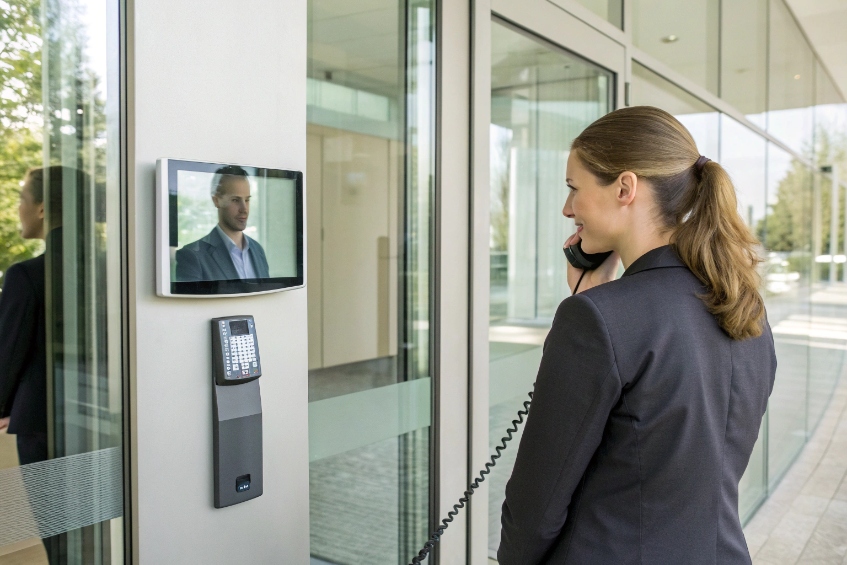
This is where the worlds of “telephony” and “apps” collide: you want someone sitting at a laptop or tablet to see a live door video and press “unlock.”
Yes. SIP video door phones can talk to SIP soft clients directly, and you can bridge them into WebRTC or app environments with a SIP–WebRTC gateway or compatible client.
Basic SIP-to-SIP path
In the simplest case:
- Your SIP video door phone registers to the PBX.
- Your softphone (desktop or mobile) also registers as a normal SIP extension.
- When a visitor presses the button, the intercom calls a ring group or direct extension.
- The soft client rings, shows video, and offers a DTMF or button to unlock.
For this to work well, I look for:
- Door phone that supports standard video codecs like the H.264 video codec 6.
- Soft client that understands SIP video and H.264.
- PBX that passes video through without stripping or transcoding it badly.
If any step only handles audio, you still get a call, but video disappears.
Bridging SIP intercoms into app ecosystems
Sometimes your main user tool is a collaboration app, not a pure SIP client. In that case there are a few patterns:
- SIP–WebRTC gateways that expose the door as a WebRTC stream in a browser while still letting it register to the PBX.
- VMS integration: the door phone’s ONVIF/RTSP stream feeds into a video management system, and operators answer audio via SIP from their softphone.
- Native support in UC platforms: some cloud PBXs and UC apps can register SIP video intercoms directly and surface them inside the app.
A quick design table:
| Goal | Approach |
|---|---|
| See video in SIP softphone | Use SIP client with video support |
| See video in browser | Use WebRTC gateway or VMS with web UI |
| See video in security console | Use ONVIF/RTSP into VMS + SIP audio |
In our own intercom projects, we often connect door stations to both the PBX and a VMS. PBX for call flows and door release. VMS for video monitoring, recording, and investigations.
Door release from soft clients
Unlocking from a soft client usually works in one of two ways:
- The operator sends a DTMF tone (for example, “9”) during the SIP call, which the intercom maps to a relay action.
- The operator hits a UI button that calls an API on the PBX or access controller, which then fires the relay.
From a usability view, the app should show a clear “Open Door” button, not ask people to remember DTMF codes. Under the hood though, it is still just SIP signalling and either DTMF or an HTTP call.
Why does video fall back to audio mid-call?
Someone answers with video, sees the visitor for five seconds, then the picture freezes and the call continues as audio only. To users this looks random, but the causes are very repeatable.
Video drops to audio when bandwidth, CPU, or signaling paths fail for video. Endpoints and servers then renegotiate SDP to audio only, or the app disables video to save the call.
Network and device limits
The most common reasons are simple:
- Bandwidth drops below what the current resolution and bitrate need.
- Jitter and packet loss rise, and the video stream becomes unstable.
- CPU or GPU load spikes, and the device cannot encode or decode frames in time.
On the SIP side, when the media path becomes too bad, some systems:
- Try to renegotiate to lower resolutions.
- If that fails or is not supported, drop the video stream and keep audio only.
On the app/WebRTC side, adaptive bitrate and congestion control kick in. If conditions stay poor, the app may:
- Freeze outgoing video.
- Turn off incoming video.
- Continue with audio only to avoid full call failure.
Signalling, codec, and firewall issues
Sometimes video does not die from bad networks, but from signalling or configuration issues:
- Mid-call re-INVITE or UPDATE from PBX or SBC strips video from SDP.
- A transcoder in the path fails or runs out of resources.
- A firewall or NAT device starts dropping the RTP ports used for video but not audio.
- One endpoint cannot handle a new codec or resolution proposed mid-call.
A simple mapping:
| Symptom | Likely cause |
|---|---|
| Video always drops after fixed time | Firewall or session timer killing video RTP |
| Video drops when layout or share changes | Codec or transcoder limitation |
| Video only fails for remote users | NAT, STUN/TURN, or SBC policy issues |
| Video fails when adding third participant | MCU/SFU load or license limit |
How I stabilise video so it stays video
I keep a short checklist:
- Use sensible resolutions and bitrates for the link. Do not push 4K over weak uplinks.
- Keep codecs simple: H.264 for SIP, modern WebRTC defaults in app platforms.
- Check RTP port ranges, firewall rules, and SIP ALG settings on routers.
- Watch logs on PBX, SBC, and clients for re-INVITE/UPDATE patterns.
For door phones and security devices, I prefer:
- Fixed, moderate profiles (for example, 720p at a stable bitrate).
- Strong LAN or controlled WAN links, not flaky guest Wi-Fi.
- Separate VLAN and QoS for voice and video.
Once video is treated as a first-class service, not “whatever happens on the network,” fallbacks to audio become rare, and operators can trust what they see when they decide to open a door.
Conclusion
VoIP video and app video solve different problems; combine SIP video for devices and structured call flows with app video for meetings, then bridge them on purpose instead of by accident.
Footnotes
-
SIP fundamentals for call setup, registration, and signaling behavior across PBX, SBC, and endpoints. ↩ ↩
-
RTP packet and timing basics that explain why video breaks under loss, jitter, or bad QoS. ↩ ↩
-
Practical overview of WebRTC concepts, APIs, and how browsers deliver real-time audio/video. ↩ ↩
-
DSCP/QoS background to prioritize voice/video traffic on managed LANs and WAN links. ↩ ↩
-
SRTP encryption details to understand media security, keying, and common deployment expectations. ↩ ↩
-
H.264 codec basics that drive compatibility between SIP door phones, room systems, and video soft clients. ↩ ↩








